Quick Facts
- Direct Answer: To maximize Arlo Alexa Integration, enable the Arlo Secure skill in the Alexa app and link your accounts. This allows for voice-activated live streams, motion routines, and two-way talk across Echo devices.
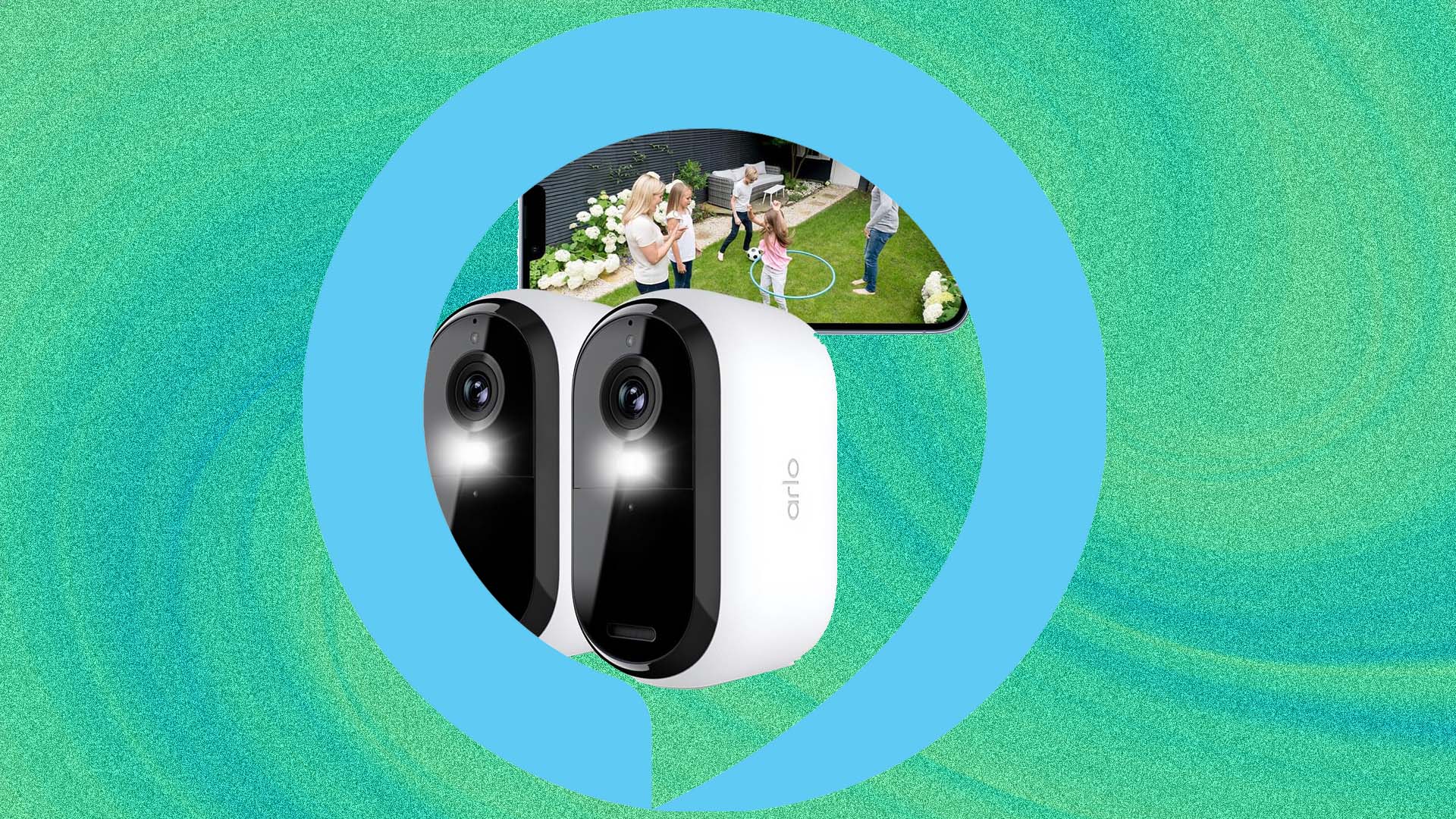
- Compatibility: Supports Arlo Ultra 2, Pro 5, Essential series, and Arlo Video Doorbells.
- Core Feature: Real-time live streaming on Echo Show, Echo Hub, and Fire TV devices.
- Automation: Advanced security routines using motion detection to trigger smart lighting and announcements.
- Restriction: Only one Arlo account can be linked to a single Amazon Alexa account at a time.
- Key Performance: Expect a typical cloud-to-cloud latency of 5-10 seconds for notifications and video feeds.
Combining Arlo security with Amazon Alexa creates a powerful smart home ecosystem. This guide explains how to maximize your Arlo Alexa Integration for seamless home monitoring and hands-free control. By leveraging the Arlo Secure Skill, you can transform your static cameras into an interactive safety network that responds to your voice and automates your daily security tasks.
Technical Prerequisites & Compatibility
Before diving into the setup, it is essential to ensure your hardware is ready for the smart home ecosystem. Arlo has undergone significant software updates recently, and the integration works most reliably when your system is updated to the Arlo Feed UI experience. This newer interface is designed to handle complex automation more efficiently than the legacy Library UI.
From a hardware perspective, Arlo Technologies holds an estimated 8% share of the North American connected camera market as of early 2025, which means their integration with Amazon is highly prioritized and frequently updated. Most modern devices, including the Arlo Pro 3, Pro 4, Pro 5, Ultra series, and the Essential line, are fully compatible.
Network stability is the silent hero of any smart home. Ensure that your Amazon Echo Hub or Echo Show is on the same 2.4GHz WiFi network as your Arlo base station or cameras. While some newer Arlo cameras support 5GHz, the 2.4GHz band offers better range through walls, which is critical for maintaining a stable connection when Alexa requests a live feed.
As of the third quarter of 2024, the Arlo platform reached 10.4 million cumulative registered accounts, demonstrating the massive scale of this user base. If you are part of this growing community, taking the time to verify your firmware versions in the Arlo Secure app will save you from common connection headaches later on.
How to Link Arlo Secure App to Amazon Alexa Account
Linking your accounts is the foundational step for any Arlo Alexa Integration. The process is handled through the Alexa Skill Store rather than the Arlo app itself. This "bridge" allows Amazon’s servers to communicate with Arlo’s cloud storage safely and securely.
To start, open the Alexa app on your mobile device and navigate to the "More" tab, then select "Skills & Games." Search for the Arlo Secure Skill. Once you find it, tap "Enable to Use." This will redirect you to a secure login page where you must enter your Arlo credentials. After you authorize the connection, Alexa will attempt the device discovery phase.
Caution: Arlo enforces a one-account limitation. You cannot link the same Arlo account to multiple Amazon accounts simultaneously. If you share a home with others, use the Alexa Household feature or ensure everyone is logged into the same primary Amazon account to access the camera feeds.
During the device discovery phase, Alexa will scan your network for cameras, doorbells, and base stations. It is a good idea to have your cameras powered on and nearby during this 45-second scan. Once the devices appear, you can assign them to specific rooms within the Alexa app, such as "Front Porch" or "Backyard," which makes using Arlo Alexa voice commands much more intuitive. If you skip this step, you may find yourself struggling to remember generic names like "Camera 12345" when you're in a hurry to see who is at the door.
Viewing Arlo Feeds and Using Alexa Voice Commands
The real magic happens when you move from manual app checking to hands-free convenience. If you have an Echo Show, Echo Hub, or Fire TV, you can view your security perimeter without ever touching your phone. This is particularly useful when you are in the kitchen with messy hands or sitting on the couch watching a movie.
Echo Show and Echo Hub Visuals
To view Arlo camera live stream on Echo Show, the command is simple and direct. The smart display interface acts as a dedicated monitor, pulling the encrypted stream directly from the Arlo cloud. Because Arlo cameras often enter a low-power sleep state to save battery, there is a natural delay while the camera wakes up and establishes the stream.
Voice Command Cheat Sheet
Use these specific phrases to control your system:
- "Alexa, show me the front door."
- "Alexa, hide the backyard camera."
- "Alexa, answer the front door" (for Arlo Video Doorbells).
- "Alexa, talk to the driveway."
- "Alexa, stop."
For those with the Arlo Video Doorbell, the two-way audio feature is a game-changer. When someone rings the bell, you can use Alexa to speak with the visitor. You can learn how to answer Arlo Video Doorbell using Alexa voice commands to tell a delivery driver where to leave a package or to vet a stranger before opening the door.
If you are using a Fire TV integration, the experience is even more immersive. You can ask Alexa to show your camera feed as a "Picture-in-Picture" window while you continue watching your favorite show. This ensures you never miss a beat of your entertainment while keeping a literal eye on your home's security.
Setting Up Arlo Alexa Security Routines
While voice commands are great, the hallmark of a truly smart home is proactive automation. Arlo Alexa security routines allow your devices to talk to each other and take action without you saying a word. This is where you can leverage real-time alerts and motion detection to deter potential intruders.
Approximately 80% of smart speaker owners also possess at least one additional smart home device, such as a security camera. If you fall into this majority, you can sync your devices for better perimeter protection. For example, you can create a routine where, if your Arlo camera detects a person after 11:00 PM, Alexa automatically turns on your smart porch lights and plays a "Person detected at the side gate" announcement on all your Echo Dot speakers.
To start setting up Arlo motion detection routines in Alexa app, go to the "Routines" section and create a new one. For the "When this happens" trigger, select "Smart Home" and then choose your specific Arlo camera. You can specify whether the routine should trigger on "Motion" or specifically on "Person Detection" if you have an Arlo Secure subscription.
Another popular configuration is setting up Arlo doorbell notifications on Alexa Echo Dot. Instead of just a phone notification, you can have every speaker in your house act as a chime. You can even customize the visitor announcements so Alexa says, "Someone is at the front door," providing an instant audio cue that someone has arrived.
Troubleshooting: Arlo Camera Not Showing on Alexa
Even the best systems encounter hiccups. If you find your Arlo camera not showing on Alexa Echo Show fix often starts with the basics. The most common issue is the "Device Unresponsive" error, which usually indicates a synchronization break between the Arlo cloud storage and Amazon's servers.
First, check the Arlo Secure app to see if the camera is online and has sufficient battery. If the camera works there but not on Alexa, try disabling and then re-enabling the Arlo Secure Skill. This forces a fresh handshake between the two platforms and often clears out cached errors.
If you are experiencing significant lag, remember that a 5-10 second delay is normal for cloud-based battery cameras. However, if the stream fails to load entirely, it might be due to the "One-Account Limitation." Ensure you haven't accidentally linked your Arlo cameras to a secondary Amazon account or a guest profile.
Finally, hardware updates can occasionally disrupt the link. After any major firmware update on your Arlo base station, it is a "Pro Tip" to run the "Discover Devices" command in the Alexa app again to ensure all communication paths are updated. If your camera is still not responding, a quick restart of your Echo device can clear its local cache and restore the smart display interface functionality.
FAQ
How do I connect Arlo cameras to Alexa?
To connect your cameras, open the Amazon Alexa app, navigate to the Skills section, and search for the Arlo Secure Skill. Enable the skill and log in with your Arlo credentials to authorize the link. Once authorized, ask Alexa to discover your devices, and your cameras will appear in the devices list for you to organize into rooms.
Can I view my Arlo camera on an Echo Show?
Yes, you can view live feeds from any compatible Arlo camera on an Echo Show. Simply use a voice command like "Alexa, show my [Camera Name]." The video will stream directly to the screen, though you should expect a few seconds of loading time as the camera wakes from its power-saving mode to start the stream.
How do I set up Arlo motion alerts on Alexa devices?
In the Alexa app, navigate to the Routines section and create a new routine. Set the trigger to your Arlo camera's motion detection. You can then add an action, such as having Alexa make an announcement or turning on a smart light. This allows your Echo devices to serve as an audible alert system for your entire property.
Can Alexa announce when someone is at my Arlo doorbell?
Yes, Alexa can act as a chime for your Arlo Video Doorbell. Within the device settings for your doorbell in the Alexa app, toggle on the "Doorbell Press" notification setting. You can then select which Echo devices should announce when the button is pressed, ensuring you hear the bell even if your phone is in another room.
How do I arm or disarm Arlo using voice commands?
You can arm or disarm your system by saying "Alexa, arm Arlo" or "Alexa, disarm Arlo." For security, you must first set up a voice PIN in the Alexa app. Go to the device settings for your Arlo system within Alexa, enable the "Disarm by voice" toggle, and follow the prompts to create a 4-digit security code that you will provide verbally when disarming.
Why is my Arlo camera not responding to Alexa?
The most common reasons include a low camera battery, a weak 2.4GHz WiFi signal, or a temporary cloud sync error. If the camera works in the Arlo app but not via Alexa, try disabling and re-enabling the Arlo Secure Skill. Also, ensure your Echo device and Arlo camera are updated to the latest firmware to prevent compatibility conflicts.