Quick Facts
- Failure Rate: Research shows that 19% of beginners fail during the initial device pairing and installation process.
- Wi-Fi Target: For a reliable experience, maintain a signal strength of -65 dBm or better at the location of every device.
- Top Protocol: Matter is the official 2026 standard to look for when ensuring cross-brand interoperability.
- Connectivity Issues: Approximately 51% of smart home owners report wireless connectivity as their primary technical failure.
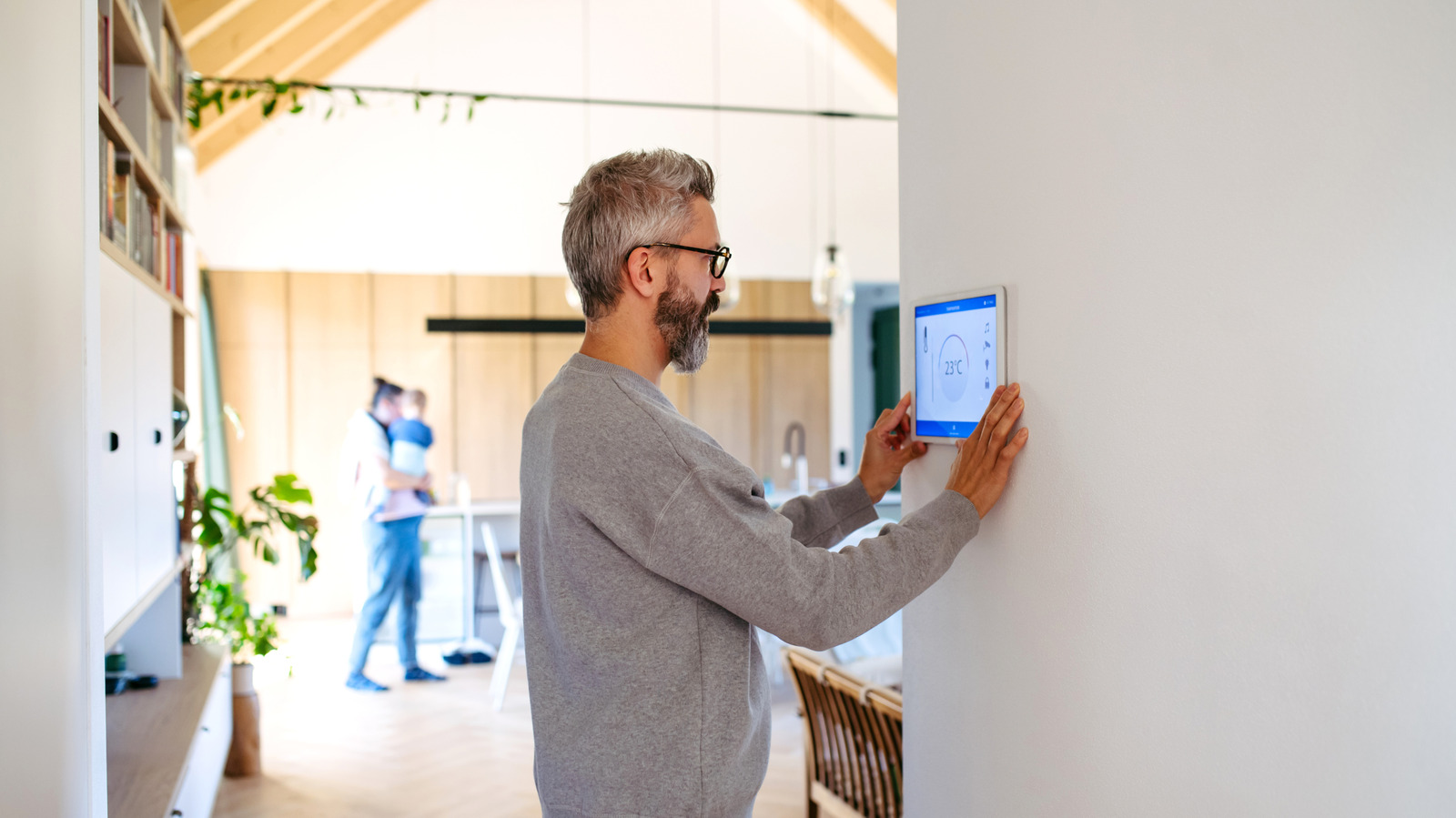
- Cost Savings: Implementing smart thermostats can lead to documented energy savings of 10-12% on annual bills.
- Hardware Hero: The Lutron Caseta ecosystem remains the industry benchmark for stable, high-performance smart switches.
Planning a smart home setup requires more than just buying gadgets; it requires a strategy to avoid common pitfalls like connectivity drops and ecosystem fragmentation. To start a smart home setup correctly, choose a unified ecosystem like Matter, Alexa, or Google Home and prioritize a mesh Wi-Fi network with signal strengths above -65 dBm for every device to prevent connectivity failures.
1. Neglecting the Network Foundation
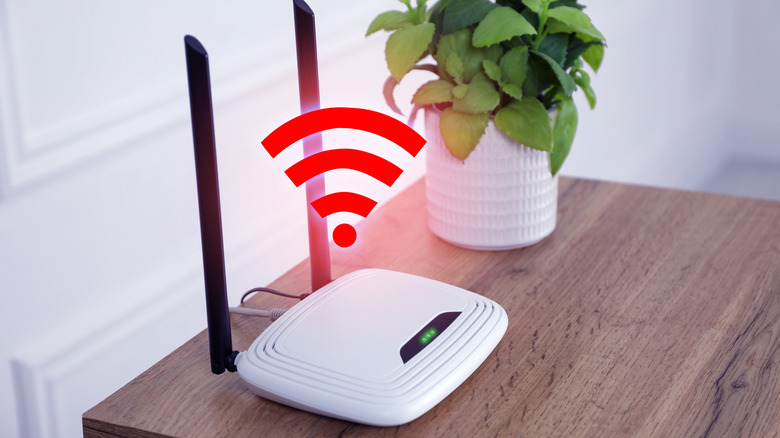
The most common mistake I see as an editor is treating the home network as an afterthought. Many homeowners expect the standard router provided by their ISP to handle the heavy lifting of a modern smart home. However, while those routers are fine for a laptop and a couple of phones, they often buckle under the load of 20 or more IoT devices trying to maintain constant connections.
According to a consumer survey, while adoption is high, 51% of smart home users struggle with wireless connectivity issues, making it the most frequent technical failure in the industry. When your devices can't talk to the cloud or each other, your expensive automation system becomes a collection of bricked plastic. To avoid this, you need to invest in a robust diy smart home setup that begins with a Mesh Wi-Fi system.
Modern mesh systems like the Eero 7 or Ubiquiti UniFi solutions create a blanket of coverage that eliminates dead zones. For a truly professional smart home setup, you should aim for a signal strength of -65 dBm at every point where a device is installed. This ensures low network latency, which is the difference between a light turning on instantly and a three-second delay that makes you want to reach for the manual switch.
2. Choosing a Fragmented Ecosystem
It is incredibly tempting to buy the "coolest" individual gadgets on the market, but this often leads to what I call "App Fatigue." If your light bulbs are one brand, your lock is another, and your sensors are a third, you will end up with a dozen different apps on your phone. This is the opposite of a best smart home setup; it is a management nightmare.
A successful smart home setup relies on a central brain. By 2026, the Matter protocol has become the universal translator for the industry, allowing devices from different manufacturers to work together locally without needing the cloud for every single command. When shopping, prioritize devices that support Matter or use a dedicated Home automation hub.
Using a hub that supports Zigbee and Z-Wave—like a SmartThings station or a Hubitat—provides Interoperability that Wi-Fi-only devices simply cannot match. These protocols create their own dedicated mesh network for your itsy-bitsy sensors and switches, keeping your main Wi-Fi clear for high-bandwidth tasks like 4K streaming. A comprehensive smart home ecosystem compatibility guide would tell you that staying within one "language" is the secret to 100% reliability.
3. The Smart Bulb Trap
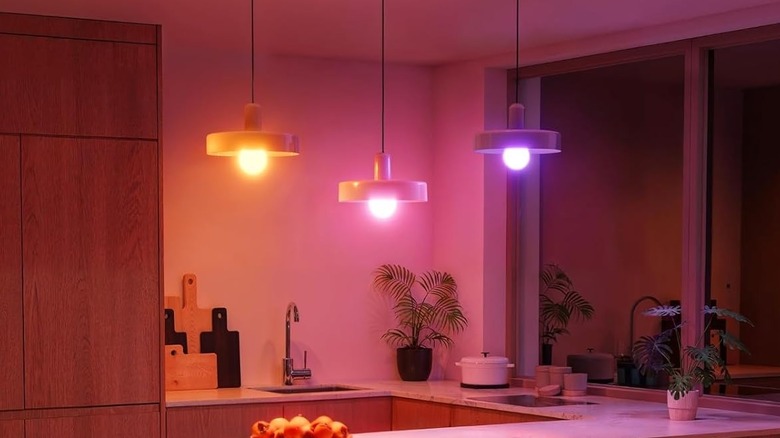
One of the most frequent beginner blunders is replacing every light bulb in the house with a smart version. While smart bulbs are fantastic for lamps or creating ambiance with color, they are often the wrong choice for main overhead lighting. The reason is simple: if someone flips the physical wall switch to "off," the smart bulb loses power and becomes "unavailable" in your smart home app.
For your primary lighting, I always recommend smart switches over smart bulbs. A smart switch—like the industry-standard Lutron Caseta—replaces the existing switch on the wall. This allows you to control the lights via voice, app, or automation while still letting guests use the physical button without breaking the system.
Lighting Hardware Comparison
| Feature | Smart Bulbs | Smart Switches |
|---|---|---|
| Best Use Case | Lamps, Accent lighting, Color scenes | Overhead lights, Chandeliers, Fans |
| Installation | Screw-in (Zero DIY skill) | Electrical wiring (Medium DIY skill) |
| Guest Friendly | Low (Switch must stay on) | High (Works like a normal switch) |
| Cost | Lower per unit | Higher per unit (but covers 5-10 bulbs) |
| Reliability | Depends on Wi-Fi/Zigbee power | Extreme (wired directly to power) |
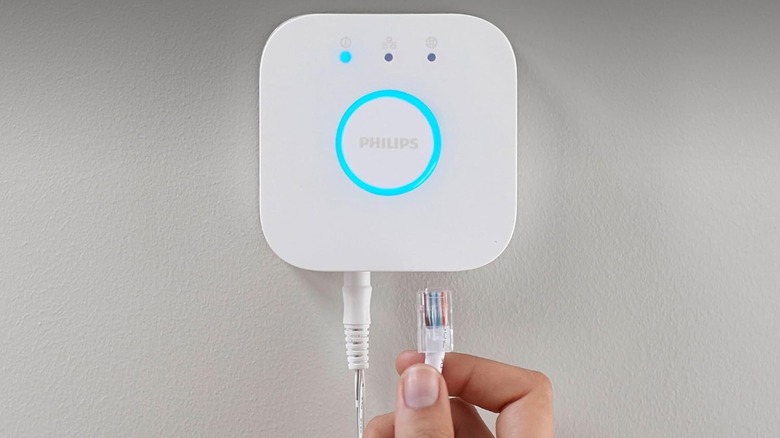
If you do choose bulbs for their color-changing abilities, consider adding a Smart lighting bridge or a specialized battery-powered remote to cover the wall switch so it is never accidentally turned off. Integrating Motion sensing into these areas can also automate the experience so you never have to touch a switch again.
4. Chaotic Device Naming Conventions
Once you get past your first five devices, naming becomes a critical part of your smart home setup. If you leave your devices named "Smart Plug 1" or "Bedroom Light 2," your voice assistant will constantly ask for clarification, or worse, turn off the wrong thing.
A logical smart home device naming convention is essential for a fluid experience. I recommend a "Room + Position + Device" structure. This helps both the human brain and the AI assistant understand exactly what you are asking for.
- Bad Naming: Lamp 1, New Switch, Hallway.
- Good Naming: Kitchen Island Pendant, Master Bed Left Lamp, Front Porch Floodlight.
Consistency in your smart home app also makes Routine scheduling much easier. If you want to create a "Goodnight" routine that turns off all the "Lamps," having them labeled correctly allows you to group them by Type and Room with a single click.
5. Ignoring Hidden Subscription Costs
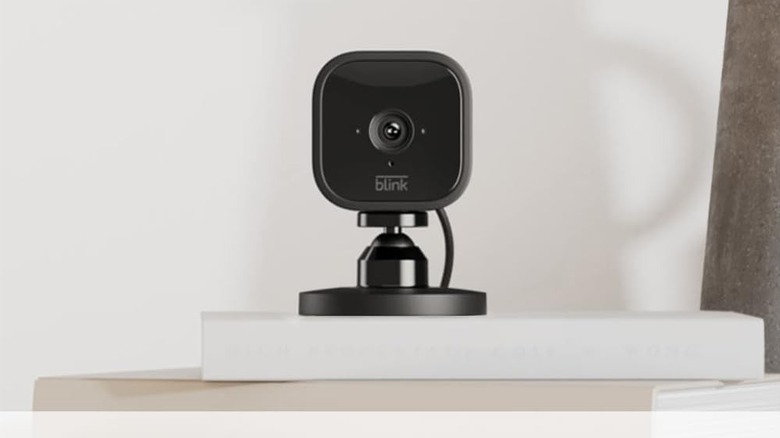
In the excitement of picking out the top 10 smart home devices, many people forget to check the long-term costs. Many popular brands—particularly in the security space like Ring, Blink, and Google Nest—require a monthly subscription to access basic features like video history or advanced person detection.
Over five years, a $3.99/month subscription adds nearly $240 to the price of a single camera. When building your smart home setup, look for brands that offer local storage options (like Eufy, Reolink, or Arlo with a base station). This not only saves money but also keeps your data on your own hardware rather than in the cloud.
Beyond storage, consider the potential for Energy monitoring. High-quality smart plugs and thermostats can actually pay for themselves. A smart thermostat can provide 10-12% energy savings by intelligently managing your HVAC based on whether you are home or away.
6. Blindness to Data Privacy and Security
Security shouldn't be a "vibe"; it needs to be a rigorous part of your diy smart home setup. Data shows that while 93% of Americans own these devices, 57% remain concerned about data privacy and 46% fear their systems could be hacked.
To protect your home, you must be proactive. This starts with how you configure your network and finishes with your choice of hardware. Devices that use Edge computing—processing data locally on your hub rather than sending it to a server—are inherently more private.
Smart Home Privacy Checklist
- Create a Guest Network: Put all IoT gadgets on a separate "Guest" Wi-Fi so they can't access your personal computer or banking data.
- Enable Two-Factor Authentication (2FA): Never use a smart home app that doesn't offer 2FA via an authenticator app or SMS.
- Check Firmware management: Only buy from brands that guarantee at least 3-5 years of security updates.
- Audit Permissions: Periodically review your smart home privacy settings guide to see which apps have access to your microphone or location.

7. Overcomplicating Every Automation
A smart home should be invisible. A major blunder for beginners is setting up "aggressive" automations—like lights that turn off after 30 seconds of no motion. This leads to the "zombie dance," where you have to wave your arms to get the lights back on while you're just trying to read a book.
Instead of complex logic, start with simple "if this, then that" routines. A great first routine is a "Sunset" trigger that turns on your outdoor lights, or a "Coming Home" trigger that unlocks the front door when your phone enters a certain geofence. Use Remote monitoring to see if you left the garage door open, but don't feel the need to automate every single movement in your house.
8. Forgetting Local Control
If your internet goes out, does your house still work? If the answer is no, you haven't built a resilient smart home setup. Many cheap Wi-Fi-only devices rely entirely on a cloud server. If that company goes out of business or their servers go down, your "smart" house becomes a "dumb" one.
By using a dedicated hub and protocols like Matter, Zigbee, or Z-Wave, your devices can communicate locally. This means your motion sensors can still trigger your lights even if your fiber line is cut. It is a critical layer of reliability that separates hobbyist setups from professional-grade home automation.
9. Neglecting Future Scalability
Don't buy for the house you have today; buy for the house you want next year. Choosing a closed system that doesn't play well with others is a dead end. This is why Matter protocol support is so vital—it ensures that the light strip you buy today will work with the new TV you buy in three years.
Think about your "mesh" expansion. Most people start in the living room, but eventually, you’ll want smart locks on the back door or a leak sensor in the basement. Ensure your initial network and hub can reach those far corners of the property.
10. Skipping the "Small Win"
The final mistake is trying to do everything at once. It is overwhelming to install 50 devices in a single weekend. I always tell my readers to start with a single smart plug or a single light switch. This "Small Win" lets you learn how to setup a smart home without the frustration of a 19% setup failure rate hanging over your head.
Once you see the convenience of a single automated lamp, you'll have the confidence to tackle more complex projects like whole-house audio or integrated security.
FAQ
How do I start a smart home for beginners?
The best way to start is by picking a single ecosystem (Alexa, Google, or Apple) and one common problem you want to solve, such as lighting or temperature control. Purchase a single compatible device—like a smart plug or a smart thermostat—and master the app before expanding to more complex hardware.
Do you need a hub for a smart home?
While many Wi-Fi devices connect directly to your router, a dedicated hub is highly recommended for a stable setup. Hubs allow your devices to work locally without internet dependency and help manage specialized protocols like Zigbee or Z-Wave, which are more energy-efficient and reliable than standard Wi-Fi.
Are smart home devices secure?
They are as secure as the network they sit on. While about 46% of users worry about hacking, you can significantly reduce risk by using strong, unique passwords, enabling two-factor authentication, and placing your smart devices on a separate guest Wi-Fi network to isolate them from your personal data.
Can I set up a smart home in an apartment?
Absolutely. If you cannot change the wiring or locks, focus on "retro-fit" devices like smart bulbs, plug-in motion sensors, and smart plugs. There are even smart lock adapters that fit over your existing deadbolt so you don't have to change the keys or violate your lease.
Do all smart home devices work together?
Not automatically. This is why checking for Matter protocol compatibility is so important. Historically, the industry was fragmented, but modern standards are making it much easier for different brands to communicate. Always verify that a device is "Certified" for your chosen ecosystem before purchasing.