Quick Facts
- The Science: Smacking a remote works by physically shifting batteries to break through a layer of oxidation on the terminals.
- The Culprit: Alkaline battery leakage, specifically potassium hydroxide, creates high electrical resistance that blocks the low current needed for the remote to function.
- The Repair Kit: You likely already have the necessary tools: white vinegar or lemon juice, cotton swabs, and high-percentage isopropyl alcohol.
- Mechanical Fix: Use 150-grit sandpaper or a small screwdriver to manually scrape away stubborn corrosion from terminal springs.
- Internal Repair: If cleaning the contacts fails, the aluminum foil hack can restore connectivity to worn-out conductive pads on the rubber membrane.
- Prevention: Switching to high-quality batteries and applying a thin layer of petroleum jelly can prevent future galvanic corrosion.
Hitting a TV remote often works because the impact shifts the batteries or dislodges oxidation on the terminals. This action helps clean battery contacts temporarily by breaking through a layer of high electrical resistance to restore conductivity and fix unresponsive tv remote issues, providing a momentary solution to why hitting tv remote makes it work when you are in the middle of a show.
Why Smacking Your Remote Actually Works
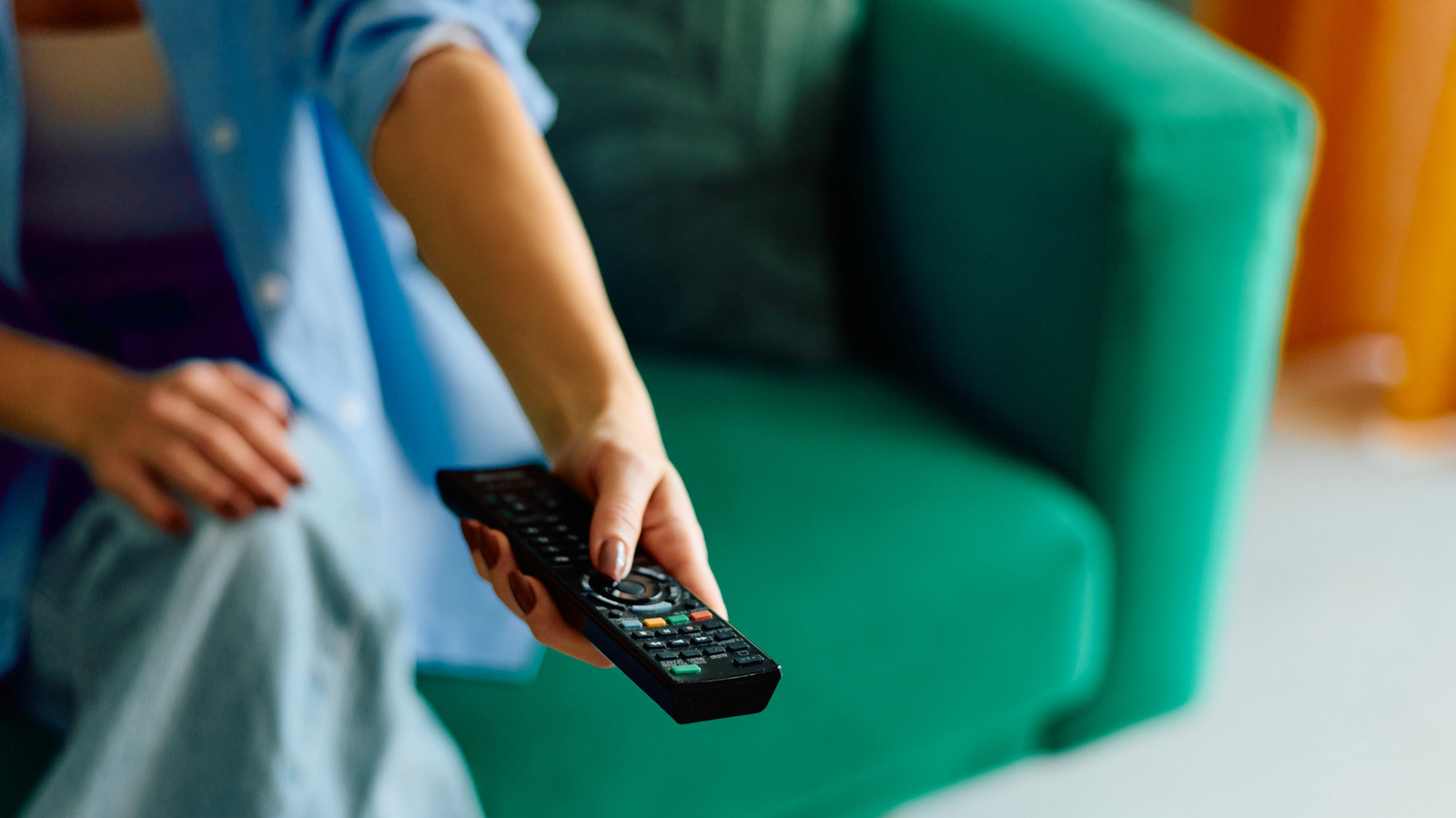
We have all been there. You are settled into the sofa, ready to binge-watch the latest series, and the volume button refuses to cooperate. Instinctively, you give the remote a firm smack against your palm, and suddenly, it works perfectly. This phenomenon is often jokingly called percussive maintenance, but in the world of smart home devices and low-power electronics, there is a very real scientific explanation behind it.
The primary reason this happens involves electrical resistance and the physical state of the battery compartment. Most modern remotes are low-current devices that draw what engineers call a wetting current. This current is so small that it is often unable to naturally overcome the surface film resistance of oxidation without a physical jolt or manual friction. According to research from scienceabc.com, the physical impact from smacking a remote can scratch through or dislodge a thin layer of oxidation on the battery terminals. This oxidation layer has high electrical resistance and can effectively block the tiny amount of electricity required for the remote to send an infrared signal to your TV.
Furthermore, mechanical vibration from a smack can reposition batteries that have shifted out of alignment. Over time, the terminal springs inside the battery compartment can become flattened or lose their tension. A quick jolt helps re-establish contact with these springs or helps the battery terminals find a "clean" spot on the metal contact point. While it feels like a crude fix, you are actually performing a high-speed mechanical cleaning of the electrical bridge.
The Chemistry of Corrosion: Understanding the Mess
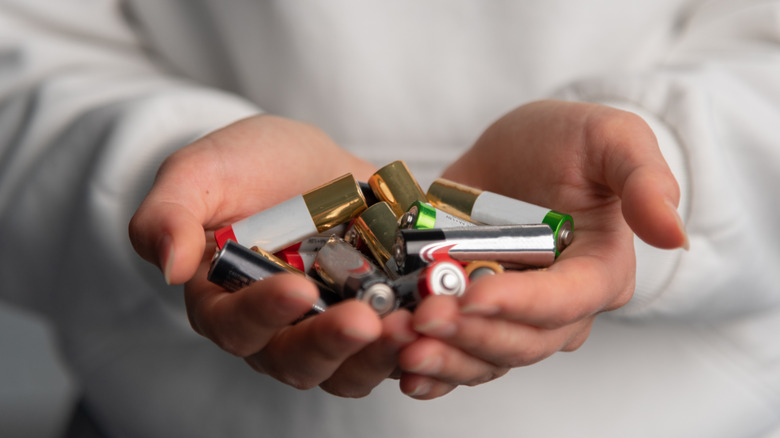
To solve the problem permanently, we need to understand what is happening inside the battery housing. Most household remotes use alkaline batteries. These batteries contain an internal paste of potassium hydroxide, which is an alkaline (basic) agent. As batteries age or are subjected to heat, the seals can fail, leading to alkaline battery leakage.
When this liquid escapes, it reacts with the carbon dioxide in the air to form potassium carbonate. This is the white, crusty, or flaky substance you see covering your terminal springs. This buildup is the definition of conductivity issues; it creates a physical barrier that stops the flow of electrons. Even if you don't see white crust, a microscopic layer of oxidation—essentially rust for the specific metals used in contacts—is likely present. This is why you need a more methodical approach than just hitting the device if you want your smart home setup to remain reliable.
| Problem Type | Appearance | Impact on Remote |
|---|---|---|
| Minor Oxidation | Dull, slightly greyish metal | Intermittent response, requires smacking |
| Heavy Corrosion | White, flaky crust (Potassium Carbonate) | Total power failure, won't turn on |
| Battery Leakage | Wet, syrupy, or crystallized residue | Potential damage to the circuit board |
| Mechanical Fatigue | Flattened or loose terminal springs | Batteries rattle, power cuts out during use |
Step-by-Step: How to Clean Battery Contacts
If your remote has reached the point where it requires a daily slap to function, it is time for a deep clean. Following a professional cleaning protocol for terminals will extend the life of your device and prevent you from having to buy a replacement.
Tools You'll Need
- White vinegar or lemon juice (to neutralize the alkaline base)
- Cotton swabs (for precise application)
- 70% or higher Isopropyl alcohol (for final residue removal)
- 150-grit sandpaper or a small flathead screwdriver
- Nitrile gloves (recommended if handling heavy leakage)
- Paper towels
1. Mechanical Surface Preparation
Begin by removing the batteries and setting them aside. If the batteries are leaking, dispose of them according to local hazardous waste regulations. Use your screwdriver or a small piece of 150-grit sandpaper to perform sandpaper abrasion on the metal contacts. Gently scrape the surface of the terminal springs until you see shiny metal underneath. This removes the bulk of the oxidation and helps re-establish the physical connection.
2. Chemical Neutralization
Since battery leakage is alkaline, you need an acid to neutralize it. Dip a cotton swab into white vinegar or lemon juice. You only need the swab to be damp, not dripping. Rub the swab onto the areas with white crusty buildup. You might hear a faint fizzing sound; this is the acid reacting with the base to neutralize it. This step is crucial for using vinegar to remove battery leakage effectively. Continue until the white residue has dissolved.
3. Final Isopropyl Alcohol Cleaning
Vinegar is great for neutralization, but it can leave behind its own residue and moisture, which may eventually lead to further corrosion. To finish the job, use a clean cotton swab dipped in high-percentage isopropyl alcohol electronics cleaning. This will remove any remaining vinegar, oils from your fingers, and loosened debris. Because isopropyl alcohol evaporates quickly, it ensures the compartment is bone-dry before you reinsert the batteries. This part of the process is the gold standard for cleaning remote terminals with isopropyl alcohol.
Advanced Fixes: Repairing Unresponsive Internal Buttons
Sometimes, the battery contacts are pristine, but the buttons themselves are the problem. If you find that the "Power" or "Select" button requires excessive pressure, the issue is likely inside the remote casing. The buttons work by pressing a conductive rubber pad against a copper trace on the circuit board. Over time, the conductive coating on the rubber wears off or becomes contaminated with oils and dust.
To fix this, you will need to disassemble the remote. Most remotes are held together by plastic clips or small screws hidden behind the battery compartment. Use a thin plastic tool to carefully pry the two halves apart. Once inside, you can perform more isopropyl alcohol electronics cleaning on the green circuit board. Wipe the black circular contact points with alcohol to remove any oily film.
If the buttons still don't work after cleaning, you can try the aluminum foil hack. This involves using a tiny drop of super glue to attach a small circle of aluminum foil to the bottom of the rubber button pad. This creates a new, highly conductive bridge to fix tv remote buttons with aluminum foil, effectively bypassing the worn-out factory coating. This is a common trick in electronic maintenance that can save a remote from the landfill.
Preventive Maintenance: Stop Corrosion Before it Starts
The best way to fix a remote is to ensure it never breaks in the first place. High-quality smart home management involves regular checks of your peripheral devices.
- Switch Battery Chemistry: Consider switching to lithium (LiFePO4) or high-quality nickel-metal hydride (NiMH) rechargeable batteries. These are far less likely to leak than standard alkaline cells.
- Corrosion Barriers: Applying a very thin layer of petroleum jelly to the terminal springs after cleaning can act as a barrier against moisture and air, significantly reducing the chances of galvanic corrosion in the future.
- Long-term Storage: If you are leaving for a long vacation or moving a device into storage, always remove the batteries. This is the single most effective way to learn how to prevent battery oxidation in electronics.
- Regular Inspection: Once every six months, open the battery door and check for any dullness on the metal. A quick wipe-down can prevent a major cleanup later.
Repairing your existing tech is not only cost-effective but also environmentally friendly. Most remotes are made of non-recyclable plastics and contain circuit boards that contribute to e-waste. By taking ten minutes to clean battery contacts, you are extending the lifecycle of your home automation ecosystem.
FAQ
How do you clean battery contacts?
To clean battery contacts, first remove any loose debris or heavy corrosion using a small brush or sandpaper. Then, use a cotton swab dampened with a mild acid like white vinegar to neutralize any alkaline residue. Finally, wipe the terminals with high-percentage isopropyl alcohol to remove any remaining moisture or oils and ensure a clean electrical connection.
What is the best home remedy for battery corrosion?
The best home remedy for common alkaline battery corrosion is white vinegar or lemon juice. These household acids effectively neutralize the potassium hydroxide found in leaking batteries, dissolving the white crusty buildup that prevents your devices from working.
Can you use vinegar to clean battery terminals?
Yes, you can use vinegar to clean battery terminals, but only for alkaline battery leaks. The acetic acid in vinegar reacts with the alkaline discharge to neutralize it. However, it is important to follow up with a wipe-down of isopropyl alcohol to ensure no acidic residue is left behind to cause further metal damage.
How do you remove battery acid from a remote control?
Actually, what people commonly call battery acid in household remotes is actually a base (potassium hydroxide). To remove it safely, wear gloves and use a cotton swab dipped in vinegar to neutralize the substance. If the liquid has reached the internal circuit board, you will need to disassemble the remote and clean the board thoroughly with isopropyl alcohol.
Is it safe to clean battery contacts with rubbing alcohol?
Yes, it is safe and highly recommended to clean battery contacts with rubbing alcohol, preferably 70% concentration or higher. Isopropyl alcohol is excellent for removing oils and dirt, and because it evaporates rapidly, it is safer for electronic components than water-based cleaners.