Quick Facts
- Sideloading Prerequisite: You must click the Fire TV Stick version 7 times in the settings menu to reveal developer options.
- AirPlay Solution: Use AirScreen to bridge the gap between iOS devices and your Amazon hardware.
- Library Access: Hoopla Digital offers legal access to over 1.5 million titles using only a local library card.
- Hardware Warning: Be aware that Vega OS on newer 2025 and 2026 models significantly restricts the ability to install third-party applications.
- Performance Fix: Speed up your Fire OS interface by adjusting window animation scales to 0.5x in the hidden developer menu.
- Ultimate Aggregator: Combine Stremio with real-debrid connectivity to create a unified, buffer-free streaming library.
The best firestick apps for unlocking your device in 2026 include Downloader for sideloading APKs, AirScreen for casting, and Hoopla for free media, though compatibility varies between Android-based Fire OS and the newer Vega OS. Beyond popular streaming services, some of the best firestick apps for expanding device utility include AirScreen and Downloader. AirScreen enables wireless casting via AirPlay, Google Cast, and Miracast, allowing users to mirror mobile screens or stream content from non-native devices. Downloader is an essential utility for sideloading third-party APKs, providing a browser-based interface to install applications that are not available directly in the Amazon App Store.
The Technical Gateway: Preparing Your Firestick for 2026
Before we dive into the specific tools that transform your television experience, we need to address the foundational settings. As of May 2026, the landscape of the Fire OS interface has shifted. Amazon has successfully sold more than 250 million Fire TV devices globally, but with that growth has come stricter security. If you are using an older Fire TV Stick 4K Max or a standard HD model from 2024 or earlier, your device is likely still running on an Android-based Fire OS. However, the newest hardware has begun transitioning to Vega OS, a proprietary system that limits some of the traditional customization we love.
To get the most out of your device, you must first unlock the developer menu. Navigate to Settings, then My Fire TV, and click About. Hover over your device name and click the select button on your remote exactly seven times. You will see a notification stating you are now a developer. This is the first step in managing fire tv stick utility apps that require special permissions.
Once this menu is visible, you must enable Install Unknown Apps. This is crucial for APK sideloading, a process that allows you to install software not found in the standard store. I also strongly recommend using a reputable VPN when exploring third-party app stores to ensure your connection remains private and your ISP doesn't throttle your speeds during high-bandwidth streaming.
Expert Tip: If your Firestick feels sluggish, go to Developer Options and set Window animation scale, Transition animation scale, and Animator duration scale to 0.5x. This makes the interface feel twice as fast by reducing the time it takes for menus to slide into view.
1. AirScreen: The Essential Mirroring Solution
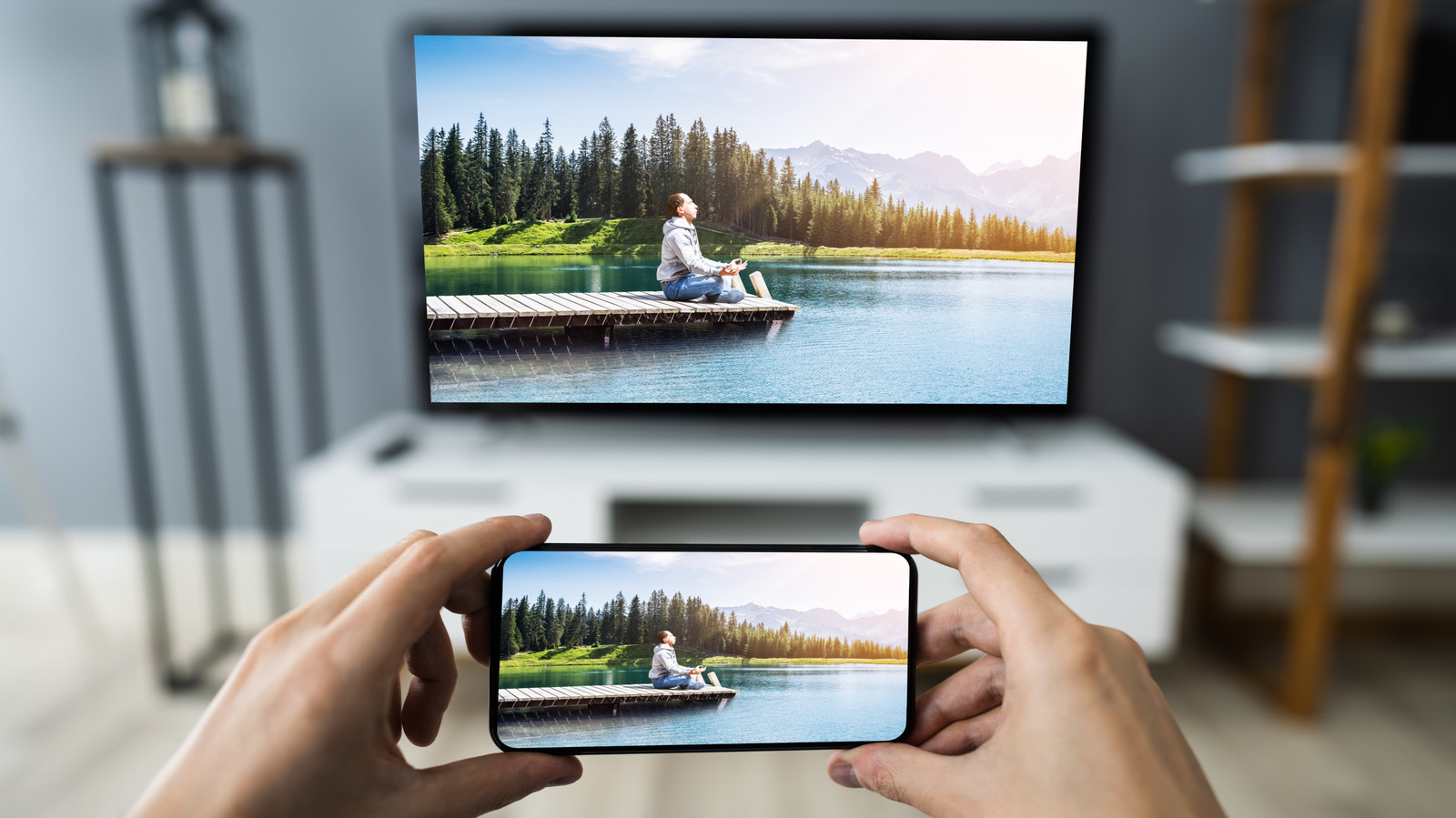
One of the biggest frustrations for smart home enthusiasts is the lack of native AirPlay support on many Fire TV models. While Amazon and Apple have improved their relationship, many users still find it impossible to cast photos from an iPhone or mirror a Chrome tab from a laptop without a struggle. This is where AirScreen comes in as one of the most underrated firestick apps for modern households.
AirScreen acts as a universal receiver. It supports multiple casting protocols including AirPlay, Google Cast, Miracast, and DLNA. This means you don't need a different app for every device in your home. Whether you are hosting a presentation or showing off vacation photos, this utility ensures your Firestick plays nicely with the rest of your ecosystem.
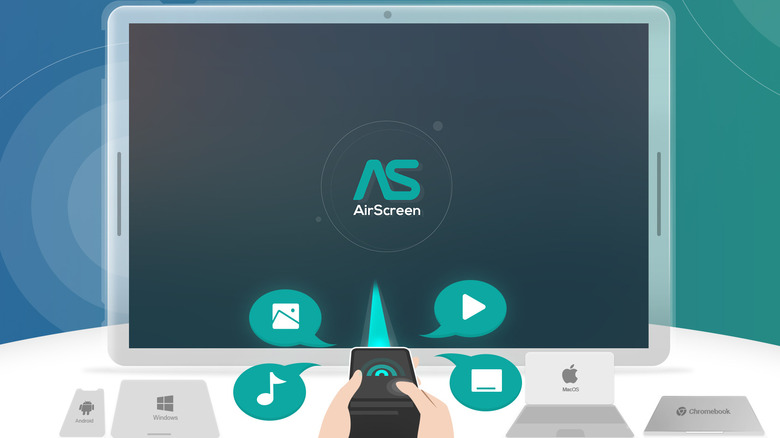
When you open AirScreen, it creates a local server on your network. As long as your phone and Firestick are on the same Wi-Fi, your TV will appear as a destination in your mobile device's cast menu. For those looking for the best firestick apps for casting from mobile devices, AirScreen is the gold standard because it handles high-definition video with minimal latency, making wireless screen mirroring actually usable for more than just static images.
2. Downloader: The Sideloading Gold Standard
If you only install one utility today, make it Downloader. While the Fire TV app store boasts 81,571 available applications, many of the most powerful tools are missing due to corporate competition. Downloader is the primary bridge that allows you to bypass these restrictions. It is a simple browser and file manager that facilitates how to sideload apps on firestick with downloader by providing a direct way to enter URLs for APK files.
The brilliance of Downloader lies in its simplicity. You don't need to connect your Firestick to a computer or use complicated ADB commands. You simply type in a short code or a URL, and the app fetches the installation file for you.
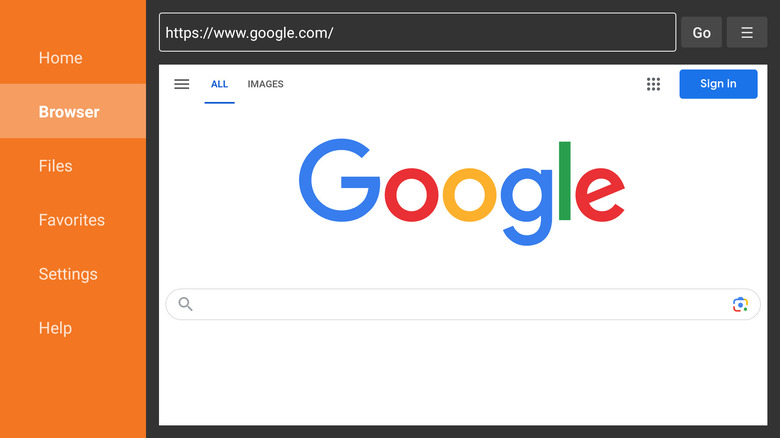
This app is vital for anyone using essential firestick utility apps for device management. For example, if you want to install a custom launcher to get rid of the heavy Amazon advertising on the home screen, Downloader is the tool you’ll use to grab that launcher. It is a 4-star rated utility that remains a permanent fixture in my "must-have" list for every new device I set up.
3. Hoopla Digital: Free Media via Your Library Card
While many people search for "free movies" in shady corners of the internet, one of the best firestick apps for cord cutters in 2026 is sitting right in the official Amazon Appstore: Hoopla Digital. This app is a game-changer for budget-conscious viewers who want high-quality, legal content. By utilizing library card access, you can stream over 1.5 million movies, TV shows, and even read ebooks or listen to audiobooks on the big screen.
The integration is seamless. You log in with your local library credentials, and you are immediately granted a certain number of "borrows" per month. Unlike other free services that rely on ad-heavy, low-budget content, Hoopla features recent Hollywood releases, popular documentaries, and children's programming.
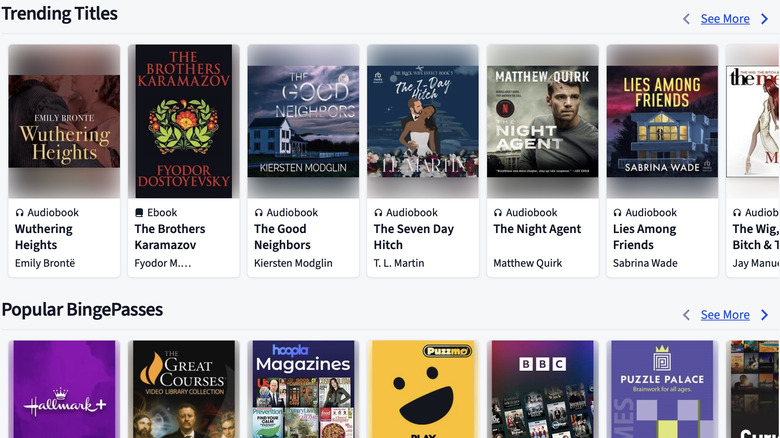
This is one of the most underrated firestick apps for productivity as well, especially for families. It allows you to turn your TV into an educational hub without a monthly subscription. It's a premier example of how free library apps for fire tv stick users are evolving to compete with paid giants like Netflix and Disney+.
4. SmartTube Next: Ad-Free YouTube in 8K
YouTube is a staple of the Fire TV experience, but the official app has become increasingly cluttered with unskippable advertisements. For power users, SmartTube Next is a revolutionary alternative client. It isn't just about blocking ads; it’s about a superior technical experience.
SmartTube includes built-in ad-blocking utilities and supports SponsorBlock, which automatically skips over sponsored segments within the video itself. Furthermore, it offers native 8K support and advanced codec options that the official app often hides. If you have a high-end 2026 Fire TV hardware setup, you want an app that can actually push those pixels.
Because this app is not in the Amazon store, you will need to use your sideloading skills to get it. However, the payoff is a cleaner, faster, and much more customizable YouTube experience. You can adjust the playback speed, view detailed technical stats for nerds, and even cast from your phone to this third-party client just like the original.
5. Stremio with Real-Debrid: The Ultimate Aggregator
For those who have a fragmented list of subscriptions, Stremio is the solution to the "where is that show streaming?" problem. Stremio is a media aggregator that organizes movies and TV shows from various sources into one cinematic interface. When combined with real-debrid connectivity, it becomes the most powerful entertainment tool in your arsenal.
Real-Debrid is a premium service that provides high-speed links to content, virtually eliminating the buffering issues common with standard streaming apps. When you link your account to Stremio, you get a unified media center experience that rivals the best paid cable packages.
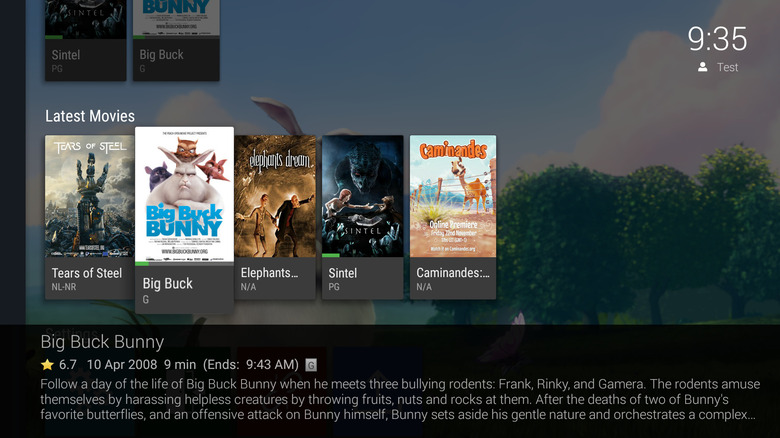
For users interested in personal hosting, Emby is a great alternative here, especially if you have a large collection of local files. Emby converts your personal file collections in real-time for seamless playback, complete with automatic metadata scraping for posters and ratings. Whether you choose Stremio or Emby, the goal is the same: smart home integration that brings all your media into a single, beautiful dashboard.
| App Name | Category | Installation Type | Key Feature |
|---|---|---|---|
| AirScreen | Utility / Casting | Official Appstore | Supports AirPlay & Google Cast |
| Downloader | System Tool | Official Appstore | Facilitates APK sideloading |
| Hoopla | Streaming | Official Appstore | Free content via Library Card |
| SmartTube | Entertainment | Sideload (APK) | Ad-free YouTube with 8K |
| Stremio | Aggregator | Sideload (APK) | Unified interface for all media |
Hardware Compatibility Warnings
As of the current 2026 rollout, users must be cautious about their specific hardware. Approximately 36% of connected TV users in the United States currently use Fire TV devices, but a split is forming in the ecosystem:
- Android-Based Fire OS: Most models released before 2025. These are fully compatible with all sideloading techniques and utility apps mentioned today.
- Vega OS Models: The newest flagship devices. These may block the installation of apps via Downloader. If you own a Vega-powered device, your focus should be on official apps like AirScreen and Hoopla.
- Storage Management: With the increase in app sizes, always keep at least 1GB of storage free. Use the built-in storage management tools to clear cache regularly to prevent the UI from freezing.
Performance Optimization & Maintenance
Owning the best firestick apps is only half the battle; you also need to maintain the hardware. Firesticks are notorious for filling up their internal storage with thumbnail caches. I recommend going to Settings > Applications > Manage Installed Applications at least once a month. Sort by size and clear the cache (not the data) for your heaviest apps like YouTube and Netflix.
Additionally, pay attention to your background processes. Use a simple background process killer app to ensure that apps you aren't using aren't eating up your RAM. This is especially important for essential firestick tools that run in the background, like VPNs or screen mirrors. By keeping your system lean, you ensure that your 2026 streaming experience remains as fluid as the day you unboxed the device.
FAQ
What are the best free apps for Firestick?
The most effective free apps include Hoopla Digital for library-based movies, PBS Kids for educational content, and Pluto TV for ad-supported live television. For those willing to sideload, SmartTube offers an ad-free YouTube experience at no cost.
How do I install unofficial apps on my Firestick?
You must first enable Developer Options by clicking the device version 7 times in the About menu. Then, use the Downloader app to enter the URL of the APK file you wish to install. This allows you to bypass the official Amazon Appstore limitations.
What are the top utility apps every Firestick owner needs?
Every owner should have Downloader for installing new software, AirScreen for mobile device mirroring, and a reputable VPN for privacy. Additionally, a cache-cleaning utility is essential for maintaining device speed over time.
Is it safe to use third-party apps on a Firestick?
It is generally safe if you stick to well-known community apps like SmartTube or Stremio. However, because these apps are not vetted by Amazon, you should always use a VPN to protect your data and only download APKs from trusted sources to avoid malware.
How can I speed up my Firestick by managing apps?
To increase speed, go to Developer Options and reduce all animation scales to 0.5x. You should also uninstall any factory-installed apps you don't use and regularly clear the cache of high-use applications to free up system memory and storage.