Our Top Picks
- Best Overall Productivity: BenQ ScreenBar Halo 2 — Eliminates screen glare while providing consistent 1000 lux illumination for reduced eye strain.
- Best Organization Tool: Anker Nano Charging Station — Features the 15W Qi2 standard and multiple ports to consolidate desktop power needs.
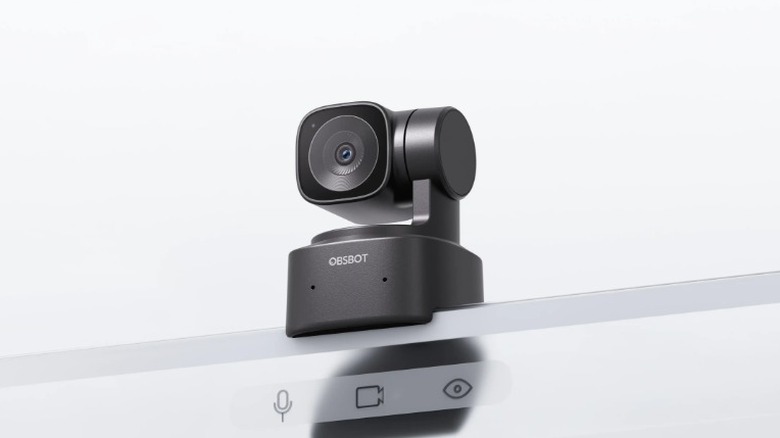
- Best Communication Tech: Obsbot Tiny SE — An AI-tracking webcam with a mechanical gimbal that ensures professional framing in any home office.
The best desk gadgets for productivity in 2026 prioritize ergonomic workflow and multi-device integration. Essential tools include high-precision mice for macro shortcuts and low-profile mechanical keyboards for tactile feedback without excessive noise, while monitor light bars enhance focus by providing flicker-free illumination tailored to the workspace environment.
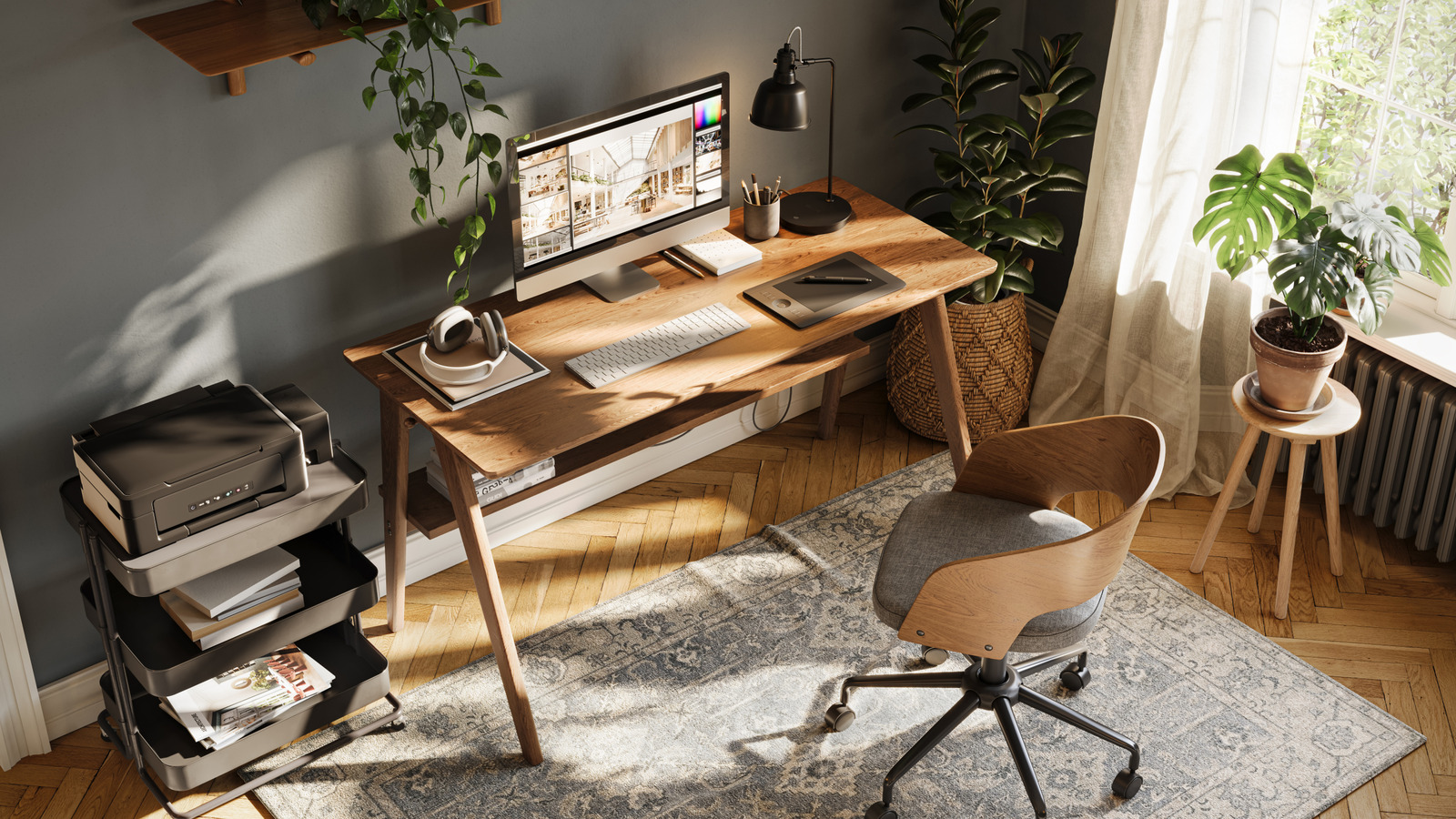
The modern desk has evolved from a simple wooden surface into a high-performance cockpit. As we navigate the technological landscape of 2026, the distinction between a hobbyist setup and a professional workstation has blurred, thanks to a new wave of high-utility workspace gadgets designed to solve the friction points of remote work. We are no longer just looking for things that look good on a desk; we are looking for gear that justifies its footprint through technical efficiency and health-conscious design.
Research conducted by Jon Peddie Research indicates that working with multiple monitors can boost a user's productivity by an average of 42 percent compared to using a single screen. However, more screens often lead to more clutter and increased eye fatigue. To combat this, the industry has shifted toward intelligent peripheral management and ambient lighting solutions that respect the user’s physiology.
| Feature | BenQ ScreenBar Halo 2 | Anker Nano Qi2 Hub | Obsbot Tiny SE |
|---|---|---|---|
| Primary Use | Eye Comfort | Power Management | Video Professionalism |
| Key Spec | 1000 lux Auto-Dimming | 15W Wireless / 67W Total | 4K 30fps / AI Tracking |
| Connectivity | Wireless Controller | USB-C / Qi2 | USB-C |
| Best For | Late-night builders | Minimalist setups | Remote executives |
1. Visual Comfort: The Monitor Light Bar Evolution
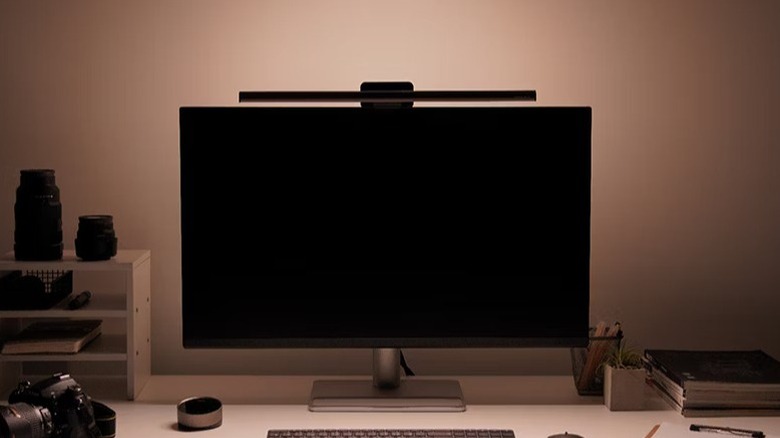
The most overlooked aspect of a high-end setup is the lighting. Traditional desk lamps often create harsh reflections on glass panels or take up valuable real estate. The BenQ ScreenBar Halo 2 represents the pinnacle of monitor light bars for reducing computer eye strain. By clipping directly to the top of your display, it utilizes an asymmetrical optical design that illuminates the desk without hitting the screen.
What sets the 2026 iteration apart is the integration of high-precision sensors that maintain a constant 1000 lux brightness, regardless of the time of day. This flicker-free technology is essential for professionals who spend more than eight hours a day in front of a screen. A study published in the Journal of Occupational and Environmental Medicine found that employees who utilized ergonomic office furniture and workstations experienced a 17.7 percent increase in overall productivity.
Pros:
- Zero screen glare through asymmetrical optics.
- Automated dimming based on ambient light.
- Wireless controller for a clean, aesthetic desk setup gear experience.
Cons:
- Requires a compatible monitor bezel width.
- Higher price point than generic LED strips.
2. Power & Organization: Multi-Device Qi2 Hubs
Cable clutter is the enemy of the creative professional tools ecosystem. In 2026, we have finally moved past the era of proprietary bricks and slow wireless pads. Modern multi device wireless charging stations for desk organization now utilize the Qi2 standard, which uses magnets to ensure perfect coil alignment every time.
The Anker Nano and similar high-utility workspace gadgets for small desks offer a "one-cable" solution. These hubs provide a dedicated 15W magnetic charging spot for your phone, alongside several USB-C ports delivering up to 67W or 100W of power. This is enough to keep a MacBook Pro or a high-end Dell XPS topped off while simultaneously charging peripherals like a wireless mouse or ANC headphones.
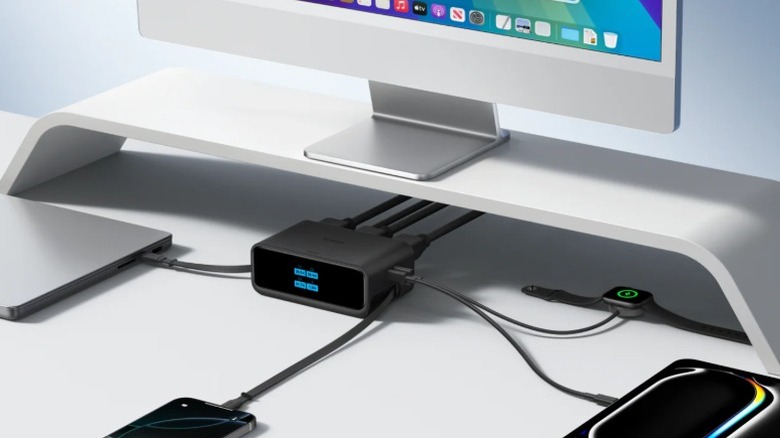
Managing power isn't just about utility; it’s about the return on investment. According to data from the Washington State Department of Labor and Industries, companies that invest in ergonomic office equipment see an average return on investment of 6 dollars for every 1 dollar spent due to reduced absenteeism and increased efficiency. Eliminating the stress of "low battery" warnings across five different devices is a massive part of that efficiency gain.
3. Communication: AI-Tracking Webcams
The era of static, grainy webcams is officially over. For anyone involved in remote work essentials, the Obsbot Tiny SE has become a staple. This device uses a 2-axis mechanical gimbal and deep-learning AI to keep you perfectly framed, even if you like to stand up and pace during a presentation.
Using ai tracking webcams for professional video calls provides a level of engagement that standard integrated laptop cameras cannot match. With gesture control support, you can zoom in on a physical prototype or "lock" the camera focus with a simple hand movement. From a hardware perspective, the inclusion of a large 1/2.8-inch sensor ensures that even in sub-optimal lighting, your video remains crisp and professional.
Pros:
- Silky smooth AI tracking.
- Privacy mode that physically tilts the lens down.
- Exceptional low-light performance.
Cons:
- Gimbal movement can be distracting if over-used.
- Requires a high-speed USB-C port for full resolution.
4. Digital Productivity: Smart Signs and Dashboards
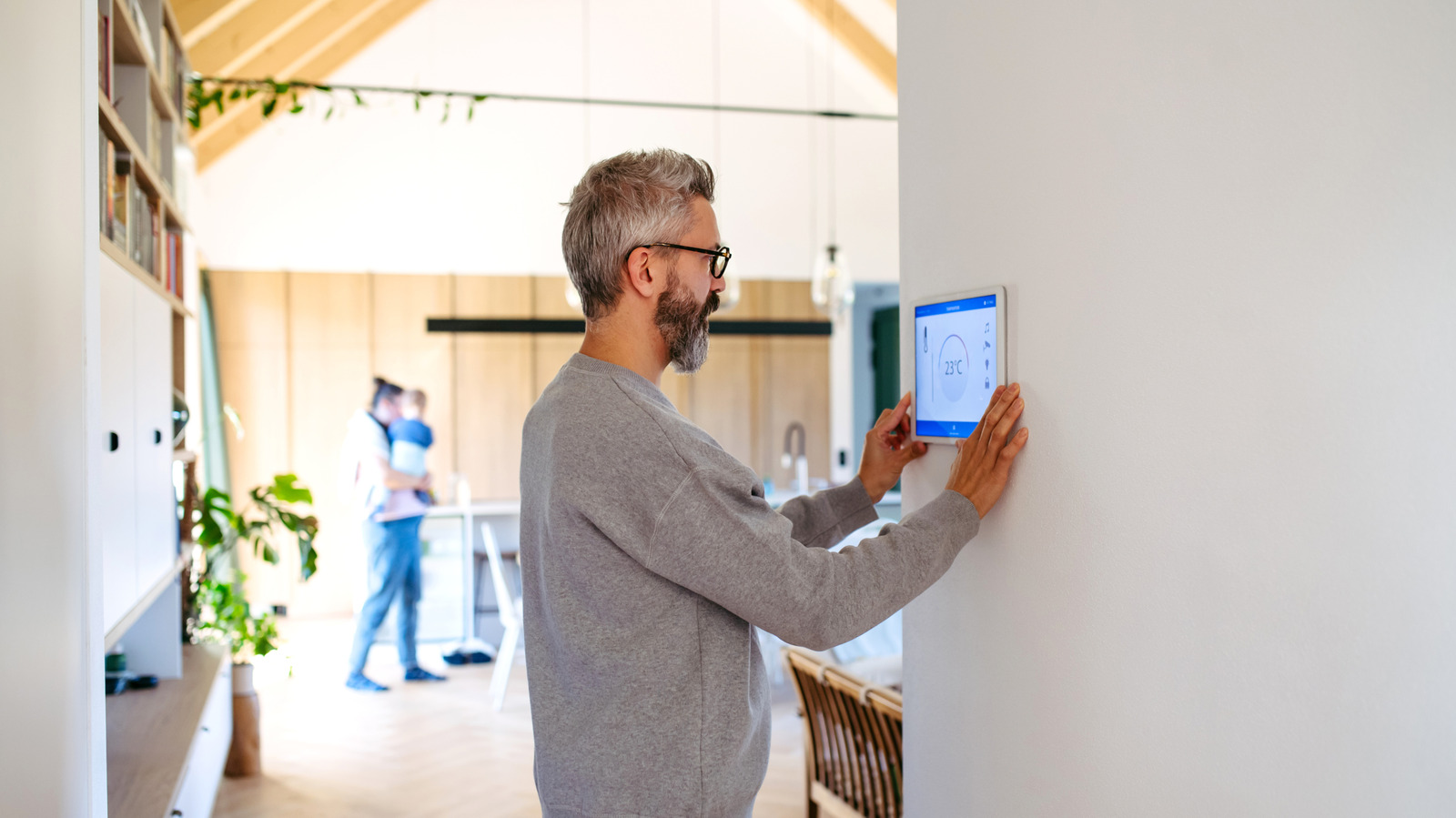
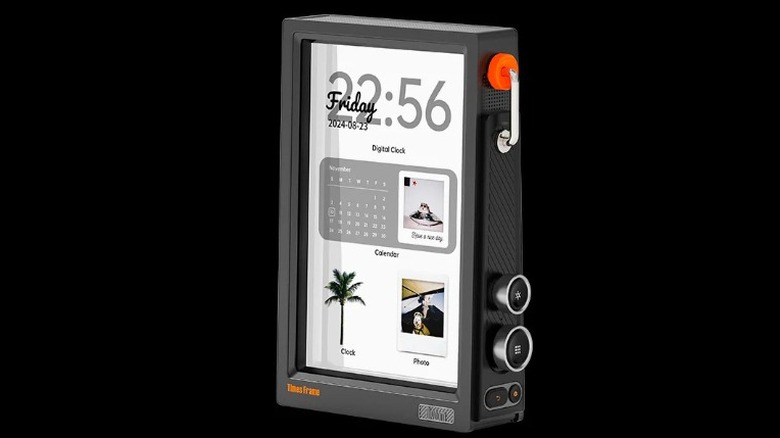
As we spend more time in shared or home office environments, managing "focus time" has become a challenge. Digital smart signs and dashboards for workspace data act as a physical manifestation of your digital calendar. Devices like the Busybox or Timesframe connect to your Outlook or Google Calendar via Wi-Fi 6E/7, displaying a "Do Not Disturb" sign or a countdown to your next meeting.
These are more than just aesthetic office tech accessories for minimalist setups; they are psychological boundary setters. By offloading your schedule to a dedicated digital dashboard, you free up secondary monitor space and reduce the cognitive load of constantly checking your notifications.
5. Sensory & Design: Tactile Keyboards & Audio
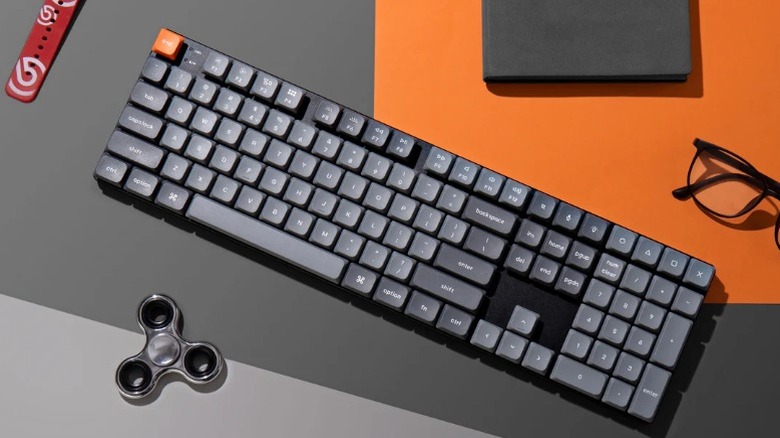
The final layer of building the best cool desk gadgets for productivity 2026 involves the tactile and auditory experience. We are seeing a massive shift toward low-profile mechanical keyboards. These provide the satisfying tactile feedback of a traditional mechanical deck but with a shorter travel distance that is more comfortable for long-form writing and coding.
Low-profile switches, such as those found in the Logitech MX Mechanical or NuPhy Air series, allow for a more ergonomic workflow by keeping your wrists at a flatter angle. This design choice contributes to the overall workspace optimization by reducing the risk of repetitive strain injuries.
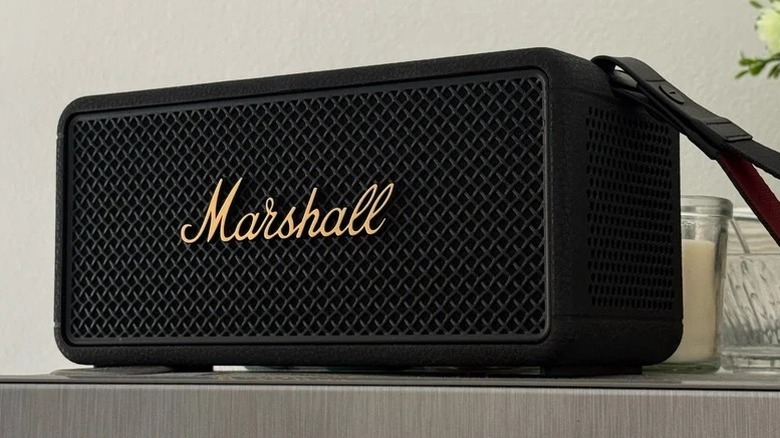
To complement the tactile feel, high-fidelity audio is essential for maintaining focus. While headphones are great for deep work, a set of space-age industrial speakers or a premium Bluetooth unit like the Marshall Middleton 2 can provide ambient backlighting and rich sound for when you have the room to yourself. The industrial design of these units fits perfectly into an aesthetic desk setup, blending 20th-century iconic looks with 21st-century acoustic engineering.
Summary of 10 Cool Desk Gadgets for 2026
If you are looking for budget friendly cool tech for home office upgrades, you don't need to buy everything at once. Prioritize the items that solve your specific pain points—whether that is eye strain, cable mess, or poor video quality.
- BenQ ScreenBar Halo 2: Essential for eye health.
- Anker Nano Qi2 Hub: The ultimate cable management solution.
- Obsbot Tiny SE: For the professional remote worker.
- NuPhy Air75 V2: The gold standard for low-profile typing.
- Busybox Digital: A smart sign to protect your focus.
- Logitech MX Master 3S: Still the king of high-precision mice for macro shortcuts.
- Satechi Leather Desk Mat: Incorporates hidden wireless charging for a clean look.
- Timesframe Dashboard: Visualizes your productivity data in real-time.
- Marshall Middleton 2: Premium audio with a rugged, industrial aesthetic.
- Evergreen Standing Desk Controller: A smart memory pad that reminds you to stand every 45 minutes.
FAQ
What are the best cool desk gadgets for productivity?
The best cool desk gadgets focus on reducing friction and improving ergonomics. High-priority items include monitor light bars that provide 1000 lux of flicker-free light, AI tracking webcams for seamless video calls, and low-profile mechanical keyboards that offer tactile feedback without causing wrist strain. Integrating these tools creates a cohesive workspace optimization strategy.
How can I make my desk look more aesthetic with gadgets?
To achieve an aesthetic desk setup, focus on minimalist aesthetics and hidden functionality. Use items like leather desk mats with integrated wireless chargers to hide cables. Choose gadgets with a consistent design language, such as space-age industrial metal finishes or matte black textures. Using ambient backlighting behind your monitor can also add depth and style without cluttering the surface.
What are the most useful tech gadgets for a workspace?
The most useful tech gadgets are those that solve infrastructure problems. A high-wattage USB-C charging hub (at least 65W to 100W) is essential for powering a laptop and peripherals with a single cable. Additionally, a high-precision mouse with programmable macro shortcuts can significantly speed up creative workflows in software like Adobe Premiere or Excel.
Are there desk gadgets that help reduce stress?
Yes, certain gadgets are designed specifically for eye comfort technology and focus management. Monitor light bars reduce the strain caused by high-contrast screens in dark rooms, while digital smart signs can help manage social interruptions in a shared home environment. Using high-quality ANC headphones also helps maintain a calm environment by filtering out household noise.
How do I organize my desk with smart gadgets?
Organization starts with cable management solutions. Look for charging stations that utilize the Qi2 standard to eliminate the need for multiple phone and earbud cables. Desk-mounted arms for monitors and webcams also help clear up surface space, while a digital dashboard can consolidate your notifications and calendar onto a single small screen, keeping your main monitors dedicated to work.