Quick Facts
- The 67% Rule: Management professionals add 24.5 minutes of daily productivity via commute workflows.
- Distraction Reduction: Smart app organization can reduce driver distraction by up to 40%.
- The 2-Second Rule: Any shortcut requiring more than 2 seconds to launch should be discarded to maintain focus.
- Safety Benchmark: Drivers using Android Auto experience 31% less distraction than those using built-in manufacturer systems.
- Audio Mastery: Audiobooks are more effective for managing mental fatigue on commutes exceeding 45 minutes.
To master commute productivity shortcuts in 2026, users should leverage the iOS Shortcuts app or Android custom launchers to create one-tap digital workflows. These automations bundle navigation, music, and communication into a single trigger, allowing for hands-free operation and significant time savings.
The modern commute has evolved from a stressful transition period into a vital extension of our digital workspace. A study of management professionals found that 67% utilize their commute to perform work tasks, effectively adding an average of 24.5 minutes of productivity to their daily routine. Whether you are behind the wheel or riding the train, the way you interact with your mobile devices determines whether that time is wasted or won. By treating your smartphone as a mobile command center rather than just a communication tool, you can significantly reduce the cognitive load required to navigate your day.
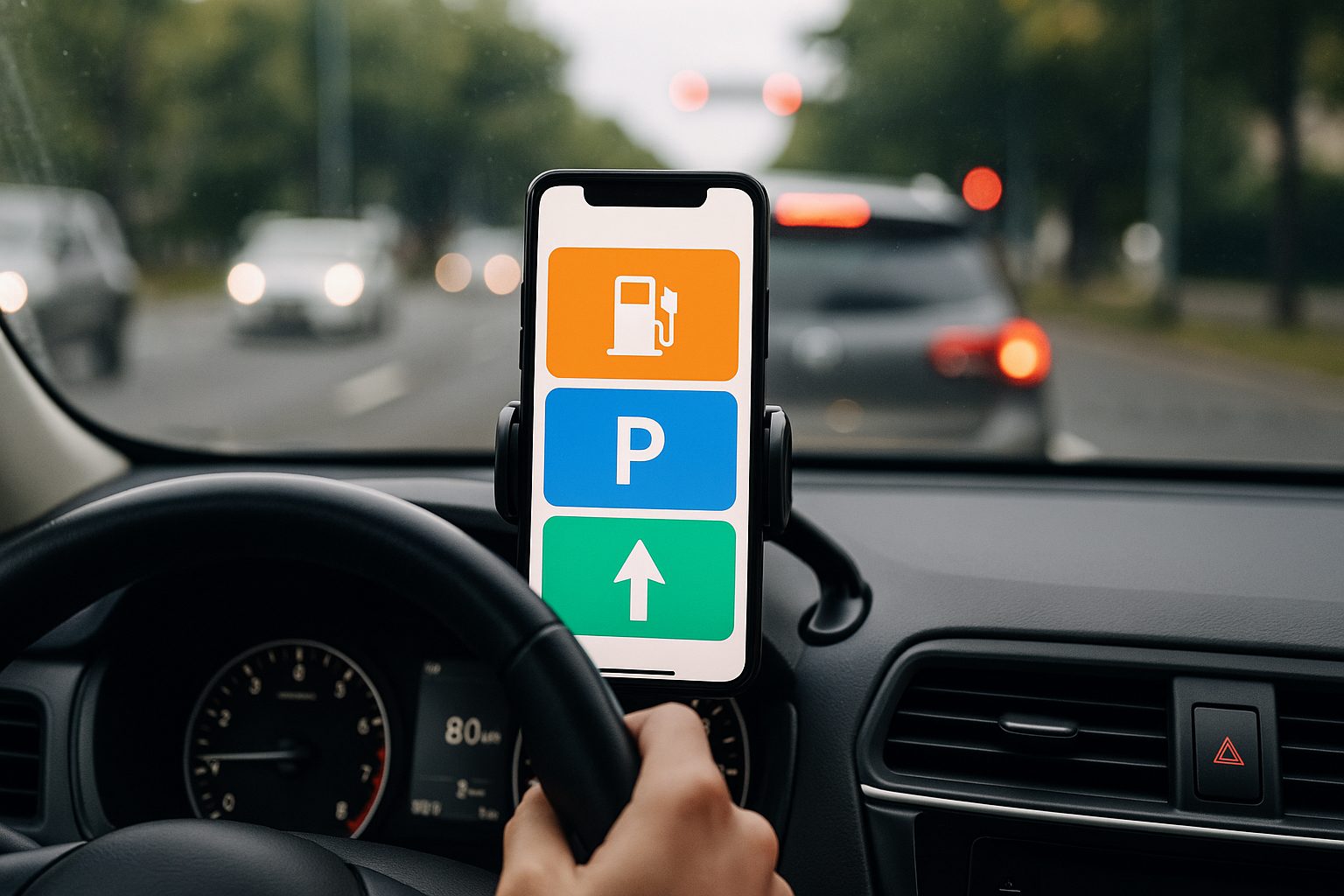
1. The iOS Digital LEGO Setup: Automation Techniques
For iPhone users, the key to unlocking true efficiency lies in the Shortcuts app. Think of iOS driving automation techniques as building with digital LEGO. You are essentially taking various functions—like opening a specific playlist, launching a map, and sending a "leaving now" text—and snapping them together into a single, cohesive unit. This approach eliminates the need to fumble through multiple app icons while you are trying to pull out of the driveway.
To set up iOS driving automation, use the Shortcuts app to bundle complex navigation tasks into single-tap actions. By selecting Add Action and choosing categories like Maps or EV routing, users can preset destinations for home, work, or charging stations. These custom workflows can be pinned to the home screen with unique icons, allowing drivers to launch navigation and vehicle-specific routines instantly without manual app searching.
One of the most powerful ways to implement this is through the one-tap parking and navigation workflows for iOS. You can create a shortcut that not only directs you to your office but also opens your preferred parking app once you arrive at the geofenced location. This level of task automation ensures that you aren't searching for your digital parking pass while blocking traffic. By the time you’ve shifted into park, your device has already prepared the next step of your morning.
Pro Tip: Use the "When I Connect to CarPlay" trigger in the Automation tab. This allows your commute productivity shortcuts to launch automatically the moment your phone links to your vehicle, removing the need to even touch the screen.
2. Android Custom Launchers: Navigating Urban Traffic
Android navigation shortcuts offer a different kind of flexibility, primarily through the power of custom launchers and deep-linking. While Android Auto provides a solid foundation, power users can go much further by using third-party launchers like Nova or Smart Launcher. These tools allow you to create custom UI widgets that display real-time traffic or charging station availability directly on your home screen, bypassing the need to open an app at all.
Android users can access navigation shortcuts by long-pressing icons for apps like Google Maps or Waze to reveal quick-action menus for common destinations. For high-traffic urban commutes, Waze is particularly effective due to real-time community reporting on hazards and police activity. Advanced users can employ Nova Launcher to create custom gesture controls—such as a double-tap on the screen—to instantly launch the best Android navigation shortcuts for heavy traffic.
This system is built around route optimization and user experience design. By reducing the number of steps required to see your ETA, you maintain better situational awareness. In a 2026 urban environment, where traffic patterns can shift in seconds, having a real-time data alerts widget on your primary screen is the difference between arriving on time and being stuck in a gridlock.
3. The EV Efficiency Hack: Automated Charging Workflows
As electric vehicles become the standard, managing your "fuel" becomes a digital task. Automating EV charging workflows involves creating shortcuts that combine navigation with real-time station data. This is no longer just about finding a plug; it’s about finding a plug that is actually functional and available at the moment you arrive.
iOS users can enable EV routing within Apple Maps settings to automatically find compatible chargers along their path. This feature integrates directly with your vehicle’s battery state-of-the-art data (on supported models) to suggest stops only when necessary. Meanwhile, Android users can utilize specific automated EV charging station finder shortcuts through widgets from apps like ChargePoint or PlugShare. These digital workflows reduce the cognitive load of switching between multiple apps while driving, turning the smartphone into an efficient mobility command center.
One specific strategy I recommend is the 80% Rule. Configure your EV charging workflow shortcuts to prioritize high-speed DC fast chargers and alert you when your battery hits 80%. Since charging speeds often drop significantly after this point, this shortcut ensures you spend less time at the station and more time moving toward your destination.
4. Voice-First Task Management: Hands-Free Productivity
The safest and most efficient way to work while commuting is through hands-free operation. In 2026, voice assistants have moved beyond simple "set a timer" commands into sophisticated tools for task automation. By using voice-activated commute productivity routines, you can clear your inbox or outline a document without ever taking your eyes off the road.
A 2023 trends report found that 63% of audiobook listeners use their commute or travel time to consume content, while 38% of all commuters listen to podcasts to engage in self-improvement. However, the most productive commuters are those who use hands-free voice memo shortcuts for drivers. Instead of just consuming content, they are creating it.
You can set up a routine where saying "Hey Siri, Morning Briefing" triggers a sequence: reading your calendar, summarizing your unread Slack messages, and then opening a blank voice-to-text document for your daily goals. This automotive integration allows you to arrive at the office with your most important thoughts already transcribed and ready for action.
5. Hardware Maintenance: Eliminating Friction
Even the best commute productivity shortcuts will fail if your hardware isn't up to par. I often see users struggling with laggy interfaces or dropped connections, only to realize they are using a three-year-old charging cable. To maintain high-level mobile productivity, you must treat your hardware with the same rigor as your software.
- The 6-Month Cable Rule: USB cables used in cars undergo extreme temperature fluctuations and physical stress. Replace your data cables every 6 to 12 months to avoid the "oxidized cable" syndrome that causes CarPlay or Android Auto to disconnect at critical moments.
- RAM Optimization: Before you start your drive, ensure your head unit or phone isn't bogged down by background processes. Using a minimalist app stack of 4-6 essential apps helps prevent system lag.
- Temperature Management: Modern smart car technology relies heavily on your phone’s processing power. If your phone is sitting in direct sunlight on a dashboard mount, it will throttle performance. Use a mount that clips to an air vent to keep the device cool and responsive.
By focusing on these physical details, you ensure that your digital workflows remain stable. There is nothing more frustrating than a voice-activated routine cutting out right as you are dictating an important memo because of a loose port or an overheating processor.
FAQ
What are the most effective hands-free productivity tools for drivers?
The most effective tools are those that leverage native voice integration like Siri’s Shortcuts or Google Assistant’s Routines. These allow you to perform multi-step tasks, such as sending an email or checking a project management board like Trello, entirely through voice commands. Additionally, dedicated voice-to-text apps like Otter.ai or the built-in dictation features in Microsoft Word are excellent for capturing long-form thoughts during long drives.
What are the best apps for increasing commute productivity?
For navigation, Waze and Google Maps remain the gold standard for real-time traffic data. For task management, Todoist and Any.do offer excellent automotive integration. If you want to maximize learning, apps like Blinkist provide 15-minute summaries of non-fiction books, which fit perfectly into the average urban commute. Finally, the native Shortcuts app on iOS is perhaps the single most important tool for tying all these different apps into a unified workflow.
How can I use my commute time to learn new skills?
The "Audio University" approach is the best way to gain skills on the road. Beyond just podcasts, platforms like Coursera and LinkedIn Learning allow you to listen to course modules. You can use commute productivity shortcuts to automatically resume your last lesson the moment you start your car. For language learning, Pimsleur is specifically designed for hands-free, auditory-based learning, making it ideal for drivers who cannot look at a screen.
How can I make my commute less stressful and more useful?
Reducing stress starts with minimizing cognitive friction. By setting up your navigation and audio before you leave the driveway, you avoid the "micro-stressors" of fumbling with your phone in traffic. Using geofencing triggers to automatically switch your phone into "Driving Focus" mode ensures you only receive urgent notifications, allowing you to focus on your commute or your creative dictation. Turning your car into a mobile command center shifts the narrative from "I am stuck in traffic" to "I am in my private workspace."





