Quick Facts
- Target Audience: Owners of approximately 4 million vehicles from General Motors.
- Eligible Models: 2022 model year and newer Buick, Cadillac, Chevrolet, and GMC vehicles with Google Built-in.
- Key Technology: Generative AI and Large Language Models (LLM) integrated into the Android Automotive OS.
- Update Method: Seamless GM infotainment over-the-air update delivered via the Google Play Store.
- Core Benefits: Multi-step voice commands, contextual awareness, and natural language processing for trip planning.
- Mandatory Requirements: An active OnStar services plan and system language set to US English.
General Motors is rolling out the Gemini car assistant via an over-the-air update to 4 million vehicles (2022 model year and newer) to replace frustrating legacy voice systems with advanced conversational AI. This upgrade allows drivers to use natural language to interact with their vehicle, handling complex, multi-step requests like navigating to a destination while curating a specific media playlist simultaneously.
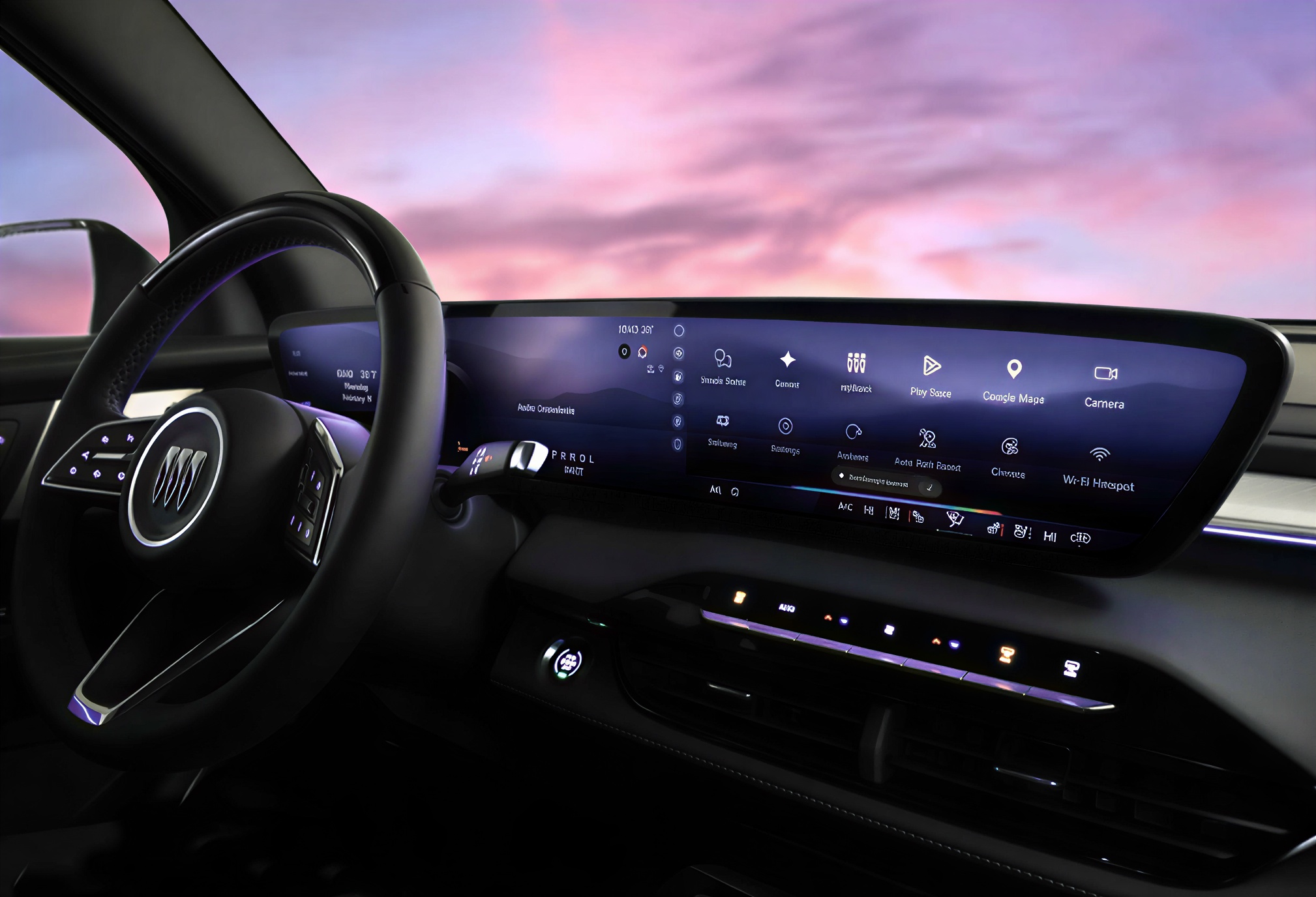
Solving the Voice Assistant Rage with Generative AI
If you have ever screamed at your dashboard because your car couldn’t understand a simple navigation request, you are far from alone. For years, the Voice User Interface (VUI) in most vehicles has felt like a relic of the past—clunky, rigid, and prone to error. In fact, a 2024 survey revealed that 50% find common in-car applications like GPS navigation difficult and frustrating, while nearly 40% of drivers believe modern car features have become too complicated to use effectively.
This "voice assistant rage" is the primary target for the new Gemini car assistant. By shifting away from pre-programmed scripts to a system powered by Generative AI, Google aims to turn the car into a more intuitive partner. We are entering the era of software-defined vehicles, where the hardware stays the same but the user experience evolves through the cloud.
The demand for this change is palpable. Data suggests that 76% of U.S. drivers report they would be likely to use voice generative AI capabilities in their car if they were available. This represents a staggering 52% year-over-year increase in consumer interest, signaling that drivers are ready to move past basic commands and toward a more human-like interaction.

Key Features: What Google Gemini In-Car Features Offer
The shift to the Gemini car assistant isn't just a minor patch; it is a fundamental redesign of how conversational voice assistants for cars behave. Traditional systems require you to speak like a robot: "Navigate to 123 Main Street." If you forget to mention you also want to stop for coffee, you usually have to start the whole process over.
With the latest Google Gemini in-car features, the system utilizes contextual awareness to understand follow-up questions. You can ask for a destination and then immediately say, "Actually, find one with a drive-thru and play my road trip playlist," without re-triggering the assistant. This ability to process gemini car assistant multi-step voice commands significantly reduces the cognitive load on the driver.
Beyond simple navigation, the system excels at contextual trip planning. You might ask the assistant to find a park that is dog-friendly and near a charging station. Because it is powered by a Large Language Model, it can parse through vast amounts of data to provide a curated recommendation rather than just a list of raw search results. Other notable features include:
- Hands-free communication: Enhanced messaging support that understands the context of incoming texts and allows you to reply with emoji support using only your voice.
- Media Integration: Deep links with apps like Spotify and YouTube Music, allowing for nuanced requests like "Play that song I was listening to this morning."
- Vehicle Knowledge: In some models, Gemini can act as a digital owner's manual, answering questions about what a specific dashboard light means or how to adjust certain connected car features.
Speed vs. Depth: Gemini vs. Google Assistant in the Cabin
While the Gemini car assistant is more capable, it is important to understand when to use it versus the legacy Google Assistant. Gemini is a "reasoning" engine; it takes a moment to "think" because it is processing your request through a complex neural network. This makes it better for deep tasks but occasionally slower for lightning-fast actions.
For simple, repetitive tasks—like setting a kitchen timer or checking the temperature—the traditional Google Assistant might still feel snappier. Furthermore, there are currently some gemini ai car hardware command limitations. For instance, while Gemini can plan your route, it may not yet have full permission to adjust the dual-zone climate control or seat heaters in every GM model.
| Feature | Legacy Google Assistant | Gemini Car Assistant |
|---|---|---|
| Response Speed | Ultra-fast for simple tasks | Slightly slower due to reasoning |
| Language Style | Rigid, command-based | Natural, conversational |
| Multi-step Tasks | Limited/None | Robust and contextual |
| Reasoning | Basic "If/Then" logic | Complex problem solving |
| Hardware Control | Deep integration (AC, Windows) | Evolving; currently more limited |
Depending on your preference, you can often toggle between the two in your vehicle's digital assistant settings. If you prioritize speed for a quick phone call, stick with the classic. If you want a co-pilot to help plan your day, Gemini is the clear winner.
How to Enable Gemini in GM Vehicles
If you own a 2022 or newer Chevrolet, GMC, Cadillac, or Buick, the process for improving car voice recognition with google gemini is relatively straightforward. Because this is a gm infotainment over-the-air update, you don't need to visit a dealership.
Follow these steps to get started:
- Check Connectivity: Ensure your vehicle has an active OnStar services plan, as the Generative AI features require a constant data connection to process requests in the cloud.
- Access the Play Store: From your vehicle’s home screen, open the Google Play Store app.
- Update the App: Look for the Google Assistant or Gemini app update. Download and install it.
- Set Language: Navigate to your system settings and ensure the voice language is set to US English. This is currently a requirement for the initial rollout.
- Enable on Lock Screen: For the best hands-free communication experience, allow Gemini to function even when the screen is dimmed or locked.
Once these steps are complete, you can begin using gemini ai for contextual trip planning by simply pressing the voice button on your steering wheel or using the wake word.
FAQ
What is the Gemini AI assistant for cars?
The Gemini car assistant is an advanced version of Google’s voice interface designed specifically for the automotive environment. It uses Generative AI to understand natural, conversational speech rather than requiring specific, rigid voice commands. It is designed to make interacting with your vehicle's navigation, media, and communication systems feel more like talking to a human passenger.
How do I set up Gemini in my vehicle?
To begin using the assistant, you must first ensure your vehicle is a 2022 model year or newer with Google Built-in. You will need to sign into the Google Play Store on your vehicle's infotainment screen and download the gm infotainment over-the-air update for gemini. Additionally, your vehicle must have an active data connection through OnStar and be set to the US English language.
Is Google Gemini replacing the Google Assistant in cars?
Currently, Gemini is offered as an enhanced option or an upgrade rather than a mandatory replacement. While Google is moving toward integrating more AI capabilities across all its platforms, drivers can often choose which assistant they prefer. For now, Gemini handles the complex reasoning tasks while the classic assistant remains available for simpler, high-speed tasks.
What can Gemini do that Google Assistant can't in a car?
Gemini excels at understanding context and multi-turn conversations. For example, if you ask for a restaurant and then say "Actually, make it Italian," Gemini remembers the previous part of the conversation. It can also handle multi-step voice commands, such as finding a location and sending that location to a contact in a single conversational sentence.
Does Gemini work offline in a car?
Most of the advanced features of the Gemini car assistant require an active internet connection. Because the Large Language Models that power the AI are massive, the "thinking" happens on Google's servers rather than on the car's local hardware. While some basic vehicle commands might work offline, conversational features and real-time trip planning require a connection.





