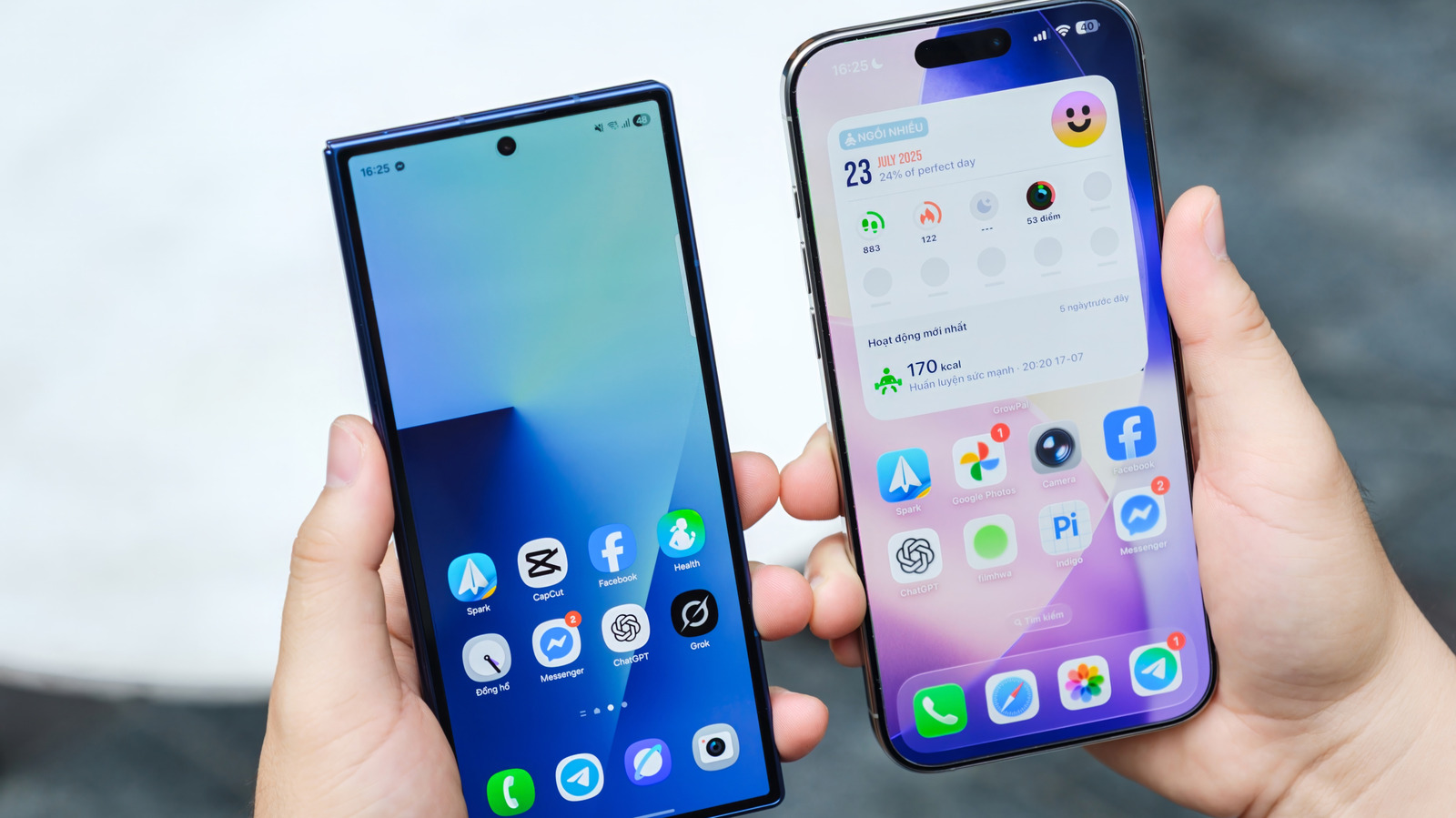
Quick Facts
- Market Reality: iOS users spend significantly more on digital purchases, with averages showing roughly $11.2 per user compared to $1.7 per user on Android.
- Optimization Focus: Developers can optimize for a handful of iPhone models rather than over 1,300 different Android variants.
- Camera Superiority: Social media apps use native iOS APIs to access raw sensor data, leading to higher bitrate and clearer video.
- Support Lifecycle: Standard iPhones receive 5 to 6 years of major OS updates, ensuring apps stay compatible longer.
- Hardware Synergy: Apple Silicon designs allow for specialized background task management and lower touch latency.
- UI Consistency: The use of the Swift programming language and strict App Store moderation ensures fluid animations across all apps.
Many of the apps better on iPhone exist because of the unique software-hardware synergy Apple creates by designing its own chips and operating systems. By utilizing Apple Silicon to power the iOS ecosystem, Apple reduces the gap between hardware capability and software execution, resulting in smoother performance and better power efficiency than the fragmented Android market.
The Technical Edge: Why iOS Wins in 2026
In my decade of covering mobile tech, the most common question I get is why a certain app feels different on an iPhone compared to a high-end Android flagship. By 2026, this gap hasn't closed; if anything, it has shifted into new territory. The primary reason is ecosystem fragmentation. When a developer builds an app for iOS, they are writing code for a very specific set of hardware. They know exactly how much power the Apple Silicon A19 chip has and how the Neural Engine handles AI tasks.
On the other side, the Android landscape is a massive patchwork of different processors, screen ratios, and camera sensors. This forces developers to write more generalized code that works on everything but is optimized for nothing. This is one of the core reasons developers prioritize iOS app optimization. It is simply more cost-effective to polish an app for the iPhone’s unified architecture.
Furthermore, Apple uses the Swift programming language, which was built from the ground up to ensure UI uniformity and fluid animations. When you scroll through a list or swipe between screens, the system prioritizes the touch thread above all else. This results in the "buttery smooth" feeling that has become a hallmark of the iPhone experience.
The economic side of this is often called the Profitability Paradox. Even though Android has a larger global market share, the subscription revenue generated on the App Store is vastly higher. This financial incentive means the best new features almost always land on the iPhone first.
| Feature | iOS (iPhone) | Android (Fragmented Ecosystem) |
|---|---|---|
| Development Target | Limited (3-4 current models) | 1,300+ across multiple brands |
| User Spending | $11.2 per user | $1.7 per user |
| Primary Language | Swift (Optimized for UI) | Kotlin/Java (General Purpose) |
| Update Standard | 5-6 Years | 2-4 Years (Varies by Brand) |
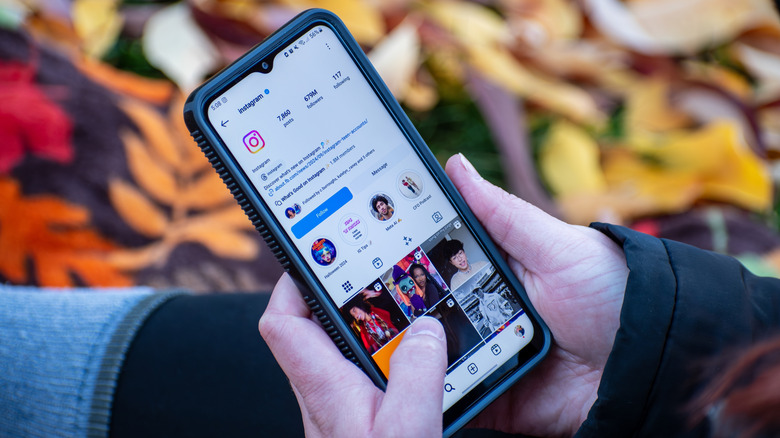
1. Instagram: Superior Media and Camera Integration
If you have ever noticed that your friend’s Stories look crisp while yours look slightly blurry or stuttery, you are witnessing the difference in native API access. This is a classic example of why Instagram video quality is better on iPhone. For years, the Android version of Instagram often took a "screen grab" of the camera viewfinder rather than using the actual camera sensor to save on processing power across thousands of different devices.
On the iPhone, Instagram has direct access to the camera’s raw processing power. In 2026, social media apps with better native camera support on iPhone leverage the Photonic Engine and Apple Silicon to apply HDR and noise reduction in real-time. When you upload a video, the app utilizes high-bitrate media support that is specifically tuned for the iOS upload stack.
This results in less compression and fewer artifacts. Whether you are using the front-facing lens for a quick selfie or the ultra-wide for a landscape shot, the app feels like an extension of the system camera rather than a third-party overlay. This level of deep integration is why influencers and content creators almost exclusively stick to the iPhone; the software-hardware synergy ensures that what you see in the viewfinder is exactly what your followers see in their feed.
2. 1Password: Consistent Security and Autofill
Security is a workflow, not just a feature. When we look at iOS password manager integration vs Android autofill, the difference lies in the reliability of the system-level integration. On an iPhone, 1Password feels like it is part of the keyboard itself. Because of strict App Store moderation and unified UI standards, the prompt to autofill your credentials appears instantly and consistently across every app and website.
On Android, the autofill service can occasionally hang or fail to recognize a text field, especially in banking apps or custom web views. This is because background task management is handled differently on iOS. Apple allows 1Password to stay in a "ready" state with minimal battery drain, so it is always there when you tap a login box.
The use of FaceID and the Secure Enclave within Apple Silicon means that your biometric data never leaves the device, and the authentication process is nearly instantaneous. For users who juggle dozens of secure logins daily, the friction-free nature of 1Password on iOS makes it one of the best optimized apps for iPhone. It turns a chore into a seamless background process.
3. Gmail: The Feature-First Advantage
It might seem strange that a Google app would perform better on a competitor's platform, but the data doesn't lie. Historically, Gmail app features exclusive to iOS in 2026 or those that arrive on iOS first have been a point of contention for Android fans. This happens because the iOS user base is more likely to engage with new productivity tools, leading Google’s own developers to treat the iOS version as a flagship product.
One of the most noticeable differences is how the app handles notifications. On iOS, Gmail utilizes specialized background task management to ensure that your "Mark as Read" or "Archive" actions from the lock screen are synced instantly to the server. On some Android devices, aggressive battery saving can delay these syncs, leading to "ghost notifications" appearing on your desktop later.
The interface also benefits from the UI uniformity dictated by Apple’s design guidelines. The animations are snappier, and the haptic feedback when you pull to refresh or swipe an email is more precise. This creates a more tactile, responsive experience that makes managing a heavy inbox feel slightly less like work.
4. Halide: Hardware-Level Professional Imaging
If you want to see the absolute peak of why apps run smoother on iOS, look no further than Halide. This isn't just a camera app; it is a masterclass in hardware-software synergy. While Android has professional camera apps, none of them can match the gesture-based interface and tactile response that Halide offers on the iPhone.
Halide features a specialized "Process Zero" mode. Unlike the standard camera app that uses heavy AI processing to brighten shadows and smooth skin, Process Zero utilizes the raw power of Apple Silicon to produce a zero-AI RAW capture. This gives photographers a clean, film-like slate to work with.
The app also makes incredible use of haptic feedback. As you turn the manual focus dial, you feel a subtle click in the hardware that mimics the physical sensation of a high-end lens. This is only possible because Apple provides developers with deep access to the Taptic Engine. Because the developers only have to account for a few screen sizes and sensor types, they have been able to create the most intuitive professional camera interface in the mobile world.
FAQ
Why do apps look better on iPhone than Android?
Apps often look better on iPhone because developers only need to design for a few screen resolutions and aspect ratios. This allows them to use high-resolution assets and pixel-perfect layouts that don't need to stretch or scale awkwardly. Additionally, the Swift language and Apple's built-in design libraries ensure that fluid animations and transitions are consistent across the entire operating system.
Are social media apps higher quality on iOS?
Generally, yes. Social media apps like Instagram and TikTok have better native camera support on iPhone because they use Apple's official camera APIs. This allows the apps to access the full quality of the sensor and the Photonic Engine's processing. On many Android phones, these apps simply record the screen of the camera app, which leads to lower bitrate and lost detail.
Why do developers prioritize iPhone apps?
Developers prioritize iPhone apps primarily because of the Profitability Paradox. Statistics consistently show that iPhone users are willing to spend more on subscriptions and in-app purchases. Furthermore, the lack of ecosystem fragmentation means that the cost of testing and maintaining an app on iOS is much lower than on Android, where developers must account for thousands of different hardware configurations.
Do apps perform smoother on iPhone?
In most cases, apps do perform smoother on iPhone due to the way iOS manages resources. Apple Silicon is designed specifically to work with the iOS kernel, allowing for extremely low touch latency. The system also prioritizes user interface tasks over background processes, which ensures that swiping and scrolling remain responsive even when the phone is under a heavy workload.
Why is the camera quality better in social media apps on iPhone?
The superior camera quality in social media apps on iPhone stems from native API access. iOS provides a bridge that lets third-party apps use the same image signal processing that the native camera app uses. This includes features like Deep Fusion and Smart HDR. Android's diversity makes this difficult, as each manufacturer has a different way of handling image processing, often forcing social apps to use a "one-size-fits-all" approach that results in lower quality.
Final Verdict: Choosing Quality Over Flexibility
While the Android ecosystem offers incredible flexibility and a wide range of hardware choices, the iPhone remains the gold standard for app quality and reliability in 2026. The combination of Apple Silicon and a tightly controlled software environment creates a level of UI uniformity that is hard to replicate.
Whether it is the high-bitrate video on Instagram, the rock-solid security of 1Password, the feature-rich environment of Gmail, or the professional tools in Halide, the best optimized apps for iPhone leverage the platform's strengths to provide a superior user experience. If your priority is a polished, reliable, and high-performance digital life, the hardware-software synergy of the iPhone is still the winning formula.





