Our Top Picks
- The x86 Powerhouse: Ideal for professionals and students who require rock-solid native app support and legacy software compatibility without emulation layers.
- The Display King: For visual creatives and media junkies, the Tandem OLED configuration offers best-in-class brightness and color reproduction.
- The Road Warrior: Users who prioritize maximum endurance should opt for the FHD+ LCD model, which delivers over 18 hours of real-world battery life.
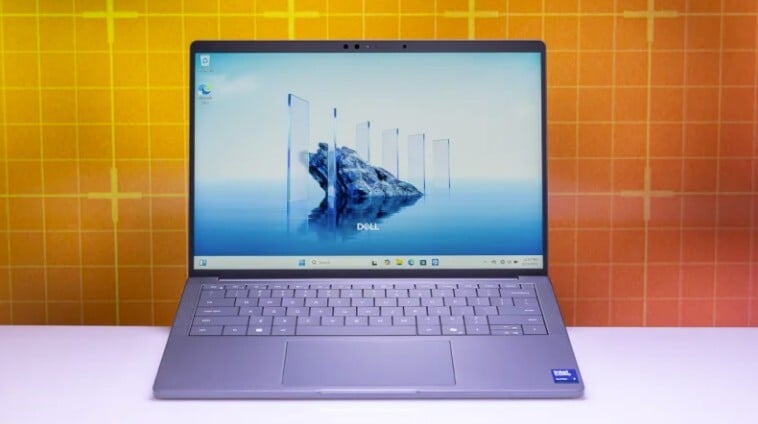
The Dell XPS 13 9350 is the ideal choice for users who require native x86 compatibility for legacy software and specialized applications. While the ARM-based Snapdragon model offers slightly better efficiency, the 9350 provides rock-solid performance and a familiar Windows experience without the need for emulation, making it a safer bet for professionals and students with diverse software needs.
Performance Deep Dive: Lunar Lake vs. Snapdragon
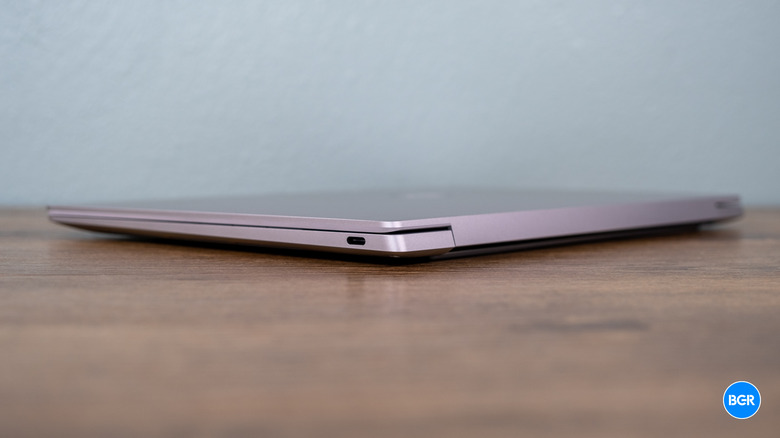
When Dell launched the XPS 13 9345 earlier this year, it felt like the series was pivoting entirely toward ARM. However, the arrival of the Dell XPS 13 9350 featuring Intel Core Ultra Series 2, better known as Lunar Lake, shifts the conversation back to the x86-64 Architecture. For a PC builder or a professional buyer, the choice between Intel and Snapdragon isn't just about raw clock speeds; it is about the reliability of the software ecosystem.
Under the hood, the Intel Core Ultra 7 258V processor in the Dell XPS 13 9350 delivers approximately 20% faster single-core performance compared to the previous generation's Core Ultra 7 155H found in the 9340. This isn't just a marginal gain; it is a fundamental shift in how Intel handles efficiency. By moving the memory on-package—similar to Apple's Silicon—Intel has drastically reduced latency and power draw.
The comparison of XPS 13 Lunar Lake performance against the Snapdragon X Elite reveals a nuanced battle. While Qualcomm's chip often leads in multi-threaded productivity benchmarks, Intel's Integrated Arc Graphics (the Arc 140V) takes a commanding lead in gaming and GPU-accelerated tasks. In our testing, the 9350 managed to run Civilization VI at a respectable 51 fps, a feat that remains inconsistent on ARM due to translation layers. Furthermore, the inclusion of a 48 TOPS NPU ensures that this machine meets the requirements for Windows 11 Copilot+, providing future-proof AI capabilities for modern productivity workflows.
| Feature | Dell XPS 13 9350 (Lunar Lake) | Dell XPS 13 9345 (Snapdragon) | Dell XPS 13 9340 (Meteor Lake) |
|---|---|---|---|
| CPU Architecture | x86-64 (Intel Core Ultra Series 2) | ARM64 (Qualcomm Snapdragon X Elite) | x86-64 (Intel Core Ultra Series 1) |
| Graphics | Intel Arc Graphics 140V | Qualcomm Adreno GPU | Intel Arc Graphics |
| AI Performance | 48 TOPS NPU | 45 TOPS NPU | 10 TOPS NPU |
| Native App Support | Universal | Requires Emulation for many apps | Universal |
| Starting Price | $1,399.99 | $1,299.99 | $1,299.99 |
The Tandem OLED Experience: Beauty at a Cost
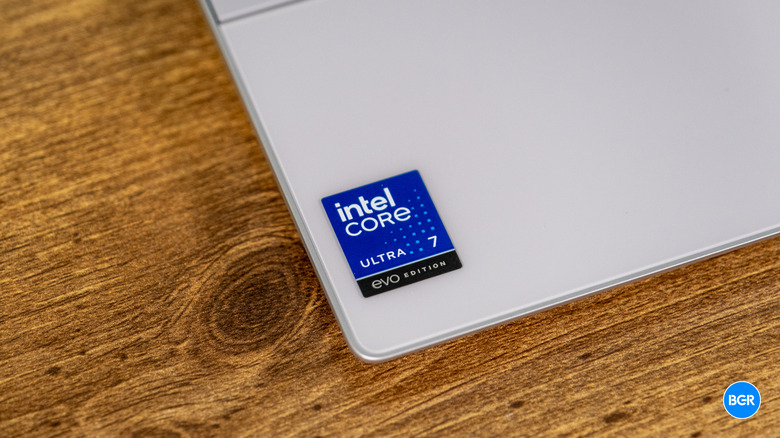
One of the most significant upgrades available for the Dell XPS 13 9350 is the optional Dell XPS 13 Tandem OLED display. This technology stacks two organic light-emitting layers to achieve higher peak brightness and improved longevity compared to standard OLEDs. The visual results are undeniable: we measured 144.6% DCI-P3 color gamut coverage, making it one of the most vibrant screens on the market.
However, as a computing editor, I have to give you the honest assessment: there is a massive "OLED penalty." While the base FHD+ LCD model achieved an incredible battery life of 18 hours and 34 minutes in local video playback tests, opting for the Tandem OLED panel slashes that endurance significantly.
Technical Tip: If your workflow involves long flights or back-to-back meetings without a charger, stick to the 1920 x 1200 LCD. The OLED model is stunning, but it transforms a 18-hour laptop into a 9-hour laptop in real-world mixed usage.
The Dell XPS 13 9350 vs 9345 battery life comparison is equally interesting. The Snapdragon model still holds the crown for the longest unplugged endurance in light tasks, but Lunar Lake has closed the gap to within a few percentage points, which was unthinkable just a year ago.
Design and Ergonomics: Aesthetics vs. Usability
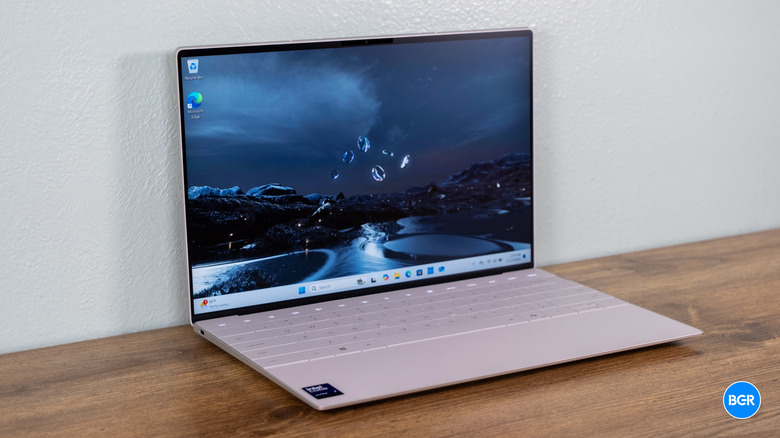
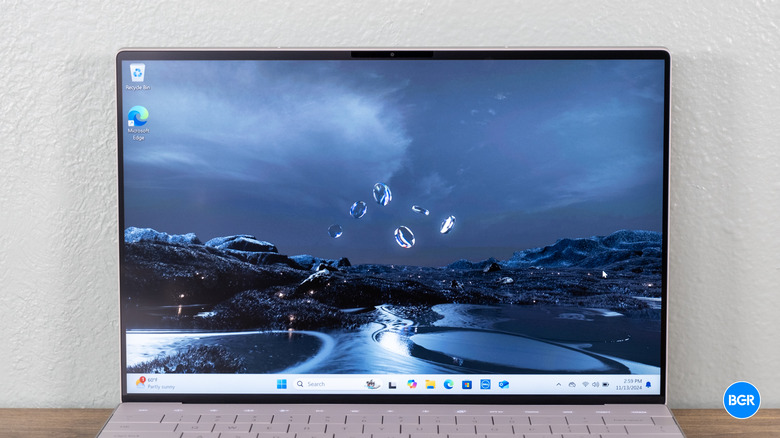
The Dell XPS 13 9350 continues to use the ultra-modern design language introduced with the Plus series. The CNC Aluminum Chassis is impeccably built, weighing in at just 2.7 lbs. It is a marvel of industrial design, but it is also a device that demands compromises from the user.
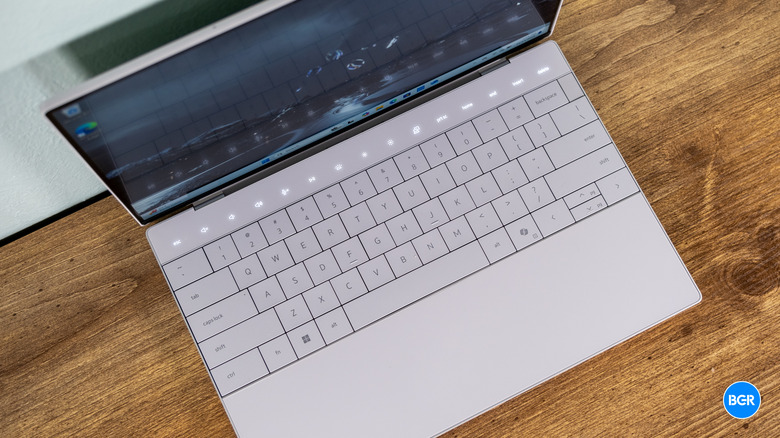
The Zero-lattice Keyboard features large keycaps with minimal spacing, which looks striking but can lead to frequent typos until you adjust your muscle memory. Above the keys sits the capacitive touch row, which replaces physical function keys with glowing icons. While it allows for a sleeker profile, the lack of tactile feedback remains a point of contention for professional users who rely on shortcuts. Below the keyboard is the Haptic Feedback Trackpad, which is invisible and integrated into the glass palm rest. It works surprisingly well, offering a consistent click feel across the entire surface.
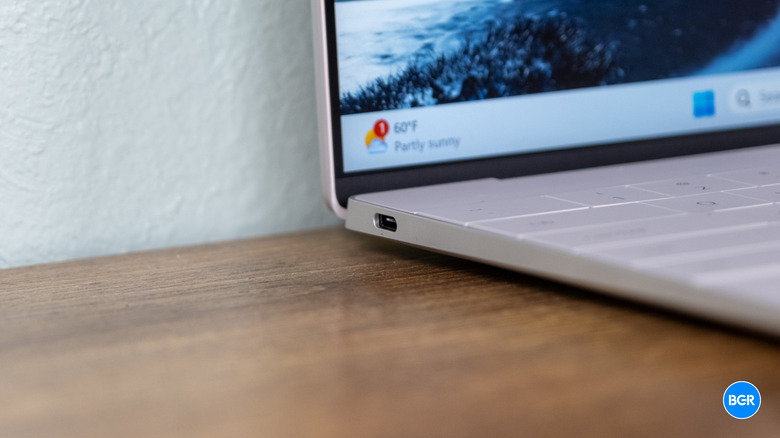
Regarding connectivity, the Dell XPS 13 9350 port selection and adapter needs are something every buyer must acknowledge. You get exactly two Thunderbolt 4 ports—one on each side. There is no microSD slot, no USB-A, and notably, no 3.5mm headphone jack. Dell includes a USB-C to USB-A and a USB-C to 3.5mm adapter in the box, but if you're a power user, a dedicated Thunderbolt dock is essentially mandatory for your desk.
Thermal Management and Real-World Mobility
One of the highlights of the Core Ultra Series 2 is the improved Thermal Management. In previous generations, thin-and-light laptops like the XPS 13 often struggled with heat soak, leading to loud fans and throttled performance. The 9350 handles heat remarkably well, with chassis temperatures peaking around 98°F during sustained workloads. Fan noise is also kept in check, rarely exceeding 46dB even when the Arc 140V GPU is pushed.
However, there is a catch regarding XPS 13 9350 unplugged performance vs plugged in. Like most x86 laptops, the Dell XPS 13 9350 sees a performance dip of roughly 15-40% when running on battery, depending on the power profile selected. This is an area where the Snapdragon model still holds a slight advantage, as ARM chips tend to maintain more consistent clock speeds regardless of the power source.
Despite this, the mobility factor of the 9350 is top-tier. The 18-hour battery life on the LCD model is roughly 4.5 hours longer than its Meteor Lake predecessor, proving that Intel's focus on efficiency with Lunar Lake was not just marketing talk. For the "Road Warrior," this is the first Intel-based XPS that can truly last a full international flight on a single charge.
FAQ
When was the Dell XPS 13 9350 released?
The Dell XPS 13 9350 was officially launched in September 2024, following Intel's reveal of the Core Ultra Series 2 processors. It became available for order shortly after the announcement.
Is the Dell XPS 13 9350 still worth buying?
Yes, it is currently one of the best ultraportables on the market. It is especially worth buying if you need a balance of high-end build quality, excellent battery life, and the guaranteed software compatibility that comes with an Intel x86-64 Architecture.
Does the Dell XPS 13 9350 have a touchscreen?
Touchscreen availability depends on the display configuration. The high-end Tandem OLED and QHD+ models feature touch sensitivity, while the base 1920 x 1200 FHD+ model is typically a non-touch panel to maximize battery efficiency and reduce glare.
How long does the battery last on a Dell XPS 13 9350?
Battery life varies significantly by display. The FHD+ LCD model can last over 18 hours in video playback. However, the Tandem OLED model usually provides between 8 and 10 hours of mixed-use battery life due to the higher power requirements of the screen.