Quick Facts
- Diagnostic Shortcut: If your infotainment head unit is functioning but the port is dead, the USB circuit might still have a dedicated blown fuse.
- The 6-Foot Rule: For stable data connections, never use a cable longer than six feet to avoid signal degradation.
- Power Output: Most factory ports provide an amperage rating between 0.5A and 2.1A, which is often lower than wall chargers.
- Lifespan: Due to extreme cabin temperature swings, expect your car-specific cables to last only 12 to 18 months.
- Safety Tip: Always use non-conductive tools like a wooden toothpick and compressed air to clean ports; never use metal.
- Cost Factor: A professional hardware repair can range between $20 and $300 depending on the vehicle.
Car USB troubleshooting starts with identifying if the fault lies in your cable or the vehicle's hardware. To determine if the issue is the cable or the port, swap to a USB-IF or MFi certified cable under six feet. If the new cable fails, the issue is likely a blown fuse, debris in the port, or outdated infotainment software.
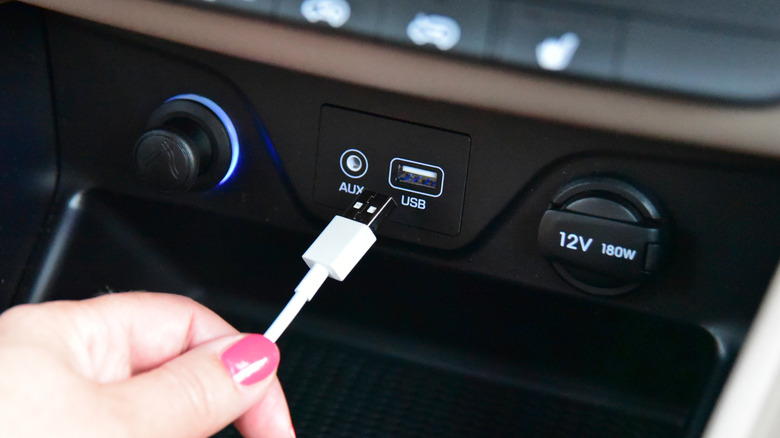
Step 1: Evaluating the Cable Quality
When you are trying to figure out how to tell if car usb port or cable is broken, the cable is almost always the prime suspect. Unlike the static environment of your bedside table, a car cable is subjected to constant vibration, UV exposure, and heat. The internal copper wiring can fray even if the outer shielding looks pristine.
Many drivers unknowingly use a charge-only cable. These are inexpensive cords that lack the internal data-transfer pins required for modern smartphone integration. If you find your phone is receiving power but you are facing car USB data transfer issues where the screen stays blank, the cable is likely missing the necessary data lines. For users looking for the best usb cable for car data transfer android auto, look specifically for USB-IF certification or, for iPhone users, MFi certification. These standards ensure the cable can handle the specific handshaking protocols required by your vehicle.
Length also plays a major role in connectivity. We often see signal degradation in cables exceeding six feet. The longer the distance the digital signal has to travel, the more likely it is to be interrupted by the electrical noise generated by your car's engine. If you are seeking a car usb port recognized as charging only fix, switching to a high-quality, three-foot certified cable is the first thing you should do.
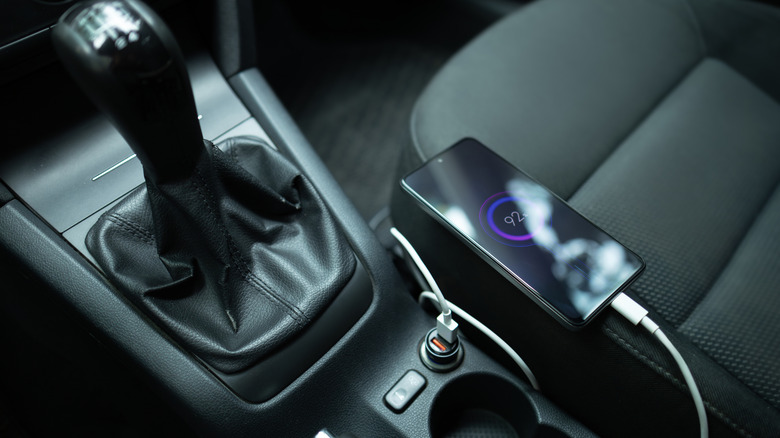
Step 2: Physical Port Inspection and Cleaning
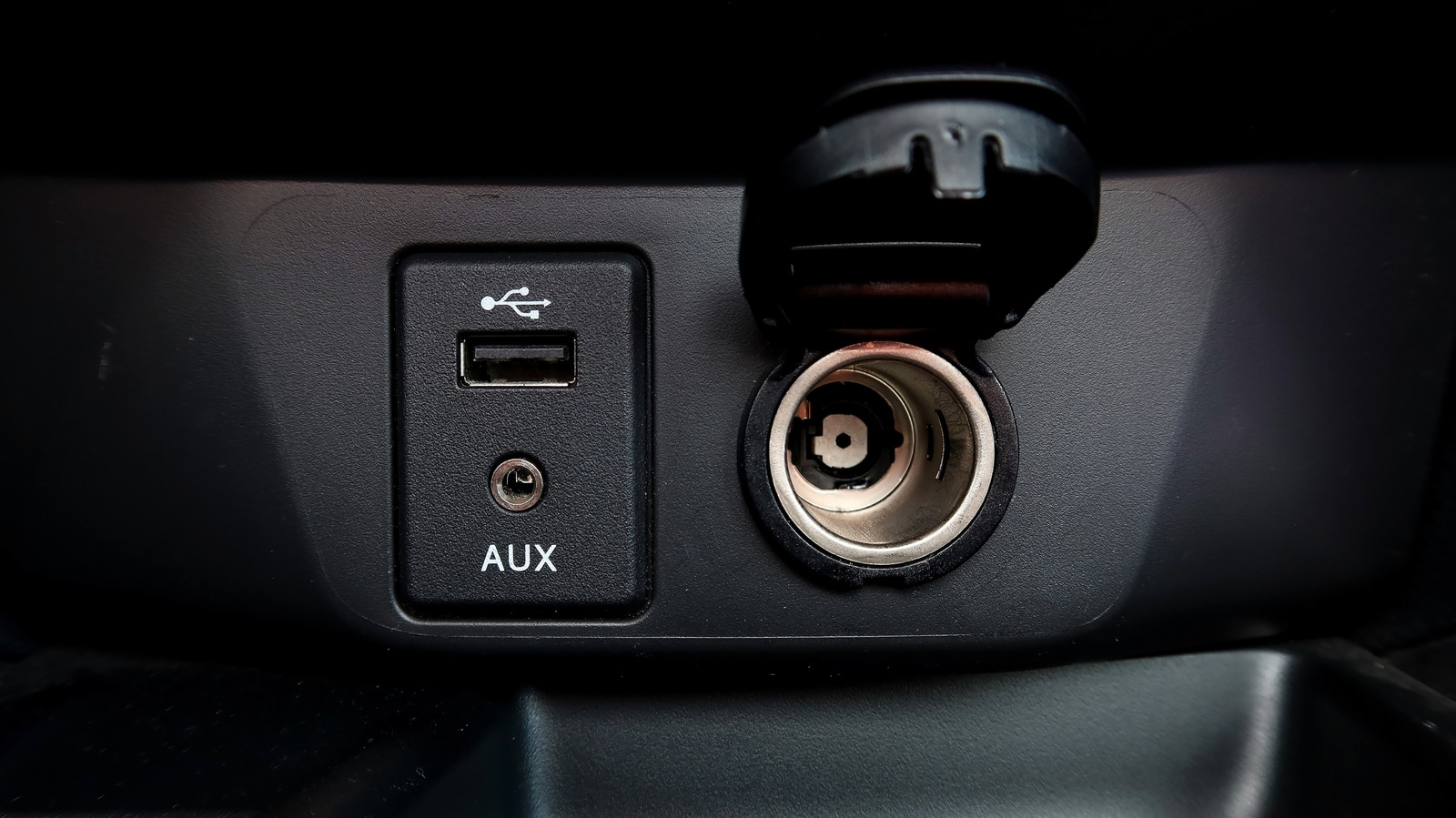
If a brand-new certified cable still fails, it is time to look closely at the port itself. Car interiors are magnets for dust, lint, and even crumbs. Because the USB port is often located in the center console or near cup holders, it is highly susceptible to contamination.
To perform a safe cleaning, start with a can of compressed air. Use short bursts to dislodge any loose particles. If there is visible gunk inside, you can learn how to clean debris out of car usb port safely by using a wooden or plastic toothpick. Avoid any metal tools, as these can short out the pins and cause permanent electrical damage.
In older vehicles or cars used in humid climates, you might encounter electrical oxidation. This is a thin layer of corrosion that forms on the metal contacts, preventing a clean electrical bridge. You can gently clean these contacts using a tiny amount of high-percentage isopropyl alcohol on a lint-free swab, ensuring the car is completely off during the process. Also, look for any connector pin alignment issues. If a pin is bent or pushed back into the housing, the physical port may need to be replaced.
Step 3: Troubleshooting the Electrical System and Fuses
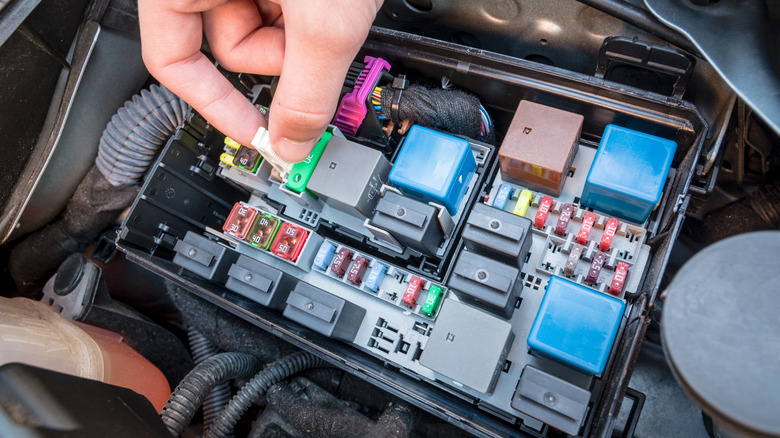
When you have a car USB port not charging at all, the problem might be deeper in the vehicle's electrical architecture. Every electronic component in your car is protected by a fuse. If there was a brief power surge or if a faulty device was plugged in, the fuse might have popped to protect the infotainment head unit.
A common point of confusion for drivers is the car usb port not charging phone but radio works scenario. Many people assume that if the music is playing, all the fuses must be fine. However, modern cars often split the entertainment system and the power outlets across different circuits. You will need to locate your fuse box diagram, which is usually found in the owner's manual or on a panel under the dashboard or under the hood.
Here are the common symptoms of blown fuse for car usb port issues:
- The port provides zero power to any device, regardless of the cable used.
- The port LED light (if equipped) does not illuminate.
- Multiple ports in the same area stop working simultaneously.
If you are comfortable with basic tools, you can use a multimeter testing approach to verify if the port is receiving the correct voltage. Set your multimeter to DC volts and check the outer pins of the port. If the reading is zero but your fuse box looks intact, the wiring harness behind the dashboard might have come loose. Given that most factory ports have a limited amperage rating, you should also manage your expectations; they are often designed for data syncing rather than high-speed charging for power-hungry tablets.
Step 4: Software and Infotainment System Updates
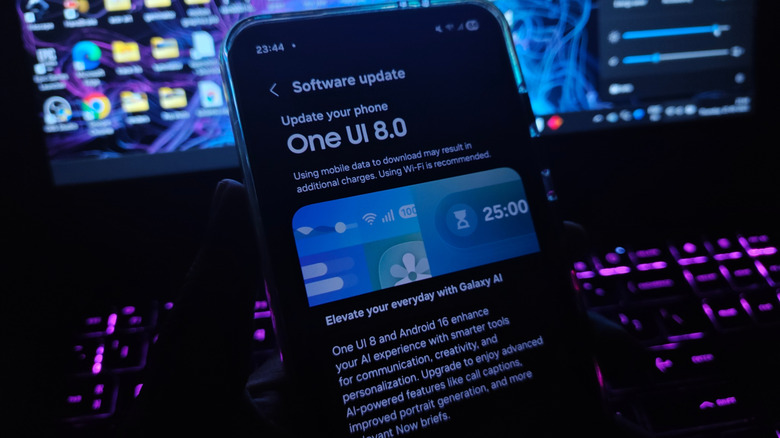
Sometimes the hardware is perfect, but the digital "handshake" fails. Your smartphone receives regular updates, but your car's infotainment head unit might be running software from three years ago. This mismatch can lead to Apple CarPlay or Android Auto failing to launch.
Manufacturers often release firmware updates to address bugs that cause recognition errors. Some modern vehicles support OTA firmware updates via Wi-Fi, while others require you to download a file to a USB drive and manually install it through the system settings. If you have ruled out the cable and the fuse, check the manufacturer’s website for any technical service bulletins related to USB connectivity.
Additionally, check your phone’s internal settings. Sometimes, when a phone is plugged into a new car, it defaults to a power-only mode for security reasons. Go into your smartphone's developer options or USB settings and ensure that the default configuration is set to data transfer.
Summary of Diagnostic Steps
| Fix Level | Action | Tool Needed |
|---|---|---|
| Step 1 | Replace cable with MFi/USB-IF certified cord | New Cable |
| Step 2 | Clear dust and debris from the port | Compressed Air |
| Step 3 | Inspect the fuse box for blown circuits | Fuse Puller |
| Step 4 | Update infotainment and phone software | Wi-Fi / USB Drive |
| Step 5 | Test voltage and ground connections | Multimeter |
FAQ
Why is my car USB port not charging my phone?
This usually happens because the cable is damaged or the port is restricted to a very low power output. Many older car ports only provide about 0.5A, which might not be enough to charge a modern smartphone while it is running GPS and music. Alternatively, a blown fuse or a build-up of lint inside the port could be preventing the electrical connection.
Why does my phone keep disconnecting from the car USB?
Constant disconnections are typically caused by a loose physical connection or signal degradation. If your cable is longer than six feet or lacks proper shielding, the data stream will be interrupted by the car's electrical interference. Ensure you are using a high-quality data-certified cable and that the port is free of debris that might prevent the cable from seating fully.
Can a blown fuse cause car USB ports to stop working?
Yes, a blown fuse is a very common cause for a completely unresponsive port. Cars use fuses to prevent electrical surges from damaging the expensive infotainment head unit. If the port provides no power and no data, check the fuse box diagram to see if the dedicated USB or cigarette lighter circuit has failed.
How do I clean a dirty car USB port?
The safest way to clean a port is to use short bursts of compressed air to blow out dust. If there is stubborn grime, use a non-conductive tool like a thin wooden toothpick to gently scrape it out. Never use needles, paperclips, or anything metal, as this can permanently damage the sensitive pins inside the port.
How much does it cost to fix a broken car USB port?
The cost of replacing car usb port diy vs dealership cost varies significantly. If it is just a blown fuse, you can fix it yourself for under $5. However, if the physical port is damaged, a professional replacement usually costs between $20 and $300 depending on your vehicle's make and how difficult it is to access the dashboard wiring.
If you have tried every step in this guide—swapped the cable, cleaned the port, checked the fuses, and updated the software—and you still have no connection, it is likely time to visit a professional. A technician can perform more advanced electrical tests to see if the hardware has suffered from internal electrical oxidation or a wiring harness failure. In the meantime, stick to certified accessories to keep your devices safe and your connections stable.