Quick Facts
- Primary Choice: To ensure Apple Pencil compatibility, your first step is always identifying your specific iPad model through the Settings menu.
- Apple Pencil Pro: This model is exclusive to the latest iPad Pro M4 and M5 series, as well as M2 and M4 iPad Air models running iPadOS 17.5 or later.
- Apple Pencil 2nd Gen: This remains the best choice for previous-generation iPad Pro, iPad Air, and iPad mini models that support magnetic charging.
- Apple Pencil USB-C: This is the most broadly compatible model, working with any iPad that has a USB-C port, though it lacks pressure sensitivity.
- Legacy Support: The Apple Pencil 1st Gen is reserved for the base iPad (6th-10th generation) and older Pro models, often requiring an adapter for newer base models.
- Key Limitation: The Apple Pencil (USB-C) is currently the only model in the lineup that does not support pressure sensitivity.
Choosing an Apple Pencil in 2024 is more confusing than ever with four models on the market. Whether you have the new iPad Pro M4 or a classic iPad mini, our Apple Pencil compatibility guide ensures you pick the right tool for the job. To determine Apple Pencil compatibility, identify your iPad model via Settings > General > About. The Apple Pencil Pro is exclusive to the iPad Pro M4 and M5 series, as well as M2 and M4 iPad Air models running iPadOS 17.5 or later. Compatibility is strictly determined by the iPad's internal hardware and the specific pairing and charging mechanisms, such as magnetic docks or USB-C ports.
Step One: Identify Your iPad Model
Before you look at the different styluses, you must know exactly what hardware you are holding. Apple’s naming conventions can be tricky; an "iPad Air" from 2020 looks almost identical to an "iPad Air" from 2024, but they use different pencils. Using the wrong one simply won't work—the magnets won't align, or the Bluetooth won't pair.
To find the exact name of your device, follow this path: Open Settings, tap General, and then tap About. You will see the Model Name listed clearly. This is the most reliable way to find ipad model name for apple pencil support because it removes the guesswork of measuring screen sizes or counting camera lenses.
Expert Tip: If your iPad cannot turn on, check the back of the device for a small model number starting with the letter "A" (e.g., A2836). You can search this number on Apple's support site to confirm your model.
The New Standard: Apple Pencil Pro Compatibility
Released in May 2024, the Apple Pencil Pro represents the current pinnacle of Apple's stylus technology. However, it is also the most restrictive in terms of support. As of 2024, Apple's stylus lineup consists of four distinct models, and the Pro model is designed specifically for the newest high-end silicon.
The Apple Pencil Pro, released in May 2024, is exclusively compatible with iPad Pro (M4), iPad Air (M2), and iPad mini (A17 Pro) models. There is also an ipados version needed for apple pencil pro compatibility; your device must be running iPadOS 17.5 or later to recognize the pencil.
What makes this model special are the features that rely on new internal sensors. It introduces a Squeeze gesture, where you can pinch the barrel of the pencil to bring up a tool palette, and Haptic feedback, which provides a light vibration to confirm actions like snapping a shape into place. It also supports Barrel roll, a feature that uses a gyroscope to allow you to rotate the pencil to change the orientation of shaped pen and brush tools, much like a real calligraphy pen. Because these features require specific magnetic and charging hardware, the Apple Pencil Pro is the only apple pencil compatibility for ipad pro m4 and m5 owners should consider.
The Workhorse: Apple Pencil (2nd Generation)
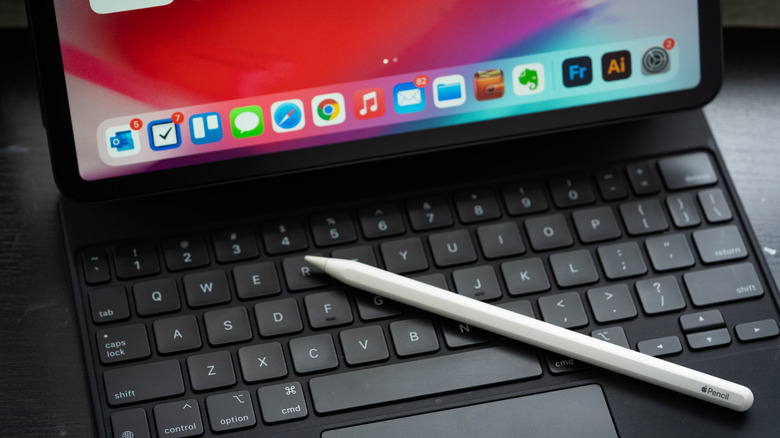
For several years, the 2nd generation pencil was the gold standard. It features a sleek, matte finish with one flat side that snaps magnetically to the side of your iPad for wireless pairing and charging. While it looks very similar to the new Pro model, the internal magnets are arranged differently.
The primary difference between apple pencil pro and 2nd generation support is that the 2nd generation model cannot be used with the newest M4 and M5 series iPads. If you try to attach a 2nd generation pencil to an M4 iPad Pro, it may stick to the side, but it will not pair or charge.
The 2nd generation model is compatible with:
- iPad Pro 12.9-inch (3rd, 4th, 5th, and 6th generation)
- iPad Pro 11-inch (1st, 2nd, 3rd, and 4th generation)
- iPad Air (4th and 5th generation)
- iPad mini (6th generation)
This model remains a favorite for digital illustration because it offers full pressure sensitivity, allowing you to draw thicker or thinner lines based on how hard you press. If you own an iPad Air 5th Gen or an older 11-inch Pro, this is your best option for a professional creative experience.
The Budget Option: Apple Pencil (USB-C)
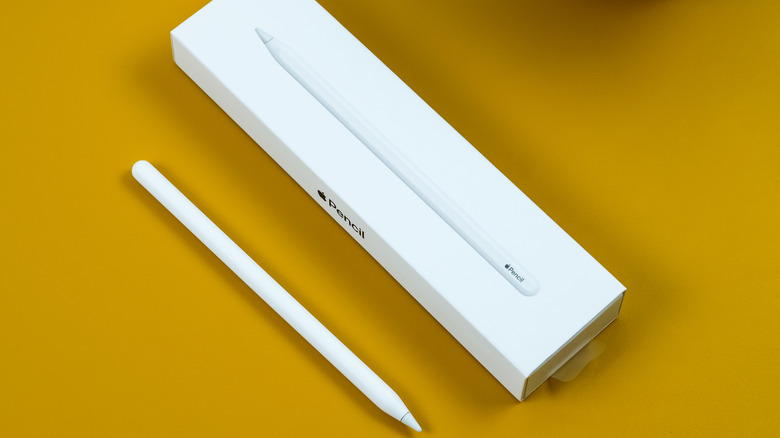
If you are looking for a more affordable entry point, the Apple Pencil (USB-C) is a versatile choice. It was designed to bridge the gap between different iPad generations. While the Apple Pencil (USB-C) is compatible with every iPad model featuring a USB-C port, it is the only model in the current lineup that lacks pressure sensitivity.
This makes it an excellent tool for students and note-takers who prioritize palm rejection and tilt detection but don't necessarily need the nuanced stroke control required for fine art. Regarding apple pencil usb-c compatibility for ipad air models, it works perfectly with the Air 4, Air 5, and the newer M2/M4 models.
One unique aspect of this model is its apple pencil charging and pairing requirements. Unlike the 2nd Gen or Pro models, it does not charge wirelessly. Instead, a sliding cap reveals a USB-C port, and you must connect a cable to your iPad or a power brick to charge it. It will attach magnetically to the side of your iPad for storage, but it stays in "sleep" mode while attached and does not draw power.
The Legacy Choice: Apple Pencil (1st Generation)
The original Apple Pencil is still very much alive, primarily because the base model iPad (the one simply called "iPad") still relies on it. This model is easily identified by its glossy finish and the removable cap that hides a Lightning connector.
The apple pencil charging and pairing requirements for the 1st generation are the most cumbersome. For older iPads with a Lightning port, you simply plug the pencil directly into the bottom of the tablet. However, for the iPad 10th generation, which has a USB-C port but only supports the 1st generation pencil, you must use a USB-C to Lightning adapter to pair and charge.
The 1st generation model is compatible with:
- iPad (6th through 10th generation)
- iPad Air (3rd generation)
- iPad mini (5th generation)
- iPad Pro 12.9-inch (1st and 2nd generation)
- iPad Pro 10.5-inch
- iPad Pro 9.7-inch
Despite the awkward charging method, it still offers pressure sensitivity, making it a better choice for budget-conscious artists than the USB-C model if they own a compatible iPad.
Summary Matrix: Features vs. Compatibility
To help you visualize the trade-offs, here is how the current 2024 lineup compares across technical specs and physical traits.
| Feature | Apple Pencil Pro | Apple Pencil (2nd Gen) | Apple Pencil (USB-C) | Apple Pencil (1st Gen) |
|---|---|---|---|---|
| Pressure Sensitivity | Yes | Yes | No | Yes |
| Tilt Detection | Yes | Yes | Yes | Yes |
| Wireless Charging | Yes | Yes | No | No |
| Haptic Feedback | Yes | No | No | No |
| Barrel Roll | Yes | No | No | No |
| Find My Support | Yes | No | No | No |
| Finish | Matte | Matte | Matte | Glossy |
| Connection Type | Magnetic | Magnetic | USB-C Cable | Lightning / Adapter |
Understanding the "Why" Behind Compatibility
Many readers ask why Apple doesn't just make one pencil that works with everything. The answer lies in the hardware evolution of the iPad itself. As iPads became thinner and the "selfie" camera moved from the short top edge to the long side edge (to better accommodate video calls in landscape mode), the internal magnets and charging coils had to be moved.
The Apple Pencil Pro and the M4 iPad Pro reflect this internal redesign. This is why the 2nd generation pencil, which relies on a different magnet alignment, cannot function with the newest tablets. It isn't just a software lock; it is a physical limitation of the charging and pairing requirements for apple pencil models.
When you are shopping, pay close attention to the pairing mechanism. If your iPad has a flat edge, it likely supports a magnetic pencil (Pro, 2nd Gen, or USB-C). If it has a home button and a curved edge, it almost certainly requires the 1st generation Lightning model.
FAQ
Which iPad models are compatible with the Apple Pencil 2nd generation?
The Apple Pencil 2nd generation is compatible with the iPad Pro 12.9-inch (3rd through 6th generation), iPad Pro 11-inch (1st through 4th generation), iPad Air (4th and 5th generation), and the iPad mini (6th generation). It is specifically designed for models with a magnetic connector on the side but does not support the newest M4 or M2 models released in 2024.
Does the 1st generation Apple Pencil work with the latest iPad?
No, the 1st generation Apple Pencil does not work with the latest iPad Pro M4, iPad Air M2, or the iPad mini A17 Pro. It is primarily compatible with the base iPad models (6th through 10th generation) and older versions of the Pro, Air, and mini that feature a Lightning port or specific internal hardware.
How do I know which Apple Pencil is compatible with my iPad?
The most accurate way is to check your iPad model name by going to Settings > General > About. Once you have the model name, compare it against the official compatibility list. Generally, the Apple Pencil Pro is for the newest 2024 models, the 2nd generation is for older "flat-edge" models, the USB-C version works with any USB-C iPad, and the 1st generation is for "home button" iPads and the iPad 10th Gen.
What iPads are compatible with the Apple Pencil USB-C?
The Apple Pencil USB-C is compatible with any iPad model that has a USB-C port. This includes the iPad Pro 12.9-inch (3rd generation and later), iPad Pro 11-inch (all generations), iPad Air (4th generation and later), iPad mini (6th generation and later), and the base iPad (10th generation). It is a great universal option for modern iPad owners who do not need pressure sensitivity.
Will the Apple Pencil Pro work with older iPad Pro models?
No, the Apple Pencil Pro will not work with older iPad Pro models like the M1 or M2 versions. It requires the specific magnetic charging architecture found only in the iPad Pro M4 and iPad Air M2. Even if your older iPad is running iPadOS 17.5, it lacks the hardware to pair with or charge the Pro pencil.