Quick Facts
- Best File Format: FAT32 with FLAC or 320kbps MP3 for optimal playback compatibility.
- Storage Capacity: A 256GB drive can hold approximately 83,000 songs at high-bitrate MP3 or thousands of lossless tracks.
- Quality Edge: Provides a 20-30% better dynamic range compared to standard Bluetooth streaming.
- Top Benefit: Eliminates data compression and signal interference common in wireless transmissions.
- System Optimization: Direct digital link to the head unit Digital-to-Analog Converter ensures maximum fidelity.
- Durability: High-quality NAND flash drives are built to withstand the temperature fluctuations of a vehicle interior.
USB car audio offers the highest fidelity by bypassing compressed wireless signals. For the best experience, use a lossless audio car usb setup to ensure uncompressed signal-to-noise ratios directly to your head unit.
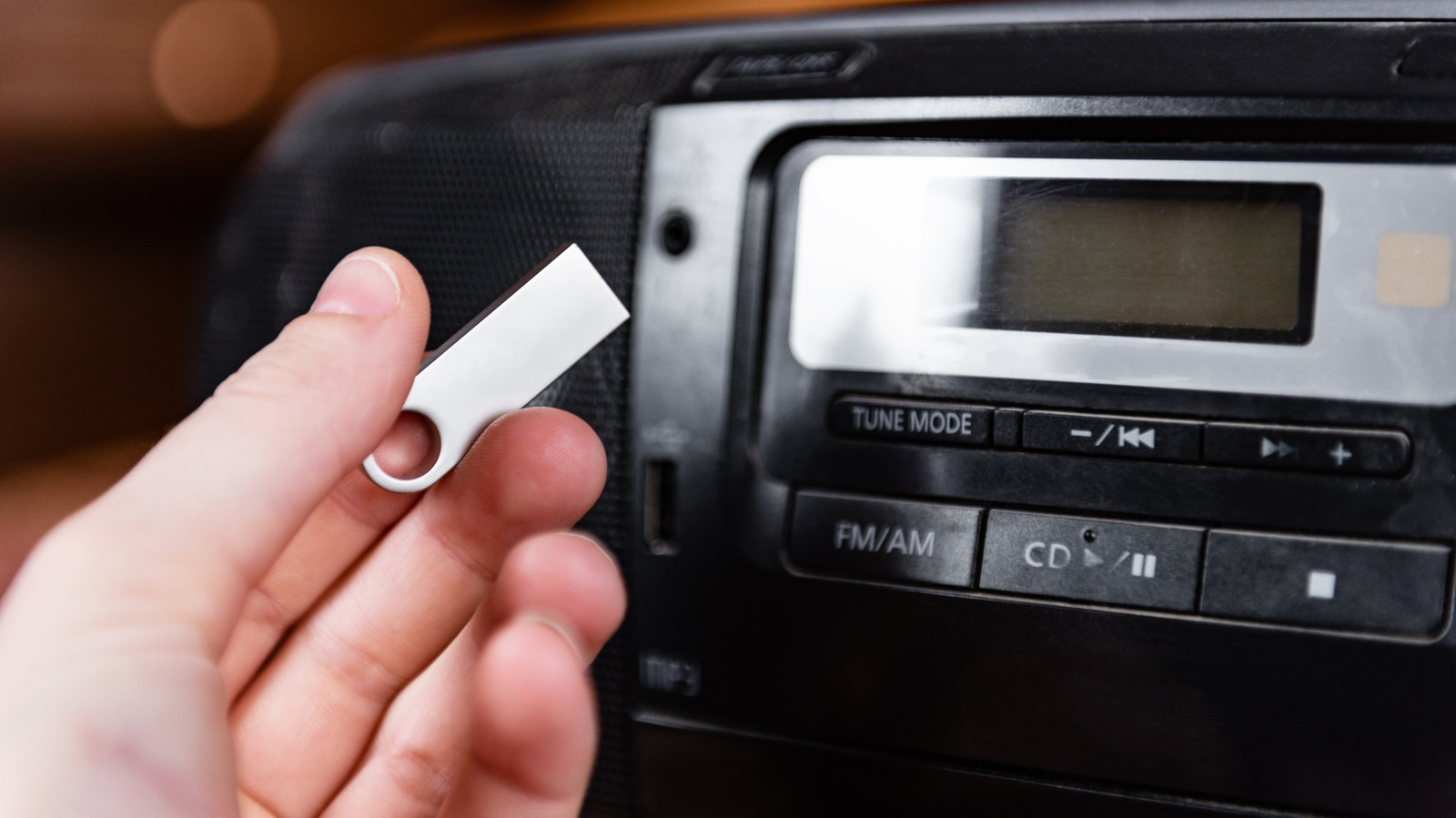
We spend a lot of money on premium speakers and sound deadening for our vehicles, yet most of us settle for the convenience of Bluetooth streaming. As someone who spends their life testing high-end audio equipment, I can tell you that convenience is the enemy of fidelity. If you want to actually hear the texture of a bass guitar or the crisp decay of a cymbal in your car, you need a physical connection. While many modern cars have removed the CD player, the humble USB port remains. Plugging in a dedicated flash drive is the single most cost-effective upgrade you can make to your mobile listening environment.
Reason 1: Unrivaled Audio Fidelity vs. Wireless
The biggest bottleneck in modern car audio is the air between your phone and your dashboard. Bluetooth was originally designed for hands-free calling, not high-fidelity music. Even with modern codecs like aptX or AAC, wireless transmission relies on heavy data compression to fit the music into a narrow frequency band. This process strips away the micro-details that give music its life.
When you use a usb car audio setup, you are transmitting raw, unprocessed digital data directly to the vehicle head unit. This is critical because it allows the car's internal Digital-to-Analog Converter to do its job without having to "reconstruct" a damaged wireless signal. Research indicates that USB connections provide superior audio fidelity in vehicles by transmitting unprocessed digital data directly to the head unit, avoiding the lossy compression inherent in Bluetooth streaming.
By bypassing the Bluetooth stack, you achieve a much higher signal-to-noise ratio. You will notice that the background "hiss" during quiet passages of a song disappears. The music feels more immediate, with a punchier low-end and a more defined soundstage. If you have ever felt that your car speakers sounded a bit "muddy" or "thin," the problem likely isn't the speakers—it is the wireless compression.
Reason 2: Support for Lossless Formats
For those of us who demand the best, MP3s are just the starting point. A major advantage of a usb car audio system is the ability to play lossless audio car usb files. While streaming services often cap their mobile quality to save data, a flash drive has no such limits.
If your head unit supports it, you can load your drive with FLAC or WAV files. These formats are bit-perfect copies of the original studio recording or CD. Because the car stereo usb file format doesn't have to worry about cellular signal strength, you get 16-bit/44.1 kHz (CD quality) or even high-resolution 24-bit audio without a single skip or stutter.
| File Format | Quality Level | Best For | Compatibility |
|---|---|---|---|
| MP3 (320kbps) | High (Lossy) | General listening/Storage efficiency | Universal |
| FLAC | Best (Lossless) | Audiophiles/Home library backups | High (Most modern units) |
| WAV | Best (Lossless) | Maximum compatibility with older units | High |
| AAC | High (Lossy) | Apple ecosystem users | Moderate |
When playing flac files in car via usb, you also avoid the annoying "alternator noise" or ground loop interference often found with AUX cables. Since the signal remains digital until it reaches the head unit, the electrical environment of the car doesn't degrade the sound.
Reason 3: Massive Capacity & Offline Reliability
Streaming is great until you hit a rural dead zone or enter an underground parking garage. There is nothing more frustrating than your favorite track cutting out right at the chorus. With a dedicated drive, you have total offline playback reliability.
Let's look at the storage math. A 256GB flash drive is roughly the size of a fingernail, yet it can hold a massive music library. If you use high-bitrate MP3s, you're looking at tens of thousands of songs. Even if you prefer lossless audio car usb files, you can easily fit 400 to 500 full albums in high resolution. This provides a level of variety that no radio station can match.
Furthermore, these devices are designed for durability. Modern NAND flash durability is impressive; these drives can handle the extreme heat of a car sitting in the sun or the freezing temperatures of winter without the moving parts of a hard drive or the fragility of a smartphone battery. You can leave the drive plugged in year-round, and it will be ready to play the second you start the ignition. This bypasses the "pairing lag" we often experience with Bluetooth, where you have to wait 30 seconds for your phone to connect before the music starts.
Reason 4: Zero Subscription Costs
We are currently living in an era of "subscription fatigue." Between Spotify, Tidal, Apple Music, and Amazon Music, the monthly costs add up. A usb car audio upgrade is a one-time investment. Once you buy the drive—which costs less than two months of a premium streaming subscription—the music is yours forever.
By managing your own music library, you aren't at the mercy of licensing agreements. We’ve all seen favorite albums disappear from streaming services overnight because of legal disputes. When the files are on your usb car audio drive, you own the bits. This allows you to curate a specific "driving collection" that is perfectly tailored to your tastes, featuring rare live recordings, bootlegs, or high-quality vinyl rips that you simply can't find on mainstream platforms.
Reason 5: Optimized Organization & Metadata
Modern infotainment system displays are large and beautiful, but they only look as good as the data you give them. When you stream via Bluetooth, the album art is often low-resolution or missing entirely. By using a proper usb music folder structure, you ensure that your dashboard looks as good as it sounds.
To get the most out of your car stereo, you should organize your files using a logical hierarchy. I recommend the Artist > Album > Track method. This structure helps the car's software index the files quickly, preventing the lag that occurs when a system tries to read thousands of songs in a single root directory.
Additionally, you can use software to ensure your ID3 metadata tags are perfect. This ensures that every song shows the correct artist name, song title, and high-resolution album artwork on your screen. There is a tactile satisfaction in scrolling through a perfectly organized library using your car's physical knobs or steering wheel controls, rather than fumbling with a touchscreen on a smartphone while driving.
Technical Setup: Formatting for Compatibility
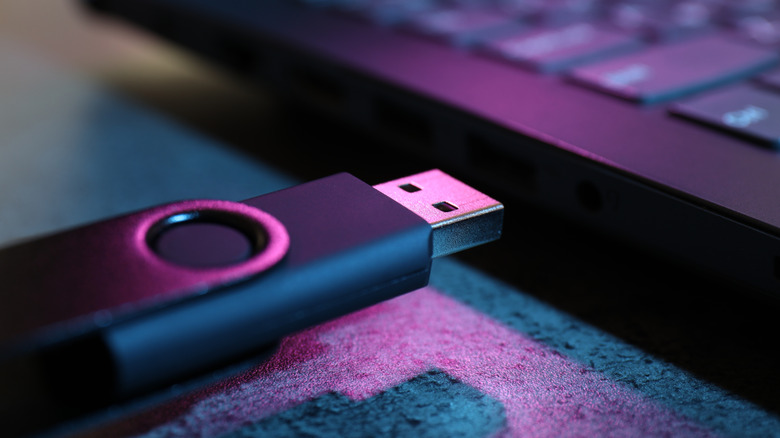
Before you start dragging your music onto a drive, you need to ensure the car stereo usb file format is correct. The most common reason a car fails to recognize a drive is the wrong file system. Most head units, even modern ones, require the FAT32 file system. While newer formats like ExFAT or NTFS are common on PCs, they often cause "No Device Found" errors in vehicles.
If you are using a drive larger than 32GB, Windows might not give you the option to format to FAT32 natively. In this case, you'll need a third-party utility to force the format. Once formatted, I suggest performing a single-track test. Put one MP3 and one FLAC file on the drive and plug it into your car. If the car recognizes both, you are good to go. If it only sees the MP3, you know your system doesn't support lossless formats and you should stick to high-bitrate MP3s.
Troubleshooting Checklist for USB Audio:
- Confirm the file system is FAT32.
- Check the maximum usb drive capacity for car stereo (refer to your manual).
- Ensure folder depth does not exceed 8 levels.
- Verify that ID3 tags are version 2.3 or 2.4.
- Check for hidden system files (like .DS_Store on Mac) that can confuse the indexer.
FAQ
Is USB audio quality better than Bluetooth in a car?
Yes, usb car audio quality is significantly better than Bluetooth. USB allows for a direct digital connection that supports much higher bitrates and lossless formats without the data compression and signal interference that occurs with wireless streaming. This results in a better signal-to-noise ratio and greater dynamic range.
What file format should a USB be for a car stereo?
The most compatible car stereo usb file format is FAT32. For the music files themselves, MP3 is the most widely supported, but for better audio fidelity, you should use FLAC or WAV if your car's head unit supports them.
What is the maximum USB drive size a car stereo can read?
The maximum usb drive capacity for car stereo systems varies by manufacturer. Many older systems are limited to 32GB or 64GB, while most modern infotainment system units can handle 256GB or even 512GB drives, provided they are formatted correctly to FAT32.
Can I play music from a USB drive in my car?
Yes, almost any car built in the last decade with a USB port can play music from a flash drive. You simply need to ensure the drive is formatted to FAT32 and that your music is in a supported format like MP3, AAC, or FLAC.
Why is my car's USB port not recognizing my device?
If your drive isn't recognized, it is usually because the file system is set to NTFS or ExFAT instead of FAT32. Other common issues include using a drive that exceeds the maximum supported capacity or having a usb music folder structure that is too complex for the head unit to index.
Final recommendation: If you are serious about your sound, grab a high-quality 256GB flash drive. It is a small, one-time investment that transforms your car from a simple transport pod into a high-fidelity listening room. Just remember to check your owner's manual for specific file support before you start your library migration. Happy listening.