Quick Facts
- Core Utility: The JBL infinity button function acts as a gateway to the JBL PartyBoost ecosystem, enabling multi-speaker linking.
- Scale of Connection: This protocol supports the wireless synchronization of up to 100 compatible speakers to play audio simultaneously.
- Dual Audio Modes: Users can select between Party Mode (mono broadcast) and Stereo Mode (left-right separation).
- Hardware Restrictions: Stereo Mode strictly requires two identical speaker models to ensure balanced Harman Audio Engineering standards.
- Protocol Evolution: JBL PartyBoost is a standalone protocol and is not backwards compatible with older Connect or Connect+ devices.
- Market Context: The global portable Bluetooth speaker market is expected to reach US$ 33.7 billion by 2032, driven by features like advanced daisy-chaining.
- Setup Pro-Tip: For the best connection stability, always initiate playback on the primary speaker for at least 20 seconds before linking additional units.
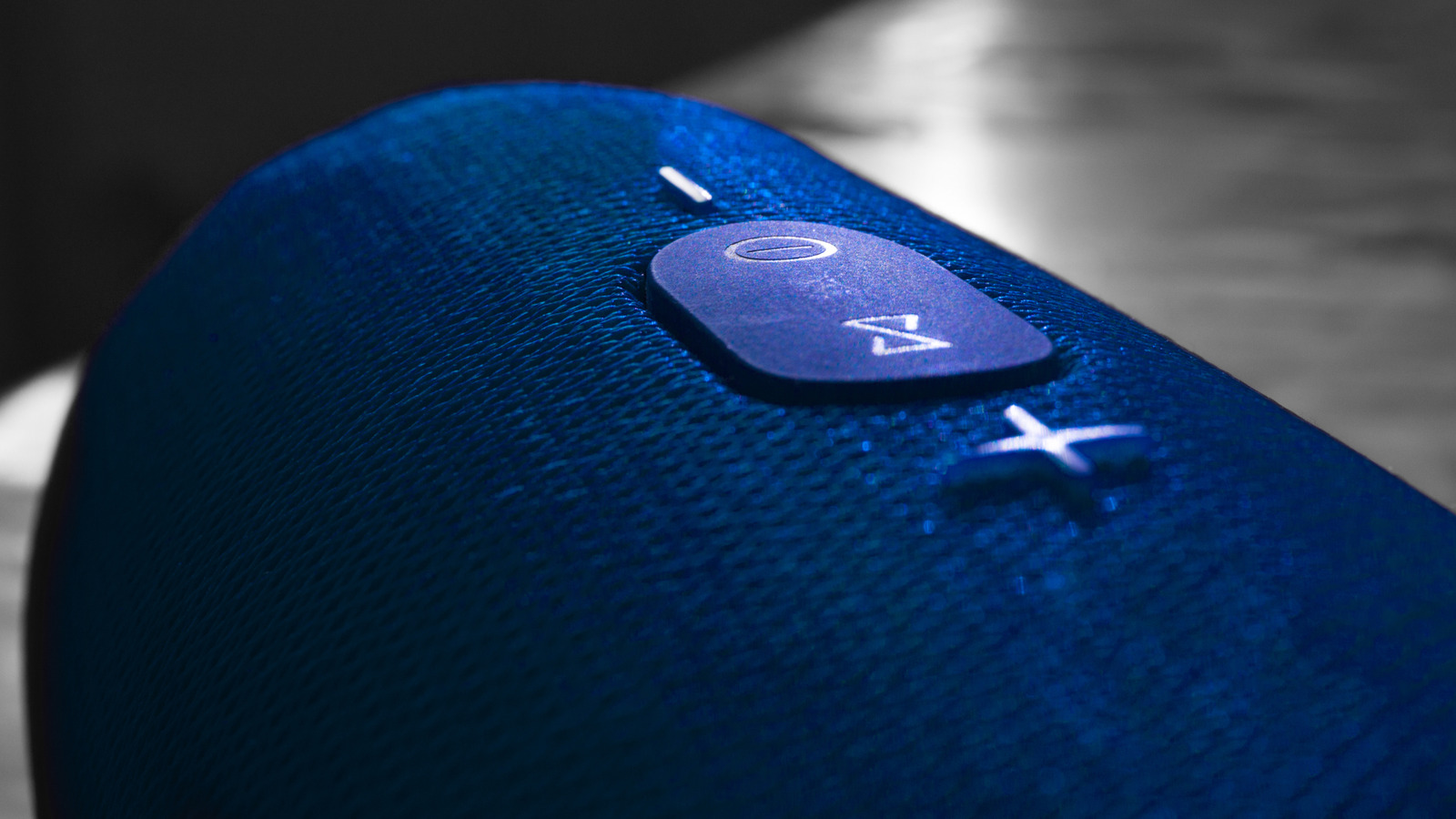
The infinity symbol on a JBL speaker activates the JBL PartyBoost function, a proprietary wireless protocol designed to link multiple compatible speakers together. By pressing this button, users can synchronize audio across dozens of devices to expand the soundstage for large outdoor events or indoor gatherings. This feature replaces older connection standards like Connect+ and is standard on modern models such as the Flip 6 and Charge 5.
Understanding the JBL Infinity Button: More Than a Symbol
When you look at the top control panel of a modern portable speaker, you might wonder what does the infinity symbol on jbl speaker mean compared to the older hourglass icons of the past decade. As audio editors, we have watched JBL iterate through several generations of wireless linking protocols. The transition to the infinity icon represents the move to JBL PartyBoost, a more robust and low-latency system designed to handle the demands of modern high-fidelity streaming.
Unlike basic Bluetooth pairing, the JBL infinity button function utilizes a sophisticated Bluetooth Daisy-Chaining technique. In the early days, the JBL Connect protocol was the standard, followed by Connect+. However, as the portable audio market shifted toward more complex wireless ecosystems, Harman Audio Engineering developed PartyBoost to offer better signal range and wall-penetration capabilities. This shift was largely necessitated by the integration of Bluetooth 5.1 and 5.3 chipsets, which provide the bandwidth required for keeping up to 100 units in perfect time.
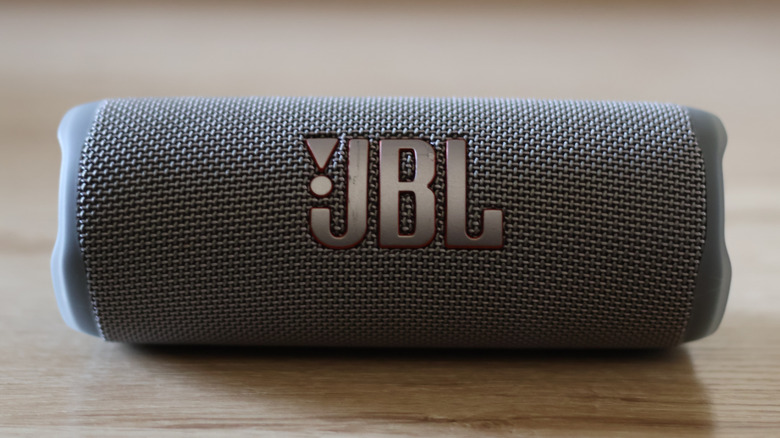
From a design perspective, the infinity button is usually tactile and easy to find even in low-light environments like a late-night bonfire. It serves as the physical trigger for the speaker to enter a broadcast or receive state. When you tap this button, the speaker sends out a "handshake" signal to find other nearby PartyBoost-enabled devices. It is a seamless way to transform a single Flip 6 into a massive wall of sound without needing a tangle of auxiliary cables or a professional mixer.
Party Mode vs. Stereo Mode: Choosing Your Soundstage
One of the most frequent questions we receive is regarding the choice between jbl party mode vs stereo mode for music. While both modes utilize the same button, the resulting audio profile is vastly different. Understanding these differences is key to optimizing your Immersive Listening experience depending on your environment.
In Party Mode, every speaker in the chain plays the same full-range mono signal. This is ideal for large, sprawling Outdoor Events where guests are moving around. By spreading four or five speakers across a backyard, you ensure that there are no "dead zones" in the audio coverage. Because everyone hears the same thing regardless of where they stand, it creates a consistent atmosphere.
Stereo Mode, however, is where the audiophile experience truly begins. By using the jbl portable app partyboost setup guide to toggle this mode, you assign one speaker to the left channel and another to the right. This creates a legitimate Soundstage Expansion that mimics a traditional home hi-fi system. To achieve this, you must use two identical models—for example, two Charge 5 units. You cannot create a stereo pair using a Flip 6 and a Charge 5 because their wattage and driver configurations differ, which would lead to an unbalanced sound.
| Feature | Party Mode | Stereo Mode |
|---|---|---|
| Speaker Limit | Up to 100 units | Exactly 2 units |
| Audio Configuration | Synchronized Mono | Dedicated Left/Right Channels |
| Compatibility | Mix of any PartyBoost models | Must be two identical models |
| Best Use Case | Large parties, multi-room audio | Focused listening, desktop setup |
| App Required? | Optional (can use button) | Highly recommended for L/R assignment |
How to Sync Multiple JBL Speakers: A Step-by-Step Setup
If you want to know how to sync multiple JBL speakers, the process is straightforward but requires a specific chronological order to ensure Firmware Optimization and signal stability. We have tested this across dozens of units, and following these steps will prevent the common "drop-out" issues that occur when the handshake is interrupted.
- Establish the Primary Connection: Connect your smartphone or tablet to the first speaker via the standard Bluetooth menu. This becomes your "Master" unit.
- The 20-Second Rule: Start playing your music on this primary speaker. We recommend letting it play for about 20 seconds. This allows the Bluetooth buffer to stabilize and ensures the master unit is ready to broadcast.
- Activate the Master: Press the infinity button on the primary speaker. You will usually hear a short tone or see the button light up, indicating it is searching for companions.
- Link the Secondary Units: Move to your additional speakers and press their infinity buttons. They do not need to be paired with your phone; they only need to be within range of the primary unit.
- Refine with the App: Open the jbl portable app partyboost setup guide on your phone. The app will detect all linked speakers and allow you to switch between Party and Stereo modes or check for software updates.
When you know how to pair jbl speakers using partyboost correctly, the synchronization of up to 100 compatible speakers happens almost instantly. The system is designed to be "self-healing," meaning if one speaker in the chain loses power, the others should ideally maintain their connection to the primary source.
The Compatibility Trap: Why Your Speakers Might Not Link
The biggest source of frustration for users is the jbl connect plus vs partyboost difference. It is a hard technical wall: speakers with the Connect+ protocol (like the Charge 4 or Boombox 1) simply cannot talk to speakers with PartyBoost (like the Charge 5 or Boombox 2). This is due to a fundamental change in the hardware architecture and the TWS Pairing protocols used by Harman.
If you are looking at a jbl partyboost compatible speakers list 2026, you will notice that almost all flagship portable models now support this standard. However, there are exceptions. For instance, the "Wi-Fi" versions of popular speakers, such as the Charge 5 Wi-Fi or Boombox 3 Wi-Fi, often use different multi-room protocols like AirPlay 2 or Chromecast instead of the standard PartyBoost. This can lead to a situation where the jbl infinity button not connecting multiple speakers occurs because the internal wireless cards are operating on different frequencies.
We always advise checking the specific version of your speaker before purchasing a second unit for pairing. If you have an older collection of Connect+ devices, you may need to consider an upgrade cycle to move into the modern JBL PartyBoost wireless ecosystem. The benefits of lower latency and better stability are worth the transition, but it does require a commitment to the newer hardware standard.
Editor's Note: If your speakers are from the same generation but refuse to link, check the JBL Portable app for a firmware update. Manufacturers often release patches that improve the Bluetooth handshake and solve interference issues in crowded 2.4GHz environments.
Future-Proofing: From PartyBoost to Auracast
As we look toward the future of portable sound solutions, the industry is shifting again. While JBL PartyBoost has been the gold standard for several years, the new Auracast Protocol is beginning to emerge. Models like the Xtreme 4 are starting to integrate this industry-wide standard, which allows for even broader compatibility across different brands.
Auracast is built on the Bluetooth LE Audio standard, promising even lower power consumption and higher audio quality. For now, PartyBoost remains the most reliable way to link JBL devices, but the arrival of Auracast suggests that the wireless ecosystem is becoming more open. For the time being, the infinity button remains the most crucial tool in your audio arsenal for creating a massive, synchronized sound experience.
Whether you are hosting a beach party or setting up a dedicated listening room, mastering the JBL PartyBoost system allows you to scale your audio to fit any space. By understanding the nuances of the infinity button, you can move beyond single-speaker playback and embrace a truly expansive audio environment.
FAQ
What is JBL PartyBoost and how does it work?
JBL PartyBoost is a proprietary wireless protocol that allows you to link multiple compatible JBL speakers together to play the same audio. It works by designating one speaker as the primary receiver which then broadcasts the audio signal to secondary speakers using a low-latency Bluetooth signal. This allows for the Party Mode for synchronized mono playback and Stereo Mode for dedicated left-right channel separation across the entire group.
Which JBL speakers are compatible with PartyBoost?
Most modern JBL portable speakers released from 2019 onwards support this protocol. This includes the Flip 5, Flip 6, Charge 5, Pulse 4, Pulse 5, Xtreme 3, Boombox 2, and Boombox 3. It is important to note that specialized "Wi-Fi" editions of these speakers may use different connection protocols and might not be compatible with the standard PartyBoost lineup.
Can I connect PartyBoost speakers with JBL Connect+ models?
No, PartyBoost speakers are not compatible with older JBL Connect or Connect+ models. The hardware and software protocols are fundamentally different, meaning a Charge 5 (PartyBoost) cannot wirelessly sync with a Charge 4 (Connect+). This is one of the most important factors to consider when expanding your existing speaker collection.
How many speakers can be connected at once using PartyBoost?
The technology supports the synchronization of up to 100 compatible speakers simultaneously. While most users will only ever need to link two or three units, the protocol is robust enough to handle massive arrays of speakers for large-scale events, provided they all stay within the recommended Bluetooth range.
How do I pair two JBL speakers using the PartyBoost button?
First, pair your primary speaker to your phone via Bluetooth and start playing music. Once the music is playing, press the infinity button on that primary speaker. Finally, go to your second speaker and press its infinity button. The two units should find each other and begin playing in sync within a few seconds.
Why are my JBL speakers not syncing in PartyBoost mode?
Common reasons for syncing failures include firmware being out of date, interference from other 2.4GHz wireless devices, or trying to link incompatible protocols (like Connect+ and PartyBoost). We recommend using the JBL Portable app to ensure all speakers are running the latest software and keeping the speakers within a 30-foot range of each other during the initial handshake.