Our Top Picks
- Best Visual Change: The Liquid Glass design language, which brings a visionOS-like depth to the home screen.
- Most Practical Tool: Adaptive Power Mode for significantly improved battery health management.
- Top AI Feature: Visual Intelligence for real-time context extraction from screenshots.
iOS 26 introduces the Liquid Glass design, a visual overhaul featuring glassmorphism and transparent UI elements. Key functional updates include enhanced Apple Intelligence with onscreen ChatGPT awareness, live translation in FaceTime and Messages, and Visual Intelligence. Additionally, it adds an Adaptive Power mode and expanded iMessage features like polls and sender screening. In this ios 26 review, we found that the combination of these features creates the most cohesive software experience in years, bridging the gap between mobile and spatial computing.
The Liquid Glass Era: A Visual Overhaul
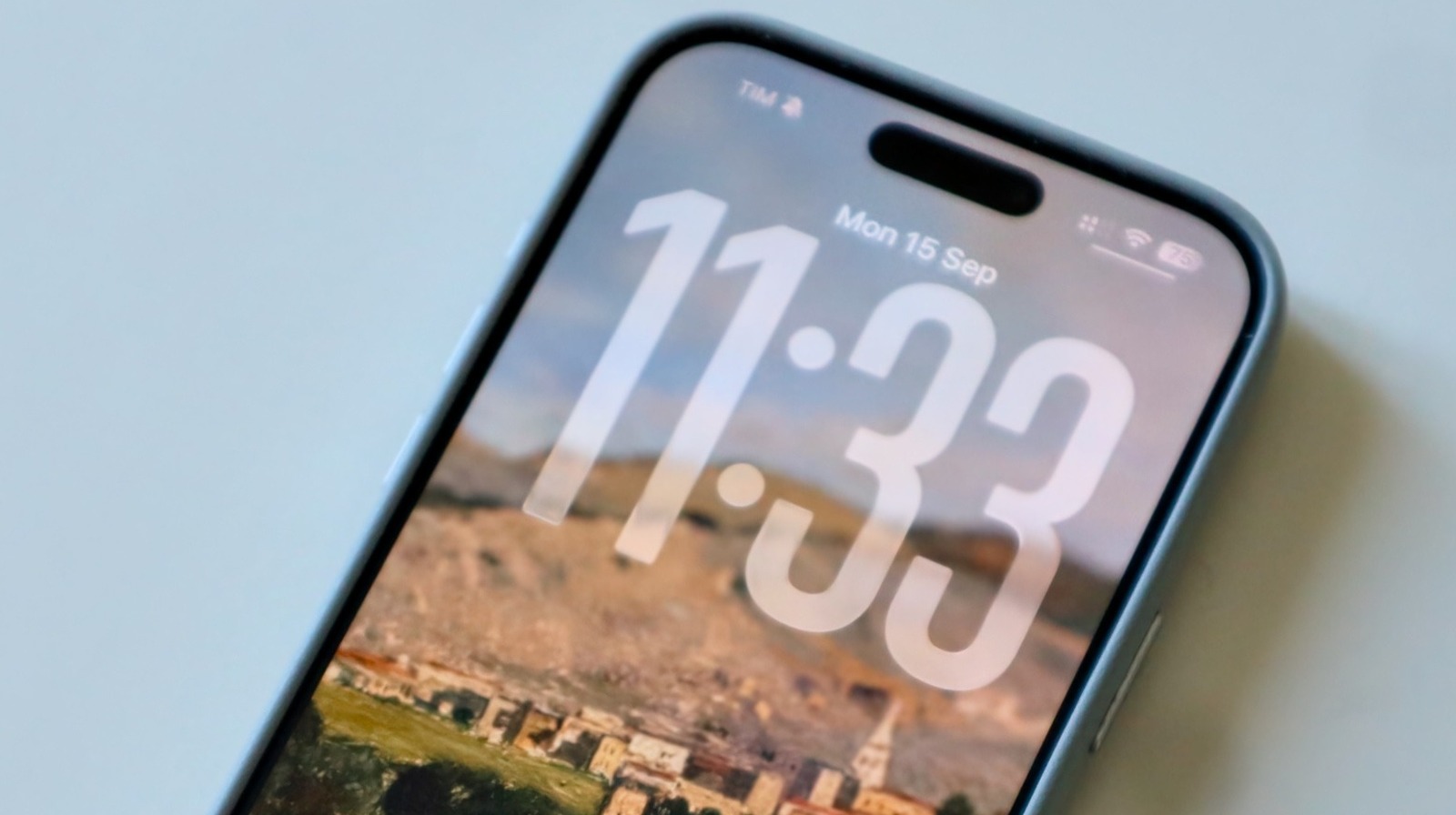
For over a decade, the iPhone has leaned into a relatively flat design. That era officially ended when Apple released the update on September 15, 2025. The headline feature is undoubtedly the Liquid Glass design language. This isn't just a minor icon refresh; it is a complete user interface overhaul that brings the depth and translucency of visionOS to the palm of your hand.
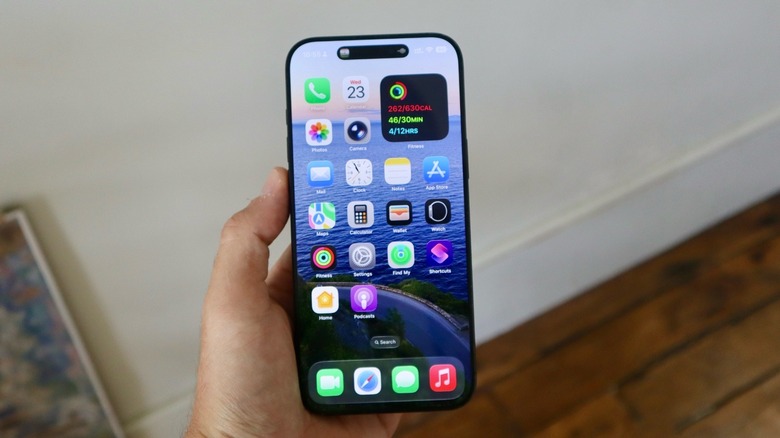
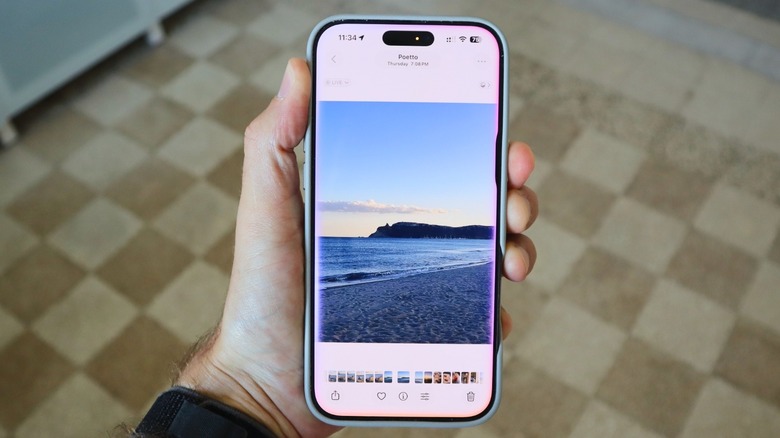
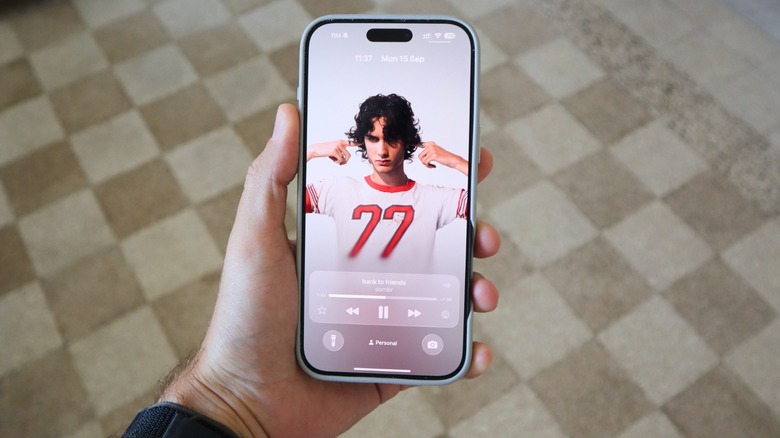
In our testing, the ios 26 liquid glass design user experience feels significantly more organic than previous versions. The UI transparency effects allow your wallpaper to bleed through every menu, making the phone feel lighter and more integrated. Elements use glassmorphism to mimic light refraction, which helps layers stand out without feeling cluttered. We especially noticed this in the control center, where buttons appear to float over a blurred background with actual 3D depth.
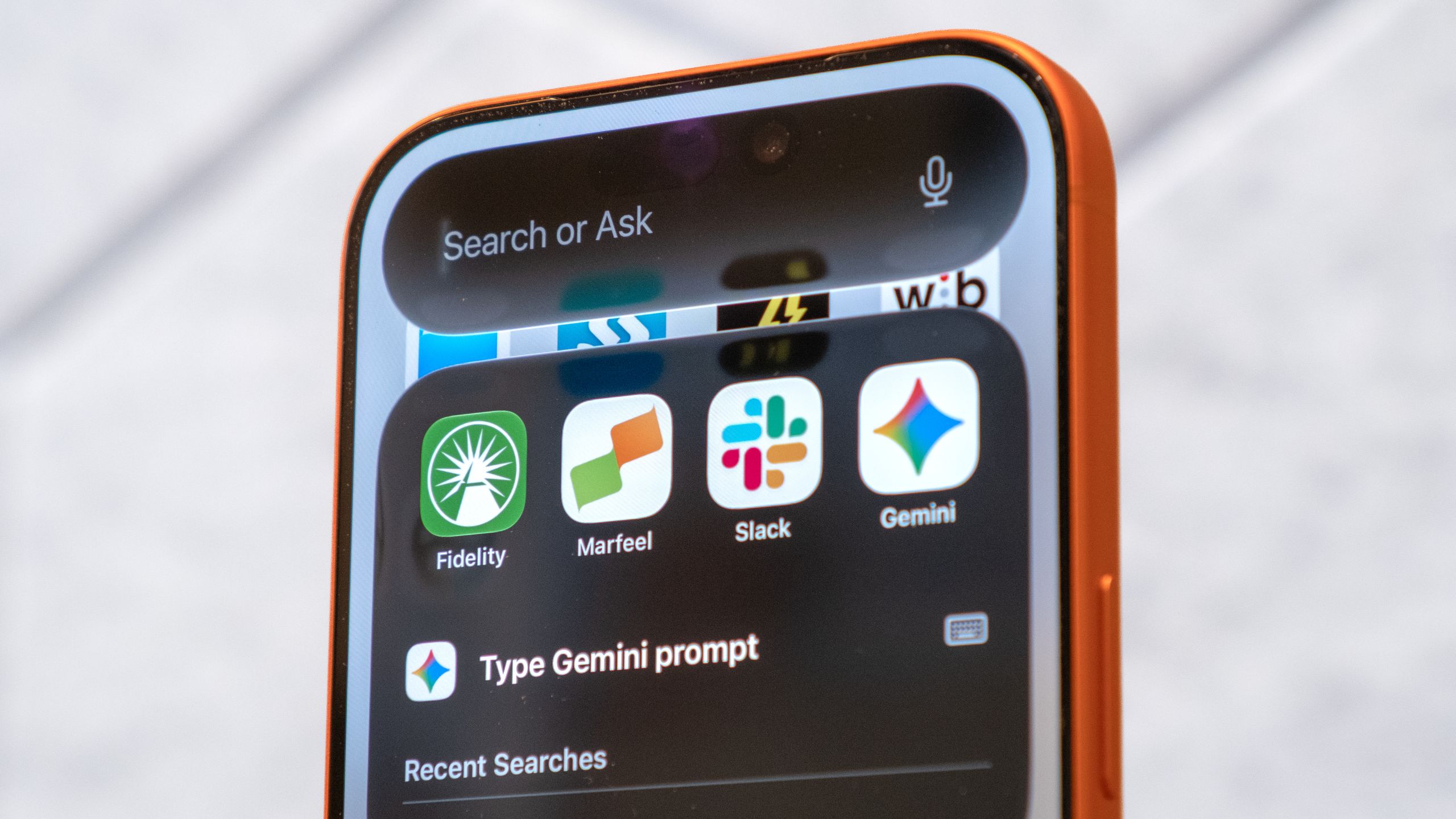
Apple has also made a bold move by relocating the system-wide search bar to the bottom of the screen. While this might take a few days to get used to, the ergonomic benefits are immediate, especially on larger Pro Max models. It makes one-handed navigation much easier. However, we did notice that on certain busy wallpapers, the glassmorphism can occasionally make text a bit harder to read. We recommend using the new glass-optimized wallpapers provided in the settings to ensure the best legibility.
Apple Intelligence: Moving from Tools to Intelligent Actions
The intelligence upgrades in this version are not just about having a chatbot on your phone; they represent a shift toward contextual AI awareness. In our testing of the ios 26 apple intelligence features, the most impressive update was the onscreen ChatGPT awareness. Siri no longer just listens to your voice; it sees what you are doing. If you are looking at a flight confirmation in your email and ask, What time does this land?, Siri knows exactly which flight you are talking about without any further explanation.
We spent a significant amount of time during our ios 26 visual intelligence features walkthrough exploring how the system handles screenshots. You can now take a screenshot of anything—a recipe, a pair of shoes, or a complex math problem—and the system uses multimodal interactions to extract data instantly. It can then offer to buy the item, add the ingredients to a grocery list, or solve the equation with step-by-step instructions.
Another technical milestone is the on-device machine learning used for Personal Voice. While previous versions required a lengthy setup, the new benchmark for Personal Voice setup is now under one minute. This is paired with synthetic emoji generation, allowing you to create custom Genmoji during conversations that match the exact tone of your text. For those who communicate across platforms, it is worth noting that Apple eventually released iOS 26.5 in May 2026, which added support for end-to-end encrypted RCS messaging, finally fixing the green bubble photo compression issues.
The ios 26 apple intelligence siri vs chatgpt integration feels seamless because Apple has baked the logic into the silicon. Siri handles the privacy-sensitive local tasks using on-device machine learning, while ChatGPT is called upon for broader world knowledge, and you are always prompted before data is shared.
Performance & Battery: Adaptive Power Mode Tested
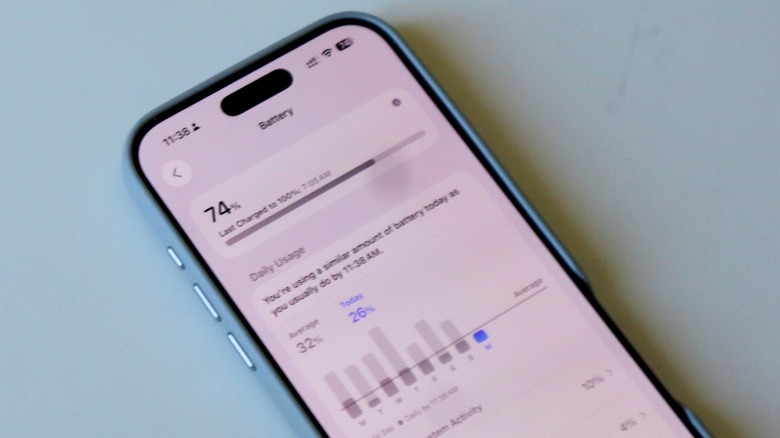
Battery life is usually the biggest concern with any major visual update. Fortunately, the ios 26 battery life performance holds up remarkably well thanks to a new feature called Adaptive Power mode. Unlike the old Low Power Mode which simply throttled everything, this new system uses on-device machine learning to monitor your specific battery drain patterns.
When we tested how to use ios 26 adaptive power mode, we found that it learns your schedule. If it knows you usually don't charge your phone until 11:00 PM but you are at 30% by 6:00 PM, it will subtly dial back background activity and display brightness to ensure you make it home. It does this without the jarring performance drops we used to see.
| Feature | Legacy Low Power Mode | iOS 26 Adaptive Power Mode |
|---|---|---|
| Activation | Manual or at 20% | Automatic based on ML prediction |
| Performance | Constant 50% CPU cap | Dynamic scaling based on app demand |
| Visuals | Disables ProMotion (60Hz) | Adjusts refresh rate dynamically (1-120Hz) |
| Optimization | Static system-wide | Learned daily charging habits |
For those worried about long-term health, learning how to set ios 26 battery charge limits is essential. You can now use a percentage slider to set a custom limit, such as 85% or 92%, rather than just the old 80% toggle. This energy efficiency optimization and focus on battery health longevity are clear indicators that Apple wants these devices to last longer in the hands of users.
Quality of Life & Ecosystem Synergy
Beyond the flashy design, several quality-of-life updates make the software ecosystem synergy feel stronger than ever. The old Files app has been replaced by a new Preview app that feels much faster and handles larger CAD and 3D files with ease. For audio enthusiasts, the AirPods H2 chip has received a firmware update enabling 48 kHz audio sampling for voice recordings, which is a massive jump in quality for mobile creators.
The iMessage app has also matured. You can now create native polls in group chats and use sender screening to automatically filter out messages from unknown numbers that contain suspicious links. These small tweaks, combined with the general firmware stability of the Release Candidate, make this ios 26 review an easy one to write: the software just feels finished.
Compatibility & Stability: Should You Update?
One of the most frequent questions we receive is: is ios 26 stable enough for day one update? After weeks of testing the final builds, our answer is a confident yes. While the initial betas had some transparency glitches, the public release is incredibly stable. Performance on older devices is surprisingly snappy, though some of the more advanced AI features are locked to the A17 Pro chip and newer.
Compatibility Roster:
- iPhone 16 / 17 Series (All models)
- iPhone 15 / 15 Pro Series
- iPhone 14 / 14 Pro Series
- iPhone 13 / 13 mini / 13 Pro Series
- iPhone 12 / 12 Pro Series
- iPhone 11 / 11 Pro Series
- iPhone SE (2nd generation or later)
While the backwards hardware compatibility is impressive, keep in mind that the glassmorphism effects are most fluid on displays with ProMotion. If you are on an iPhone 11 or 12, the UI will still look great, but you might notice a slight impact on battery if you don't utilize the new power management tools.
FAQ
What are the best new features in iOS 26?
The standout features include the Liquid Glass design which uses glassmorphism for a 3D effect, the Adaptive Power mode for smarter battery management, and Visual Intelligence which allows Siri to understand and interact with whatever is on your screen.
Is it worth updating to iOS 26 right now?
Yes, it is. Unlike previous major overhauls, the stability of this release is high from the start. The visual refresh makes the iPhone feel like a brand-new device, and the AI improvements offer genuine utility for daily tasks.
Which iPhone models are compatible with iOS 26?
The update supports iPhone 11 and newer, including the iPhone SE (2nd generation and later). However, older models may not support all Apple Intelligence features due to hardware limitations in the neural engine.
Does iOS 26 cause battery drain issues?
In our testing, we did not find significant battery drain. While the new visual effects are more demanding, the Adaptive Power mode compensates by using machine learning to optimize background activity based on your personal usage patterns.
Is iOS 26 stable enough for daily use?
Absolutely. We tested the Release Candidate version extensively and found it to be reliable and free of major bugs. It is safe for a day-one update for most users.
How do I download and install the iOS 26 update?
Go to Settings > General > Software Update on your iPhone. Ensure you are connected to Wi-Fi and have at least 50% battery or are connected to a power source. Follow the onscreen prompts to download and install the package.