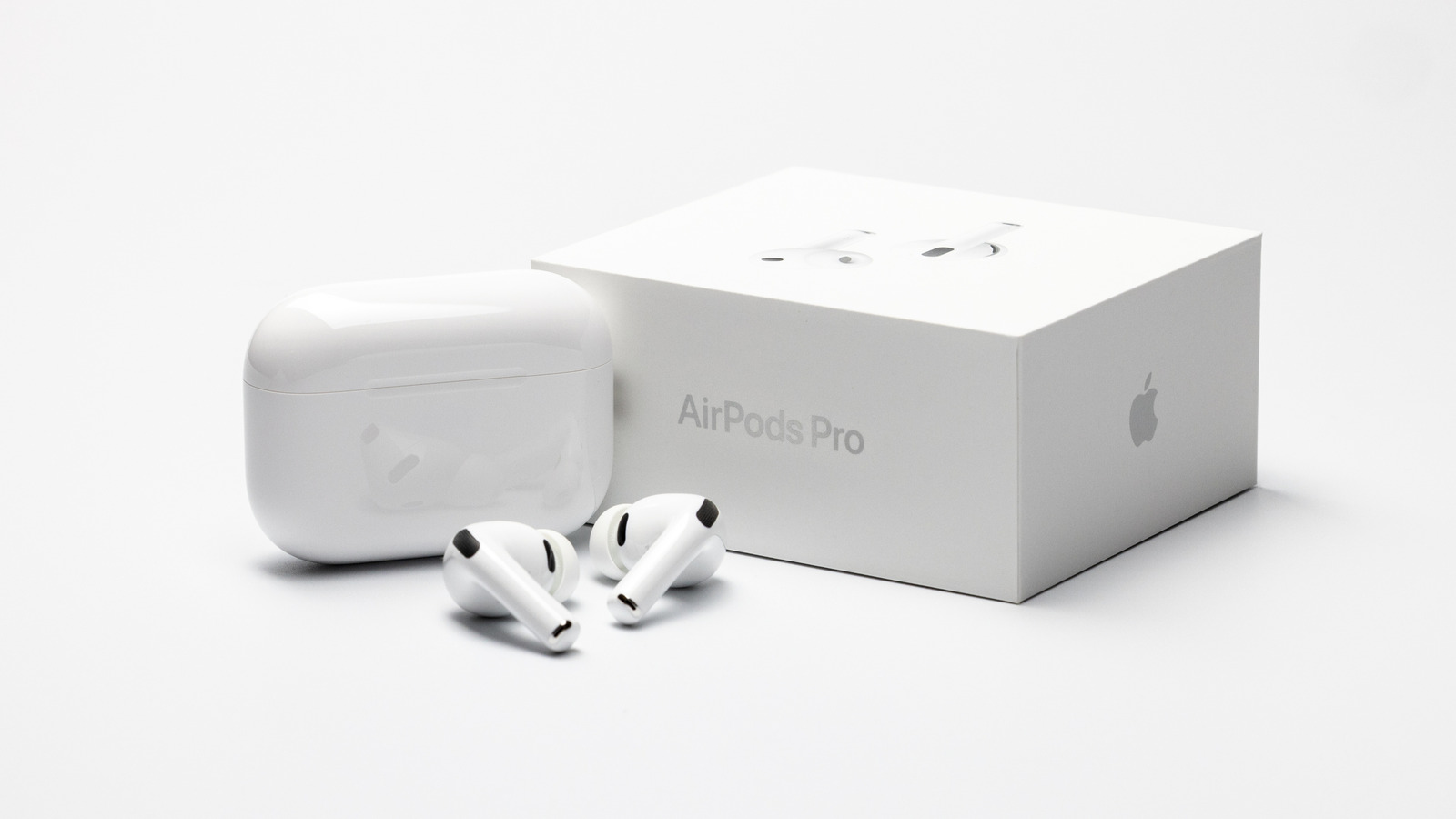
Our Top Picks
- Best Overall Performance: The AirPods Pro 3 remains a powerhouse for audio quality and noise cancellation, provided you verify the sensor fit early on.
- Best for Comfort-Seekers: Those with sensitive ears should immediately pair these with third-party memory foam tips to mitigate potential pressure points.
- Best for Long Listening: With a 33% increase in battery life, these are ideal for cross-country flights, as long as you take periodic ear breaks.
AirPods Pro 3 Bloodgate refers to reports of users suffering ear canal injuries, such as bleeding and stage 2 pressure sores, while using the earbuds. These injuries are often attributed to the new heart rate sensor, which can create constant pressure points or excess heat during prolonged use.
When Apple released the AirPods Pro 3 on September 9, 2025, the tech world was buzzing about its health-monitoring capabilities. As someone who has covered every iteration of wearable tech from its infancy, I saw this as a natural evolution. However, the emergence of the AirPods Pro 3 Bloodgate controversy has shifted the conversation from convenience to consumer safety. While the promise of integrated biometric tracking is alluring, the physical reality of housing more sensors in an already cramped ear canal is proving to be a challenge for user ergonomics.
What is AirPods Pro 3 Bloodgate? Understanding the Sensor Risk
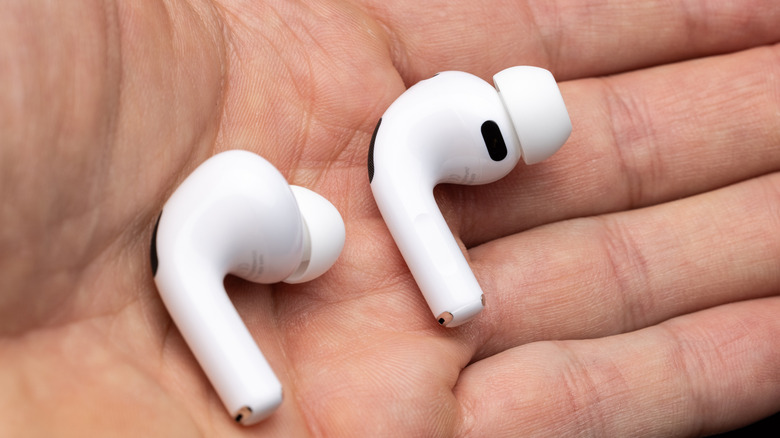
The core of the issue lies in the integration of the new heart rate sensor. This hardware utilizes photoplethysmography technology to pulse invisible infrared light 256 times per second to track your vitals. According to data from phonearena.com, this tech is sophisticated, but its physical implementation is causing the problem. In some units, manufacturing tolerances have resulted in the sensor window protruding slightly from the earbud housing rather than sitting perfectly flush.
In the world of wearable tech safety, even a fraction of a millimeter matters. When a protruding sensor makes constant contact with the thin skin of the ear canal, it creates a localized pressure point. Unlike the soft silicone of the ear tips, the sensor housing is rigid. Over several hours of use, this static pressure leads to tissue ischemia—a condition where blood flow is restricted to a specific area of tissue. Because the ear canal lacks the fatty padding found in other parts of the body, it is particularly susceptible to these types of injuries.
Furthermore, some users have reported AirPods Pro 3 heart rate sensor heat solutions being necessary because the continuous pulsing of the PPG sensor generates a subtle but persistent thermal buildup. While not enough to cause a traditional burn, the combination of heat and pressure accelerates skin breakdown. For those performing an AirPods Pro 3 heart rate sensor protrusion check, you can often feel a slight "lip" around the sensor window with your fingernail. If yours feels sharp or notably raised, you are at a higher risk for AirPods Pro 3 heart rate sensor irritation.
From Discomfort to Injury: Identifying Stage 2 Pressure Sores
What makes the AirPods Pro 3 Bloodgate particularly concerning is the severity of the symptoms reported. This isn't just a case of "ear fatigue." As noted by bgr.com, healthcare professionals have identified some of these injuries as stage 2 pressure sores. Unlike a stage 1 injury, which is characterized by lingering redness, a stage 2 injury involves partial-thickness skin loss involving the epidermis or dermis. In layman's terms, the skin has broken, often leading to the bleeding that gave this controversy its name.
Identifying AirPods Pro 3 stage 2 pressure sores early is critical for in-ear health. You should monitor your ears for the following warning signs:
- Localized Pain: A sharp, stinging sensation specifically where the earbud body (not the tip) rests against your ear.
- Persistent Redness: A red spot that doesn't fade within 30 minutes of removing the earbuds.
- Moisture or Drainage: Any clear fluid or blood on the earbuds when you take them out.
- Heat Sensitivity: The area inside the ear feels hot to the touch or sensitive to warm water.
Apple redesigned the fit of the Pro 3 based on thousands of ear scans, attempting to create a deeper nozzle geometry for better sound isolation. However, this deeper fit also means the earbuds sit more securely—and more rigidly—against the canal walls. If you are trying to figure out how to fix AirPods Pro 3 ear pain, the first step is recognizing that the pain might be a symptom of a mechanical injury rather than just a poor fit.
Safety Warning: If you notice bleeding or an open sore in your ear canal, discontinue use immediately. Consult a medical professional, as the warm, dark environment of the ear canal is a breeding ground for infection once the skin barrier is compromised.
The High-Altitude Glitch: ANC Screeching and Cabin Pressure
Beyond the physical injury risks, there is a secondary issue affecting frequent flyers. Reports have surfaced of a high-pitched feedback loop, or "screeching," when the Active Noise Cancellation (ANC) is engaged at high altitudes. Specifically, this seems to occur when the aircraft is at a 33,000-39,000 ft altitude range.
This phenomenon appears to be linked to how the ANC microphones react to rapid changes in cabin pressure. While not directly related to the Bloodgate sensor issue, it adds another layer of ear drum stress for the user. If you experience this screeching, it is vital to disable ANC immediately. Forcing the hardware to fight against cabin pressure differentials can cause temporary hearing fatigue or exacerbate the discomfort already caused by the tight seal of the earbuds.
Practical Fixes: Foam Tips and Insertion Angles
If you aren't ready to give up on your investment, there are AirPods Pro 3 pressure point solutions that can mitigate the risk. The standard silicone tips provided by Apple are designed for durability and hygiene, but they offer very little in terms of pressure distribution. Silicone tends to focus the weight of the earbud on specific contact points.
Switching to memory foam tips, such as those from Comply or other reputable third-party brands, can reduce the pressure exerted on the ear canal by up to 50%. Memory foam conforms to the unique shape of your ear, redistributing the weight of the device away from the rigid PPG sensor.
| Feature | Standard Silicone Tips | Memory Foam Tips |
|---|---|---|
| Pressure Distribution | High / Focused | Low / Evenly Distributed |
| Seal Integrity | Consistent | Superior (Expands to fit) |
| Ear Canal Breathability | Low (Traps heat) | Moderate |
| Risk of Irritation | Higher at sensor points | Significantly Lower |
| Replacement Cycle | 6-12 Months | 2-3 Months |
To find the best replacement tips for AirPods Pro 3 comfort, look for "density-adjusting" foam that specifically mentions compatibility with the Pro 3's larger sensor array. Additionally, pay close attention to your insertion technique. Instead of pushing the earbud straight in, try a slight rotating motion. This can help you find a less pressurized angle where the sensor sits in a "pocket" of your ear anatomy rather than pressing against a bony prominence.
Using the earbuds in shorter increments of 30 to 60 minutes is also recommended during the first week. This allows your ear canal to adjust and prevents the buildup of heat and moisture that can soften the skin and make it more prone to tearing.
Returning Defective Units: Navigating Apple's Warranty Policy
For many, the physical risks are simply too high. If you are returning AirPods Pro 3 for bloodgate issues, you might encounter some friction at the retail level. There have been documented cases of Apple Store employees refusing returns because the product has been "contaminated" by blood or earwax, citing hygiene policies.
However, the Apple warranty policy generally covers manufacturing defects, and a protruding sensor that causes injury certainly qualifies. I recommend bypassing the physical retail stores if you encounter resistance and instead contacting Apple's online support channels. When you do, be prepared to document the issue thoroughly:
- Photograph the Defect: Use a macro lens to take a photo of the sensor if it appears to be protruding or uneven.
- Document the Injury: While unpleasant, a photo of the skin irritation or the stage 2 pressure sore provides "proof of harm" that support agents need to escalate the claim.
- Reference the Battery Life: Mention that the 8 hours of battery life—which is a 33% increase over the previous generation—encourages longer wear times, which in turn exacerbates the injury caused by the hardware flaw.
Many users have successfully secured replacements or full refunds by demonstrating that their injury was a direct result of the hardware's design and not user error. If your goal is returning defective AirPods Pro 3 to Apple, persistence and documentation are your best tools.
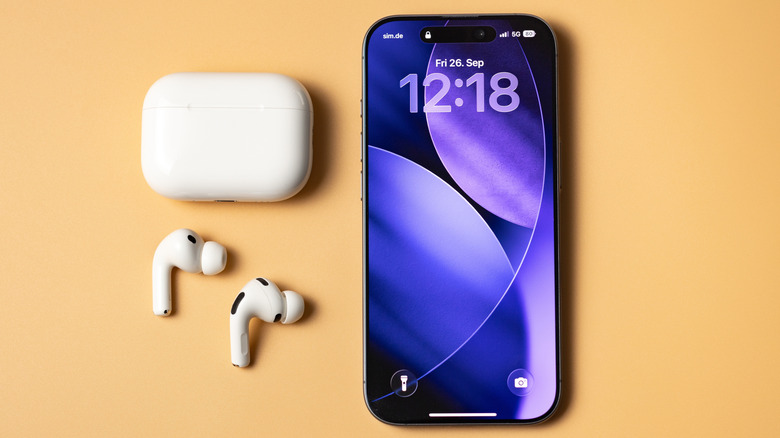
The AirPods Pro 3 represents a significant leap forward in wearable technology, but it also serves as a reminder that our ears are sensitive organs not always ready for the "move fast and break things" philosophy of tech hardware. Whether you choose to modify your fit with foam tips or return the device entirely, your long-term ear health should always take precedence over the latest biometric features.
FAQ
What does the term 'Bloodgate' refer to in the context of earbuds?
It refers to a specific controversy involving the AirPods Pro 3 where users have reported ear canal injuries, including localized bleeding and stage 2 pressure sores. These issues are generally linked to the protrusion or heat generation of the newly integrated heart rate sensors.
Is there a controversy regarding health sensors in the latest AirPods?
Yes, the controversy stems from the physical design and manufacturing variances of the heart rate sensor. While the sensor is intended to provide health data, its placement and height within the earbud housing have caused significant discomfort and physical injury for a segment of the user base.
Are the health monitoring features on the AirPods Pro 3 medically accurate?
While the photoplethysmography (PPG) technology used in the AirPods Pro 3 is sophisticated and pulses 256 times per second to track heart rate, Apple typically classifies these features as "wellness" tools rather than clinical medical devices. They are designed for general fitness tracking rather than diagnosing medical conditions.
Should I wait for the AirPods Pro 3 or buy the current version?
If you have sensitive ears or have experienced discomfort with in-ear headphones in the past, you may want to wait for a potential hardware revision or "silent update" from Apple that addresses the sensor protrusion issues. However, if you value the 8-hour battery life and advanced health tracking, you can purchase them now while remaining vigilant about fit and using third-party foam tips to mitigate risks.