Quick Facts
- Top AI Assistant: Google Gemini officially replaces legacy Assistant by March 2026.
- Productivity Leader: Google Keep version 5.25.232.01 introduces Material 3 Expressive redesign for faster note-taking.
- Best Health App 2026: SleepisolBio, a Google Play Award winner, focuses on circadian rhythm management.
- Fitness Standard: Strava offers full phone-free GPS navigation for runners and cyclists.
- Hardware Peak: Samsung Galaxy Watch 8 leads with a 3,000-nit display for outdoor visibility.
- Battery King: OnePlus Watch 3 offers a 5-day lifespan for power users.
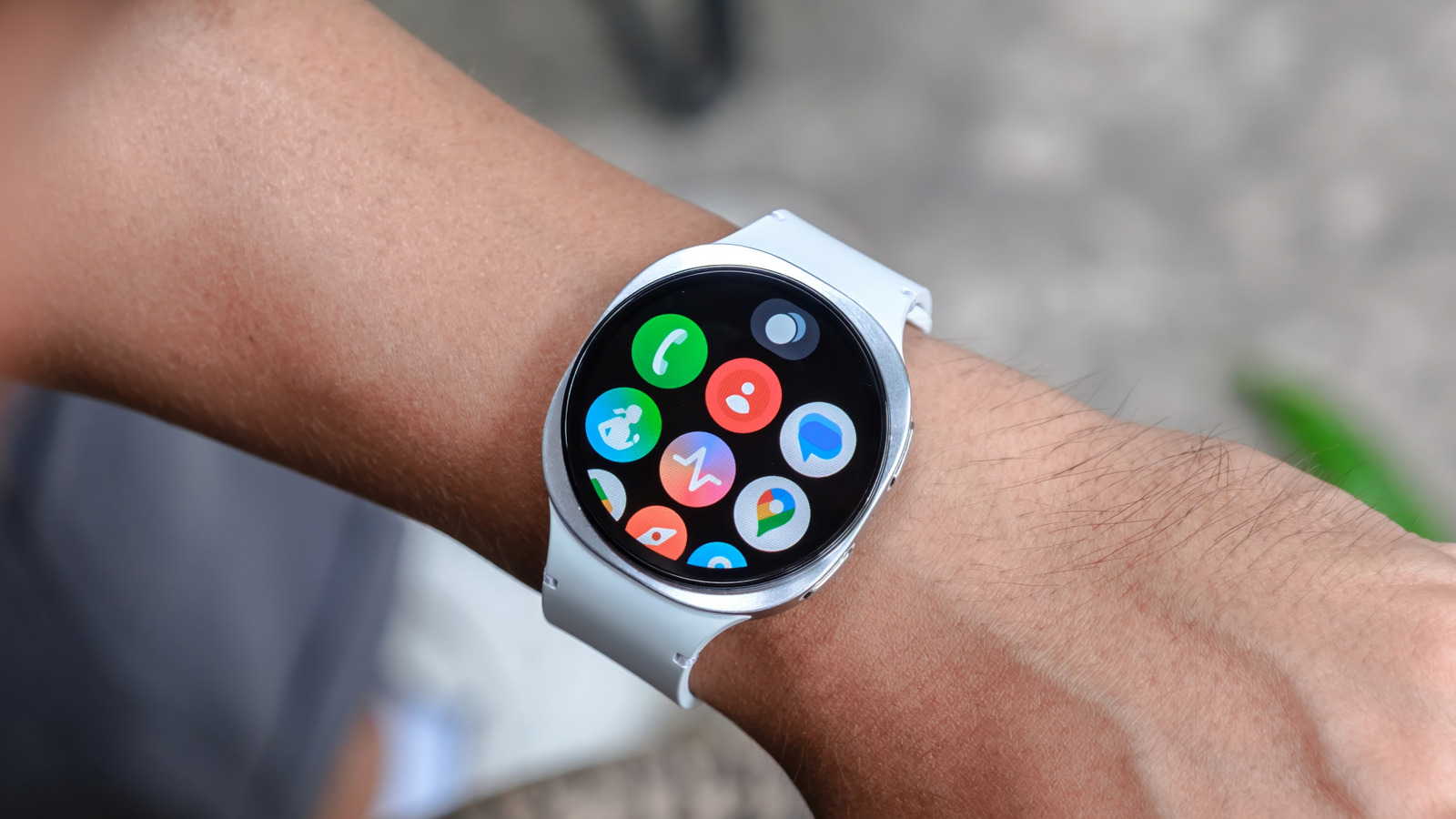
For new Wear OS users, the most essential apps include Google Gemini for AI-powered voice control, Google Keep for quick note-taking, Strava for fitness tracking, and SleepisolBio for sleep management. These core applications provide a foundation for productivity and health monitoring, allowing users to handle multi-step tasks like summarizing emails or recording workouts directly from their wrist without needing a smartphone. As we move into 2026, the landscape of the best Wear OS apps has shifted from simple trackers to AI-driven command centers. With Google Gemini officially replacing Assistant, your smartwatch is now more capable than ever. Whether you are using a Samsung Galaxy Watch 8 or a OnePlus Watch 3, mastering essential Wear OS apps for beginners like Google Keep and Strava is the key to unlocking wrist-based productivity.
The Gemini Shift: Natural Language Automation
The transition from a basic voice assistant to a full-fledged Artificial Intelligence on your wrist marks the biggest change for smartwatches in years. Google officially began rolling out the Gemini AI assistant to smartwatches running Wear OS 4 and higher on July 9, 2025. This change isn't just a rebrand; it is a fundamental shift toward natural language processing and advanced reasoning.
By the March 2026 transition deadline, legacy Google Assistant features will be fully integrated into Gemini, allowing for more complex multimodal commands. Instead of just setting a timer, you can now ask your watch to summarize your last five work emails or draft a quick response to a text message while walking. This level of AI-driven productivity means fewer moments of pulling your phone out of your pocket. Gemini excels at smart home integration, allowing you to adjust thermostats or check security camera statuses through conversational Voice-activated commands.
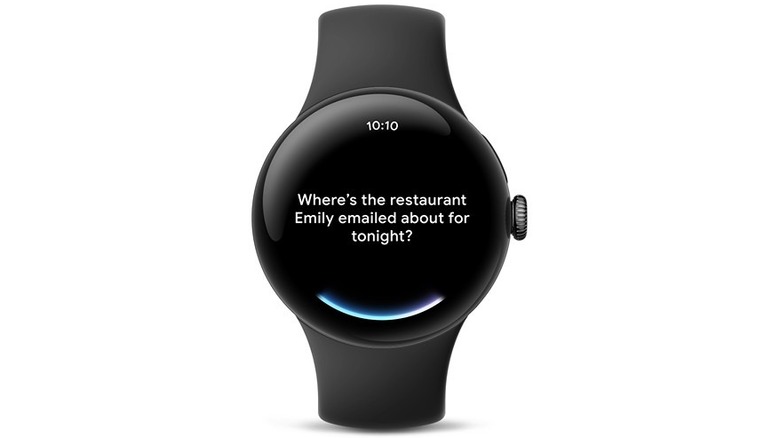
While the system is powerful, there are still some current limitations. For instance, Gemini Live features are currently optimized for phones, and certain deep-level security system integrations still require a mobile handshake. However, for daily tasks and managing your schedule, it has become one of the best Wear OS apps for staying organized on the go.
Google Keep: Mastering Wrist-Based Productivity
If Gemini is the brain of your smartwatch, Google Keep is the memory. For anyone focused on wrist-based productivity, Keep remains the gold standard for note-taking. The recent Material 3 Expressive redesign in version 5.25.232.01 has made the interface much more glanceable. It features a larger note-creation button and a sleek carousel layout for images attached to your notes, making it easier to see what you’ve saved at a glance.
The real power of Keep on Wear OS lies in its watch face complications and Tiles. You can add a complication that lets you start a new voice note with a single tap. This is incredibly useful for capturing fleeting ideas before they vanish. The app handles cloud synchronization perfectly, so any list you check off at the grocery store on your watch is instantly updated on your laptop and phone.
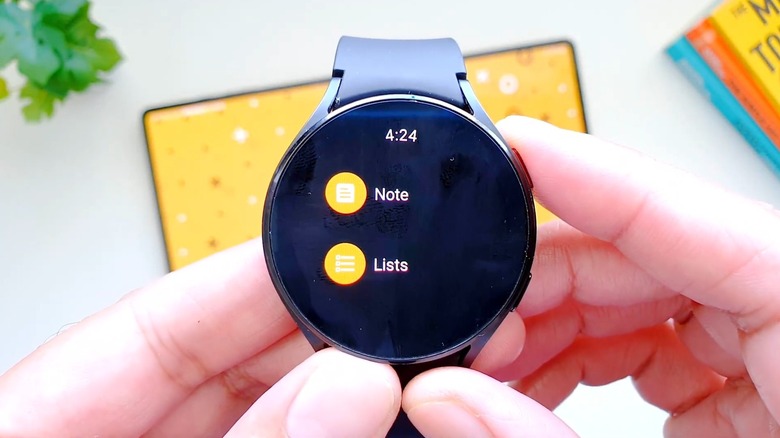
While you cannot perform heavy editing on the watch, the ability to view pinned lists and create new voice-to-text entries provides enough phone-free efficiency to justify its spot as one of the essential Wear OS apps for beginners. It bridges the gap between a digital brain and physical action with subtle haptic feedback and a clean, responsive UI.
Health & Fitness: From Tracking to Insights
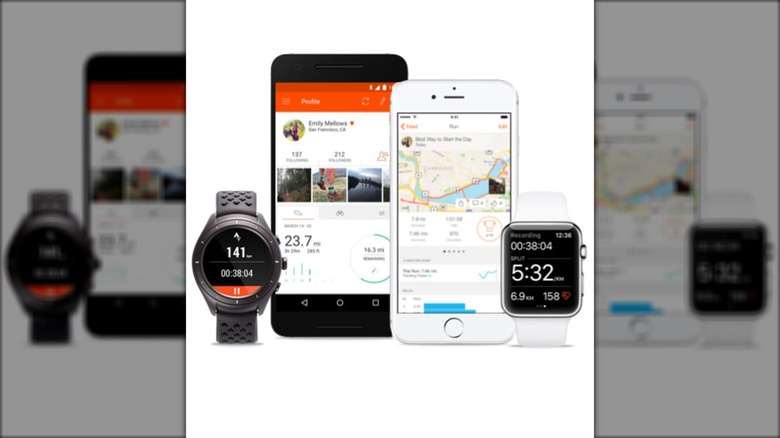
In 2026, the focus has shifted from merely tracking steps to providing actionable insights through real-time biometrics. Strava continues to be a favorite among the best health and fitness apps for Wear OS because of its robust GPS navigation and community features. It allows for a completely phone-free running experience, where the watch handles the mapping, pace tracking, and heart rate monitoring simultaneously.
Beyond traditional workouts, we are seeing a rise in "cause-and-effect" health tracking. Apps like Fitbit Premium now use a Gemini-powered Personal Health Coach to interpret your data. If you didn't sleep well, the app doesn't just give you a low score; it explains how your late-night caffeine or high-intensity workout impacted your circadian rhythm.
SleepisolBio and Circadian Health
A standout in the 2026 health ecosystem is SleepisolBio, a Google Play Award winner. This app goes beyond the standard accelerometer-based tracking found in most top sleep tracking apps for Android smartwatches. It uses deep biometric analysis to help users manage their daily readiness and long-term wellness. By analyzing heart rate variability and skin temperature, it provides a "Readiness Score" that tells you whether you should push for a personal record at the gym or take a recovery day.
Hardware Synergy: Matching Apps to Your Watch
The performance of these apps often depends on the hardware on your wrist. For example, if you are using the Samsung Galaxy Watch 8, you will benefit from its 3,000-nit display. This makes using Google Keep tiles for Wear OS notes much easier during a bright afternoon hike. The high brightness ensures that text and checklists remain crisp regardless of the lighting conditions.
On the other hand, the OnePlus Watch 3 is the battery king for 2026. Its 5-day lifespan is ideal for users who prioritize background GPS navigation and continuous health monitoring without the anxiety of a daily charge. When choosing the best Wear OS apps, consider how they impact your power management. AI-intensive apps like Gemini and data-heavy fitness trackers like Strava will naturally drain more battery, so having a high-endurance device can significantly improve the experience of the best health and fitness apps for Wear OS 2026.
| Feature | Samsung Galaxy Watch 8 | OnePlus Watch 3 |
|---|---|---|
| Best For | Visual clarity and display tech | Battery endurance and longevity |
| Brightness | 3,000-nit peak | 1,500-nit peak |
| Battery Life | ~40-60 hours | ~100-120 hours |
| AI Performance | Top-tier processing | Efficient background tasks |
FAQ
What are the must-have apps for Wear OS?
For a complete experience, you should install Google Gemini for AI assistance, Google Keep for productivity, and Strava for fitness. Additionally, apps like Spotify for offline music and Google Maps for wrist-based navigation are considered essential for most users.
Which fitness apps work best on Wear OS?
Strava is widely considered the best for its standalone GPS capabilities and social integration. However, Fitbit is excellent for those who want a holistic view of their health, including readiness scores and activity goals integrated into the Google ecosystem.
Are there sleep tracking apps compatible with Wear OS?
Yes, most modern Wear OS watches come with built-in sleep tracking, but third-party apps like SleepisolBio provide more advanced insights. Sleep as Android is another popular choice that offers smart alarms and noise recording features to help improve sleep hygiene.
Can I use navigation apps on Wear OS?
Google Maps is the primary navigation app for Wear OS and supports turn-by-turn directions directly on your wrist. It works seamlessly with your phone’s navigation or as a standalone app on LTE-enabled watch models, providing vibrating alerts for upcoming turns.
How do I download apps to my Wear OS smartwatch?
You can download apps directly from the Google Play Store on your watch. Simply open the Play Store app, search for the application you want, and tap install. You can also use your paired Android phone to browse Wear OS compatible apps and trigger the installation to your watch remotely.





