Quick Facts
- RAM Sweet Spot: For fluid 2026 performance, 8GB-12GB of RAM is now considered the minimum standard for high-end multitasking.
- Storage Headroom: To avoid system stutter, users must maintain at least 20-25% free space to minimize UFS storage latency.
- New Policy: Starting March 1, 2026, Google Play will display warning alerts for apps holding wake locks for over two hours.
- Primary Culprits: Apps like TikTok, Google Photos, and Instagram remain the leading causes of background slowdowns and thermal throttling.
- Developer Hack: Reducing system animation scales to 0.5x in Developer Options provides an immediate boost to UI responsiveness.
- Target Metric: A healthy device in 2026 should maintain a 99.85% crash-free rate and consistent 60fps across the system interface.
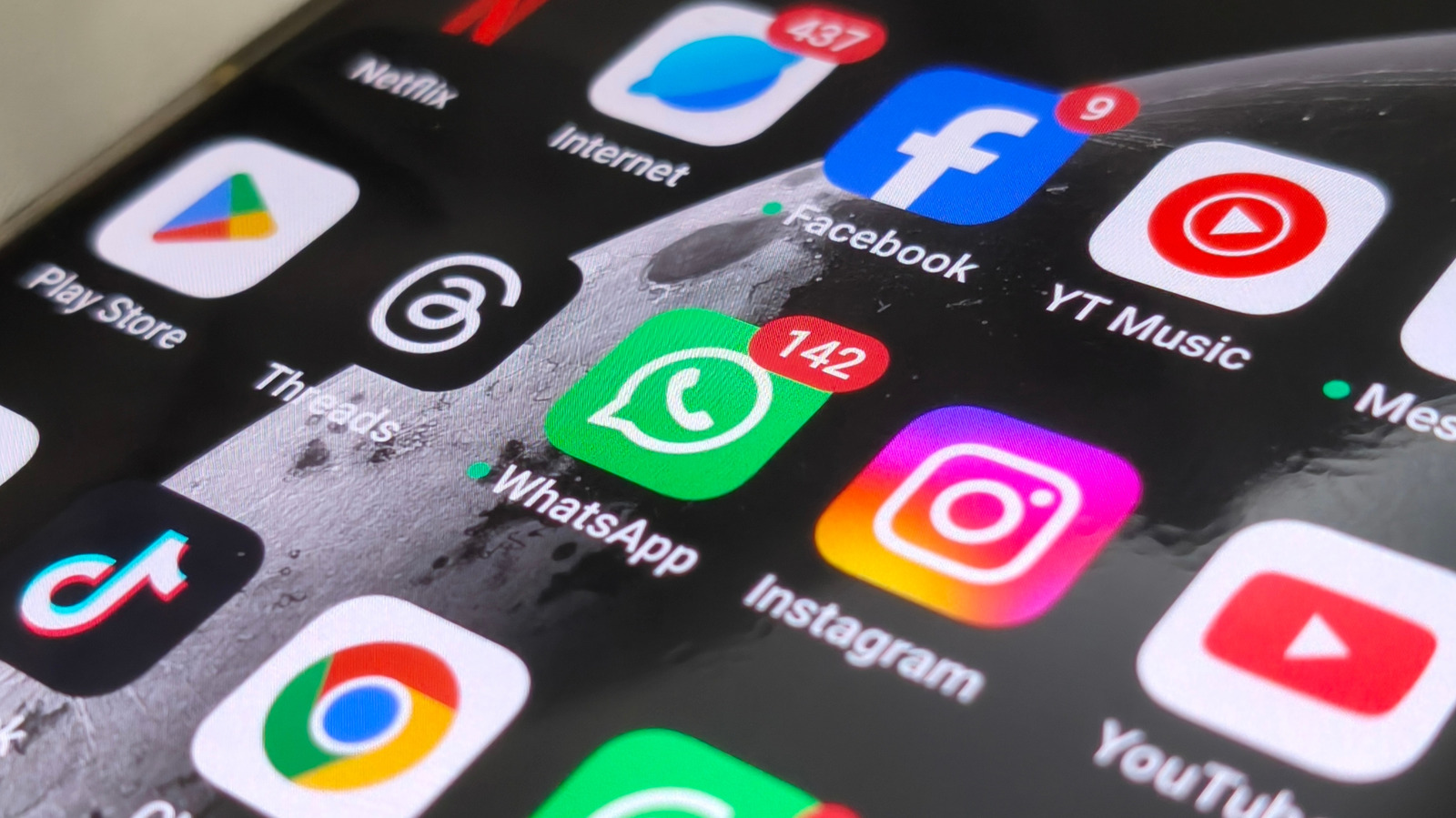
Popular apps such as TikTok, Google Photos, Spotify, Google Maps, and Instagram are often the primary causes of device slowdowns. These applications consume high levels of CPU and RAM through constant media preloading, background cloud synchronization, and aggressive caching. To reclaim speed, users should consider switching to lightweight 'Lite' versions or imposing strict background usage restrictions on these resource-intensive programs to identify and mitigate slow android apps.
The 2026 Performance Standard: Why Your Hardware Feels Slow
As we move through 2026, the definition of a fast smartphone has fundamentally shifted. While the processors in our pockets are more capable than ever, the software overhead has grown at an even faster rate. Many users find that even a flagship device from two years ago begins to feel sluggish. This isn't just your imagination; it is the measurable impact of high ram usage on android performance.
In the current ecosystem, 8GB of RAM is no longer the luxury it once was—it is the baseline. Modern apps are designed with complex background listeners and heavy machine learning models that run locally on your device. When your available memory dips below a certain threshold, the system begins aggressive memory swapping. This leads to UFS storage latency, where the phone struggles to read and write data fast enough to keep up with the user interface. Furthermore, frequent App Not Responding (ANR) errors often stem from high CPU overhead as the system tries to manage dozens of invisible tasks. Understanding these hardware bottlenecks is the first step toward reclaiming your device's speed and longevity.
The 5 Most Resource Intensive Android Apps of 2026
Identifying the specific software that drags down your system is crucial. While many apps claim to be optimized, our testing shows that five specific categories of apps consistently trigger thermal throttling and lag. By using the built-in battery infographics in your settings, you can see how to identify resource intensive android apps that are keeping your processor awake longer than necessary.
1. TikTok: The Frame Rate Assassin
TikTok remains one of the most demanding apps on the market due to its high-frequency rendering and aggressive content prefetching. To ensure a "seamless" scroll, TikTok pre-downloads several videos in the background while simultaneously rendering the current video at 60FPS. This dual-tasking puts immense pressure on the System-on-Chip (SoC).
The 2026 version of the app also utilizes advanced AR filters that require real-time GPU processing, often leading to heat buildup. When the phone gets too hot, the system throttles the CPU speed, making every other app on your phone feel like it is running through mud.
2. Google Photos: The Background Indexer
While essential for many, Google Photos is a silent killer of system responsiveness. Its primary function—backing up and indexing your media—often happens when you least expect it. The app performs deep scans of your library to categorize faces, objects, and locations using on-device AI.
This background cloud synchronization can spike RAM usage and monopolize your upload bandwidth, causing latency in online games or streaming services. If you have thousands of high-resolution images, the indexing bloat can lead to significant system-wide slowdowns.
3. Spotify: The Cache Heavyweight
Spotify has evolved far beyond a simple music player. With high-fidelity lossless audio and integrated video podcasts, the app now requires massive amounts of local storage for its cache. This cache bloat is a leading cause of UFS storage latency.
When an app occupies too much of your internal storage, the Android filesystem struggles to find "clean" blocks to write to, slowing down everything from app launches to file saves. Spotify’s tendency to keep these files active in the background for quick resume also contributes to the list of slow android apps that need frequent management.
4. Google Maps: The Battery and GPS Drain
Navigation is inherently resource-heavy, but Google Maps in 2026 has become particularly demanding. The app uses frequent GPS polling to maintain pinpoint accuracy, combined with real-time data fetching for traffic, transit, and Street View overlays.
This constant sensor usage prevents the CPU from entering its low-power "sleep" state. According to recent reports, starting March 1, 2026, the Google Play Store will begin penalizing apps that hold excessive wake locks for more than two hours. Maps often falls into this category if navigation is left running or if location sharing is enabled indefinitely.
5. Instagram: The Social Bloatware
Instagram has transitioned from a photo-sharing app to a video-first platform that functions much like a secondary operating system. It manages its own internal browser, camera software, and messaging service, all of which stay resident in your memory.
The impact of Instagram on your device is largely due to its background data prefetching. It constantly refreshes your feed and stories so they are ready the moment you open the app. For many, switching to lite apps for low ram android phones is the most effective way to stay connected without sacrificing device speed.
| App Name | Primary Issue | Recommended Alternative |
|---|---|---|
| TikTok | High GPU/CPU Load | TikTok Lite / Web Version |
| Google Photos | Background Sync Lag | Manual Backups / OneDrive |
| Spotify | Storage Cache Bloat | Spotify Lite / Clear Cache Weekly |
| Google Maps | Constant GPS Polling | Google Maps Go |
| RAM & Data Prefetching | Instagram Lite |
System-Level Fixes: Android Background Process Management
To truly optimize android app performance, you need to look beyond just deleting apps. The Android operating system has several built-in features that, while intended to be helpful, often consume precious CPU cycles.
One of the most effective ways to reclaim speed is through proactive android background process management. Start by disabling Digital Wellbeing if you don't use it; the constant monitoring of every app interaction creates a persistent background load. Similarly, turn off Nearby Device Scanning under your connection settings. Unless you are actively pairing a new device, this feature constantly pings your Bluetooth and Wi-Fi radios, causing unnecessary CPU interrupts.
Maintaining the recommended 20-25% storage headroom is also vital. When storage fills up, the Android system can no longer perform efficient "wear leveling" on the flash memory, leading to a noticeable degradation in performance. Utilize OEM battery optimization settings to put unused apps into "Deep Sleep," which prevents them from ever running in the background until you manually open them.
Developer Hacks: Best Android Performance Boost Settings 2026
For users who want the absolute best android performance boost settings 2026 has to offer, the hidden Developer Options menu is your best friend. This menu allows you to override the default system behaviors that prioritize visual flair over raw speed.
To access these settings, navigate to Settings > About phone and tap on the Build number seven times. Once unlocked, go to Settings > System > Developer options and look for the following adjustments:
- Window animation scale: Set to 0.5x.
- Transition animation scale: Set to 0.5x.
- Animator duration scale: Set to 0.5x.
By cutting these values in half, the UI feels twice as fast because the system spends less time drawing the "opening" and "closing" effects for apps. Another advanced tweak is to manage background process limit for faster android. By default, the system decides how many apps to keep in the background. If your device feels sluggish, change the Background process limit to "At most 4 processes." This prevents the system from being overwhelmed by hidden tasks and ensures that your current app always has the resources it needs.
FAQ
Why are apps running so slowly on my Android phone?
Apps often run slowly due to a combination of high memory overhead and thermal throttling. As apps become more complex, they require more RAM and CPU power. If your phone cannot keep up, it generates heat, causing the system to slow down the processor to cool off. Additionally, many slow android apps are designed for the latest flagship hardware, leaving older devices struggling with modern software demands.
Is there a way to diagnose which app is slowing down my phone?
Yes, you can use the built-in battery and memory tools. Navigate to Settings > Battery > Battery Usage to see a breakdown of which apps are consuming the most power. High battery drain usually correlates with high CPU usage. For memory, go to Settings > System > Developer options > Running services to see exactly how much RAM each app is occupying in real-time.
Does clearing app cache improve performance?
Clearing cache can provide a temporary boost, especially for media-heavy apps like Spotify or TikTok. It frees up internal storage, which can reduce UFS storage latency. However, because apps will eventually rebuild their cache, this is a short-term fix. For a permanent solution to optimize android app performance, it is better to limit the app's background activity or switch to a Lite version.
How many background apps can run before my phone slows down?
In 2026, the threshold depends on your RAM. Devices with 8GB can typically handle 5-8 active apps before performance dips. If you have 12GB or more, you may handle 15+. However, just one or two resource intensive android apps running heavy background tasks can slow down the entire system regardless of your RAM capacity.
Will updating apps help them run faster?
Updates frequently include performance patches and bug fixes that address memory leaks. However, updates also bring new features that might increase the app's resource footprint. Generally, it is best to keep apps updated to comply with the latest Google Play Store performance standards, such as the new 2026 wake lock policies.