Quick Facts
- Estimated Annual Savings: $150-$500 per user
- Most Versatile Sensor: Magnetometer (for compass/metal detection)
- Hardware Displaced: Document scanners ($100), Light meters ($30), Audio recorders ($50+)
- Key Advantage: Zero physical bulk and instant cloud sync
- Recommended App for Scanning: Microsoft Lens
- Recommended App for Measurement: Science Journal by Google
- Primary Technology: MEMS (Micro-Electro-Mechanical Systems)
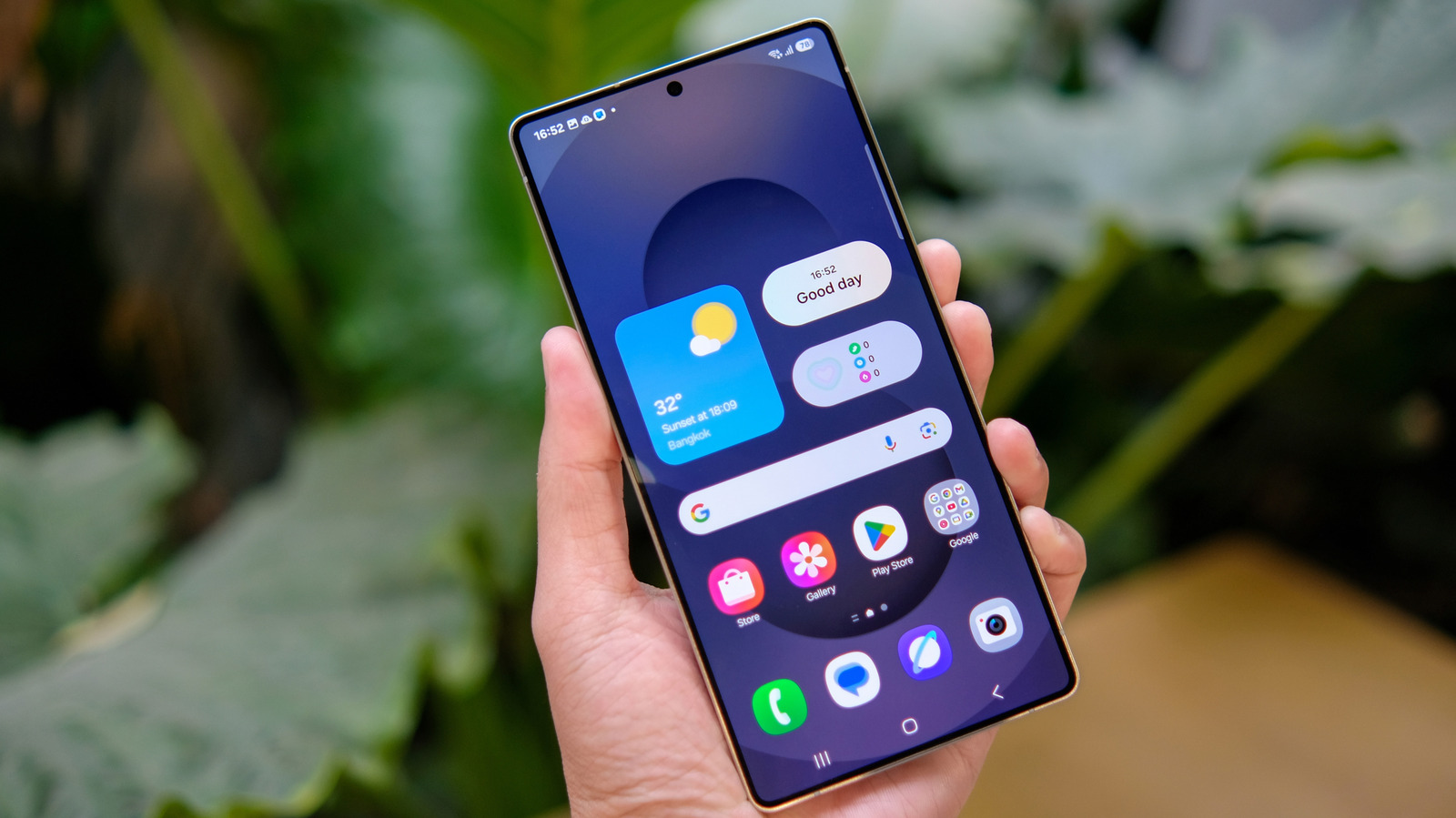
Gadget replacement apps are transforming smartphones into versatile toolkits, rendering many physical devices obsolete. By utilizing internal sensors, these free alternatives to physical gadgets offer professional-grade utility without the high price tag.
Smartphones can replace several dedicated devices through specialized gadget replacement apps that utilize built-in sensors like the ambient light sensor and microphone to perform professional tasks. Modern mobile devices contain a suite of sophisticated sensors, such as magnetometers, accelerometers, and ambient light sensors, which capture raw environmental data that software translates into functional utility.
1. Document Scanning: Replacing the $100 Desktop Scanner
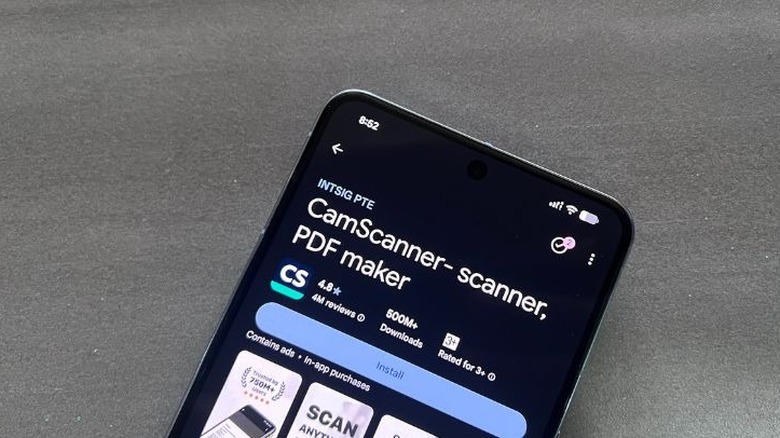
For years, the bulky flatbed scanner was a staple of the home office. However, the advancement of high-resolution mobile cameras combined with sophisticated Optical Character Recognition (OCR) software has made dedicated scanning hardware redundant for most users. When you consider that dedicated document scanners can cost between $50 and $1,000 or more, the financial incentive to switch to a mobile solution is clear.
These best mobile scanner apps to replace physical scanners work by using the camera to capture a high-resolution image, while AI-driven software automatically detects document edges, corrects perspective distortions, and cleans up shadows. The result is a crisp, professional PDF that looks identical to one produced by a desktop unit. Furthermore, because smartphone ownership has reached approximately 92% of adults in the United States, almost everyone already possesses the necessary hardware to stop buying standalone scanners.
- Microsoft Lens: Excellent for Office users, as it integrates directly with Word and OneNote, converting images into editable text.
- Adobe Scan: A powerhouse for PDF creation, offering high-quality OCR and the ability to remove stains or creases from old documents.
- SwiftScan: Offers rapid multi-page scanning and automatic upload to various cloud services.
By adopting a paperless workflow through utility apps replacing hardware, you eliminate not only the initial purchase cost of a scanner but also the maintenance costs associated with power consumption and physical space.
2. Environmental Measuring: Lux Meters and Decibel Monitors
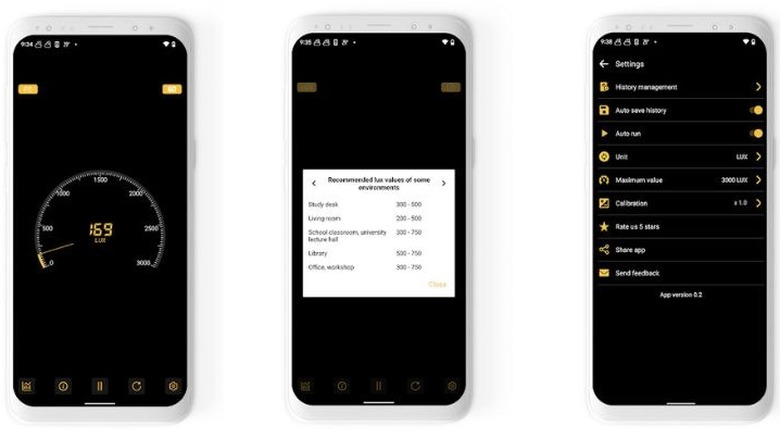
Many hobbyists, from photographers to home gardeners, often find themselves needing to measure light levels. A professional-grade lux meter can cost anywhere from $30 to $100. However, your smartphone already contains an ambient light sensor, usually located near the front-facing camera. This sensor is designed to adjust your screen brightness automatically, but gadget replacement apps can tap into this raw data to provide illuminance readings in lux.
Sensor Spotlight: Ambient Light Sensor The ambient light sensor is a photodetector that converts light energy into an electrical signal. In a smartphone, it measures the intensity of light in the immediate environment. While dedicated meters may have larger apertures for higher precision, smartphone sensor based apps can calibrate the input to provide remarkably accurate results for non-industrial use.
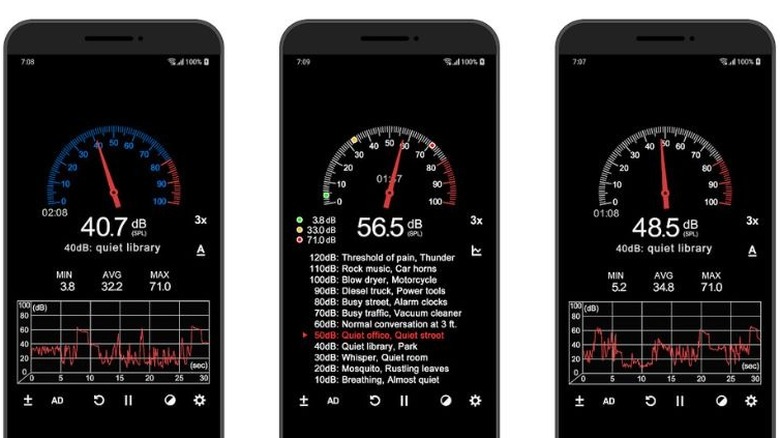
Beyond light, your device can also monitor noise levels. Decibel monitoring utilizes the internal microphone to track sound pressure levels. This is particularly useful for checking noise pollution tracking in a new neighborhood or ensuring your home theater is balanced. In a recent consumer survey, 68% of respondents identified time savings as a top reason for using such integrated mobile tools.
- Science Journal by Google: A comprehensive tool that uses various sensors to record light, sound, and movement data for DIY science experiments.
- Sound Meter (Decibel Meter): Provides real-time noise levels and displays them on a familiar analog-style gauge.
- Photometer: Specifically designed for photographers to determine the correct exposure settings by measuring light levels.
How to use a smartphone as a professional lux meter involves placing the phone flat with the screen facing up toward the light source. Because the sensor is typically hidden behind the glass, many apps include a calibration feature to account for different glass thicknesses and screen protectors. Using free android apps for measuring light and sound levels is a perfect example of digital tool consolidation that saves both money and shelf space.
3. Precision DIY: Replacing Stud Finders and Levels
The hardware store is full of single-use gadgets like spirit levels and magnetic stud finders. These tools are essential for home improvement but often spend years gathering dust in a drawer. Your smartphone can perform these tasks by utilizing the magnetometer and accelerometer.
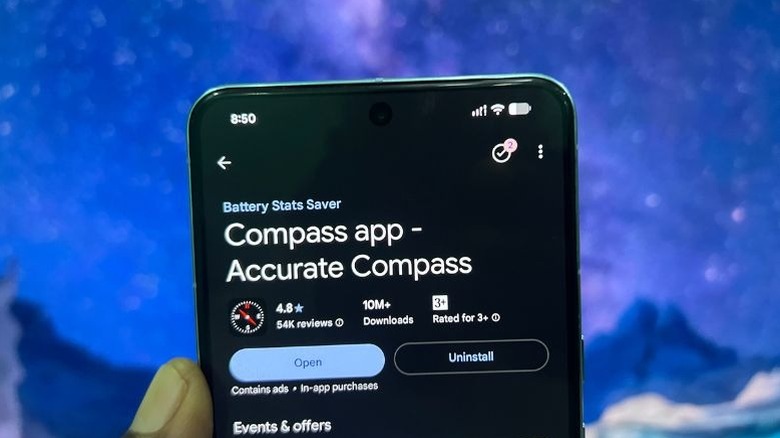
The magnetometer acts as a digital compass but can also detect the magnetic field of metal screws or nails behind drywall. This makes using smartphone sensors for precision diy home projects a viable alternative to buying a $20 stud finder. Meanwhile, the accelerometer and gyroscope work together to measure the tilt of your device. These Micro-Electro-Mechanical Systems (MEMS) are so sensitive that they can detect shifts as small as a fraction of a degree, making your phone a highly effective digital level.
| Physical Tool | App Alternative | Estimated Savings | Sensor Used |
|---|---|---|---|
| Spirit Level | Bubble Level App | $15 | Accelerometer |
| Stud Finder | Stud Detector App | $25 | Magnetometer |
| Tape Measure | AR Measure / Measure App | $10 | Camera + Gyroscope |
| Handheld Compass | Compass App | $12 | Magnetometer |
When using your phone as a level, it is important to perform a sensor calibration on a known flat surface first. This ensures that any slight manufacturing variances in the phone’s casing are accounted for. This budget-conscious tech approach turns a common mobile device into a versatile multi-tool for the modern homeowner.
4. Professional Productivity: AI Voice Recorders vs. Physical Hardware
For journalists, students, and professionals, a reliable voice recorder is a necessity. While dedicated digital recorders like the Plaud Note boast a slim 0.12-inch profile, they can be expensive and require a subscription for transcription services. Smartphone microphones have improved drastically, and when paired with ai note taking apps to replace physical voice recorders, they offer a level of utility that physical hardware simply cannot match.
The primary advantage of using a smartphone for audio recording is the processing power. While a standalone recorder just stores the file, gadget replacement apps can provide real-time transcription, speaker identification, and automated summaries. This hardware redundancy allows users to carry one less device while gaining superior functionality.
- Otter.ai: Known for its industry-leading transcription accuracy and ability to generate meeting notes automatically.
- Google Recorder: A favorite for Pixel users, offering offline transcription and the ability to search within audio files for specific words.
- Voice Memos (iOS): A built-in solution that offers high-quality recording with basic editing and iCloud syncing.
The transition from physical recording devices to a mobile productivity suite represents a significant step in electronic waste reduction. Instead of buying a device that will eventually end up in a landfill, you are maximizing the potential of the hardware you already carry in your pocket every day.
5. Security and Limitations: When to Stick with Hardware
While gadget replacement apps are incredibly powerful, it is important to recognize their limitations. For high-stakes professional work—such as a structural engineer measuring a building’s foundation or a professional sound mixer—specialized hardware is still the gold standard. Smartphone sensors are consumer-grade and can be affected by external factors like magnetic interference from the phone’s own internal components or software lag.
Battery drain is another consideration. Apps that keep the camera or sensors active for long periods will deplete your battery much faster than a dedicated, low-power device. Furthermore, security should always be a priority. When downloading free alternatives to physical gadgets, only use official app stores like Google Play or the Apple App Store. Avoid apps that request excessive permissions, such as access to your contacts or messages, if their only function is to be a light meter.
FAQ
What are the best apps for gadget replacement?
The best apps depend on your needs, but industry leaders include Microsoft Lens for scanning, Science Journal by Google for measurement, and Otter.ai for voice recording. Most modern iPhones and Android devices also come with pre-installed utility apps like Measure or Google Recorder that are highly optimized for the device's specific hardware sensors.
How do gadget replacement apps work?
These apps work by accessing the raw data from the various sensors built into your smartphone. For example, a lux meter app reads data from the ambient light sensor, while a stud finder uses the magnetometer to detect changes in the magnetic field. The software then interprets this raw data and presents it in a user-friendly format, such as a decibel reading or a visual level.
Are gadget replacement apps safe to use?
Generally, yes, provided they are downloaded from reputable sources like the Apple App Store or Google Play Store. You should always review the permissions requested by an app. A spirit level app does not need access to your photos or location to function, so be wary of apps that ask for more data than their function requires.
Is it cheaper to use an app for gadget replacement?
In almost every case, yes. Most gadget replacement apps are either free or cost a few dollars, whereas the physical hardware they replace can cost anywhere from $20 to several hundred dollars. Additionally, using apps reduces the need for physical storage and batteries, leading to long-term savings.
What types of devices can be replaced via apps?
Smartphones can effectively replace document scanners, light meters, decibel monitors, spirit levels, stud finders, tape measures, voice recorders, and handheld GPS units. While they may not always match the precision of high-end industrial tools, they are more than sufficient for most personal, household, and semi-professional tasks.
Consolidating your toolbox into your smartphone is one of the smartest ways to embrace a minimalist, budget-conscious lifestyle. By understanding the sensors within your device and choosing the right gadget replacement apps, you can save hundreds of dollars while keeping your most essential tools always within reach.