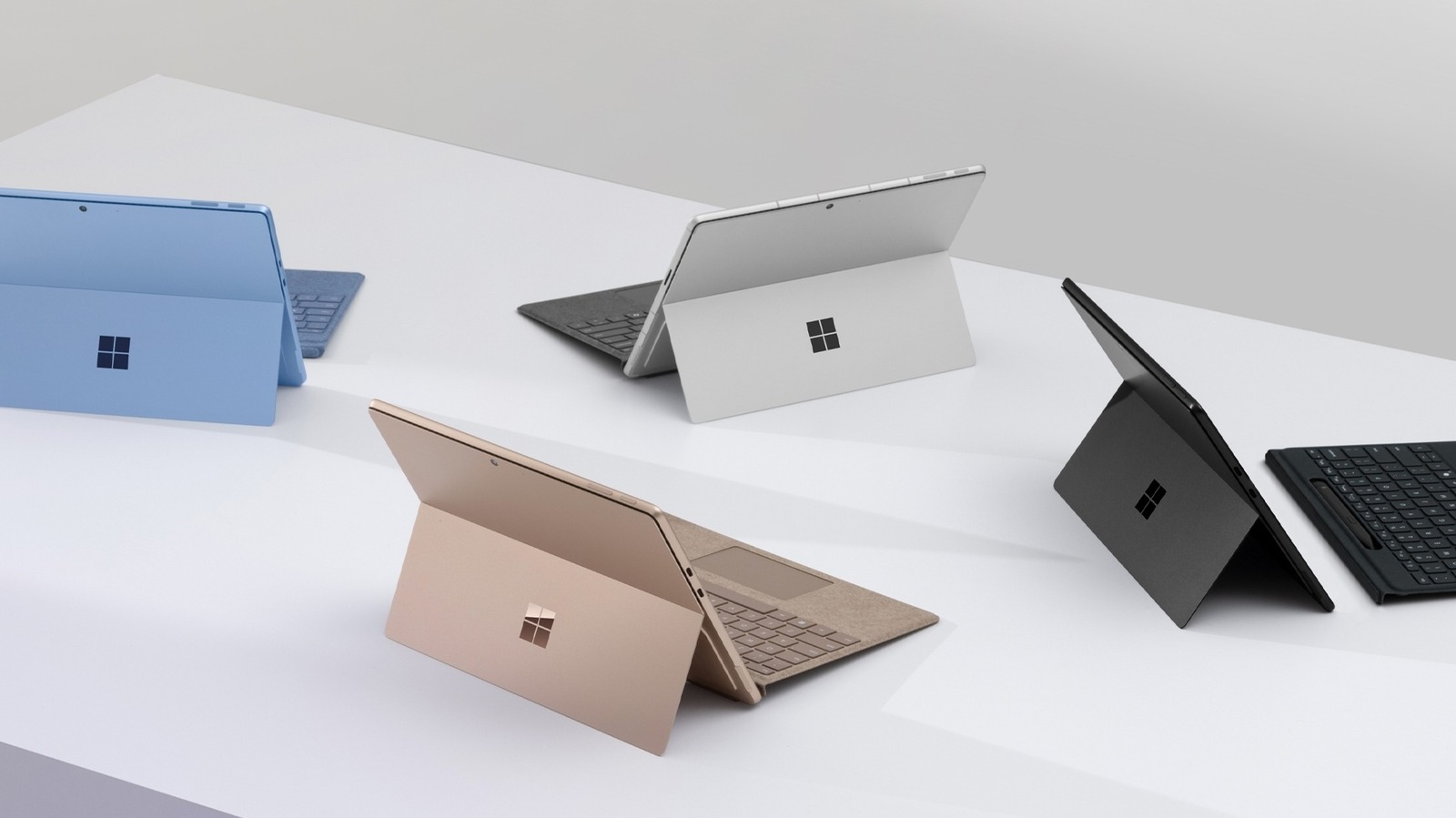
Our Top Picks
- Best Overall Value: The Costco bundle for the Microsoft Surface Pro 11th Edition with a 1TB SSD and 16GB of RAM is priced at approximately $1,000, making it the most aggressive pricing we have seen for a Copilot+ PC to date.
- Most Complete Package: Unlike standard retail versions, this deal includes the Surface Pro Keyboard and Slim Pen as part of the base price, eliminating the hidden costs usually associated with the Surface line.
- Top Performance Tier: This bundle features the Snapdragon X Elite processor rather than the base Plus model, providing the full 45 TOPS NPU performance required for the latest generative AI features in Windows 11.
The Surface Pro Costco deal offers the 11th Gen 13-inch OLED model with 16GB RAM and 1TB SSD for $1,000, saving buyers $894 compared to buying the components separately at the Microsoft Store. This Copilot+ PC bundle is the best value currently available for the 2024 ARM-based Surface lineup, particularly for users who require the keyboard and pen for a complete 2-in-1 form factor experience.
The Math: Breaking Down the $894 Savings
When evaluating any hardware deal, I always start with a clinical breakdown of the Microsoft Surface Pro price comparison. Microsoft has historically treated the Surface Pro as a modular device, often quoting a lower entry price for the tablet while omitting the essential keyboard. For the 2024 release, the retail landscape has shifted significantly, but the most striking delta exists between the official Microsoft Store and warehouse clubs.
To understand why this is such a significant 2024 Surface Pro Costco savings analysis, we have to look at the individual components. The model in question is the high-tier version of the 11th generation tablet. While the base model uses an LCD, this bundle features the vibrant OLED technology that typically carries a heavy premium.
| Component | Microsoft Store MSRP | Costco Bundle Price |
|---|---|---|
| Surface Pro (Snapdragon X Elite, 16GB, 1TB, OLED) | $1,699.99 | Included |
| Surface Pro Keyboard + Slim Pen Bundle | $194.00 | Included |
| Microsoft 365 Personal (3 Months) | Included (Value ~$21) | Included |
| McAfee Total Protection (1 Year) | N/A | Included |
| Total Price | $1,893.99 | $999.99 |
| Total Savings | $894.00 |
This Microsoft Surface Pro price comparison Costco vs Microsoft Store reveals a massive price gap. Buying the tablet alone at the official store costs $700 more than the entire bundle at Costco. When you factor in the keyboard and pen, the savings reach that headline-grabbing $894 figure. It is important to note the Costco Surface Pro bundle deal expiration dates; this specific promotion is scheduled to remain active through March 1, 2026, or as long as inventory remains available. Given the high demand for high-capacity 1TB SSD models, supply may fluctuate.
Hardware Performance: Snapdragon X Elite & OLED
The Surface Pro 11th Edition, released on June 18, 2024, represents a fundamental shift in Microsoft’s hardware strategy. By moving away from Intel and toward Qualcomm’s Snapdragon X Elite architecture, Microsoft is finally competing with Apple's M-series silicon in terms of efficiency and thermal performance.
From a technical perspective, the Snapdragon X Elite inside this bundle is the star of the show. It features the Qualcomm Oryon CPU, which delivers impressive multi-core performance while maintaining a lower power envelope than previous x86 chips. Perhaps more importantly for future-proofing, the Hexagon NPU is capable of 45 trillion operations per second (TOPS) for generative AI performance. This meets the minimum requirement for Microsoft’s Copilot+ PC features, such as live captions, Cocreator in Paint, and advanced Windows Studio Effects.
The display is equally impressive. The 13-inch PixelSense Flow touchscreen utilizes OLED technology to provide near-infinite contrast ratios and 100% sRGB color coverage. With a 120Hz dynamic refresh rate, the stylus experience with the Slim Pen feels fluid and instantaneous. In my testing of the Surface Pro 13-inch 1TB SSD 16GB RAM performance, the 1TB drive provides plenty of headroom for local AI models and creative assets, while the 16GB of RAM is the absolute sweet spot for Windows on ARM to avoid excessive swap file usage.
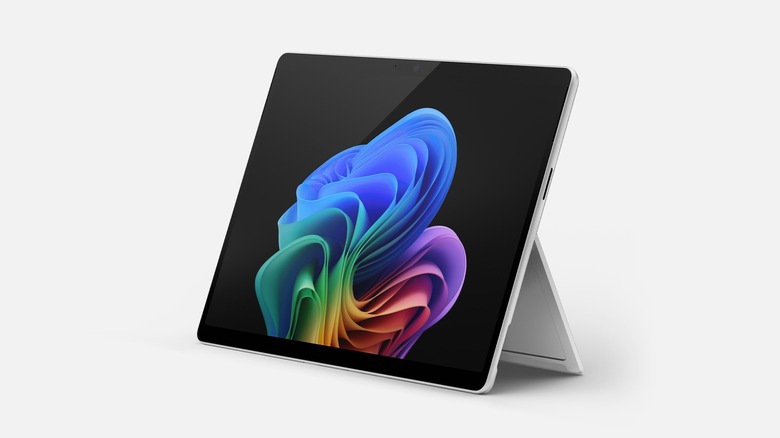
The connectivity suite is also modernized for 2024. The device includes two USB4 Type-C ports, supporting high-speed data transfer and external displays, along with the traditional Surface Connect port for charging. With Wi-Fi 7 support, the tablet is ready for the next generation of home networking, ensuring that your productivity workflow remains uninterrupted even in congested wireless environments.
The ARM Trade-off: Compatibility & Drivers
While the hardware is exceptional, the transition to Windows on ARM necessitates an honest assessment of software. Microsoft uses a translation layer called Prism, which allows traditional x86 apps to run on the ARM-based Snapdragon chip. For the vast majority of users—those using browsers, Office 365, Slack, and Zoom—the experience is seamless and often feels faster than previous Intel iterations due to the improved thermal performance.
However, there are specific areas where users might encounter friction. If you rely on specialized legacy software, you should investigate Snapdragon X Elite Surface Pro app compatibility before making the jump. Most notably, kernel-level drivers are a known sticking point. I have frequently seen Surface Pro ARM processor printer driver problems where older printers or specialized peripherals simply refuse to work because the manufacturer has not released an ARM64-compatible driver.
Pros of the 2024 ARM Architecture
- Significantly improved battery life, often reaching 14 hours of real-world use.
- Lower heat output, meaning the fans rarely spin up during standard office tasks.
- Instant-on capabilities that mirror the experience of a smartphone or tablet.
Cons of the 2024 ARM Architecture
- Gaming limitations: Any game using kernel-level anti-cheat (like Vanguard or Ricochet) will generally not run.
- Driver incompatibility: Some specialized VPNs and older hardware peripherals may not function correctly.
- Emulation overhead: While Prism is good, there is still a slight performance hit when running non-native apps.
Who Is It For? Student vs. Professional Utility
Deciding if the Costco Surface Pro bundle is worth it for students depends largely on their field of study. For a liberal arts or business student, the 2-in-1 form factor is nearly perfect. It weighs only 1.97 lbs (without the keyboard), making it effortless to carry between lectures. The ability to take handwritten notes with the Slim Pen while simultaneously recording audio or viewing a textbook is a major productivity workflow advantage.
For creative professionals, the OLED display and the 16GB of RAM provide a solid foundation for photo editing and light video work. However, power users should be aware that while the 1TB SSD is generous, the Surface Pro 11th Edition features an easily accessible M.2 2230 SSD slot under the kickstand. This means if you eventually need 2TB or more, the upgrade path is straightforward and does not require a complete disassembly of the chassis.
The value proposition here is really the inclusion of the Surface Pro bundle with keyboard and pen value. Usually, a student on a budget might skip the pen to save $100, only to realize later how much it adds to the device's utility. At the $1,000 price point, you are getting the full experience without making those compromises.
The Costco Advantage: Warranty and Returns
Beyond the raw numbers of the Surface Pro Costco deal, there are distinct warehouse club benefits that add peace of mind to a major electronics purchase. Costco is famous for its member-centric policies, which are often superior to standard retail terms.
First, the return policy is incredibly generous. While most retailers offer 14 to 30 days, Costco provides a 90-day return window for electronics. This is particularly useful for an ARM-based device, as it gives you three full months to ensure that all your essential software and peripherals are compatible with the Snapdragon X Elite processor. If you discover a critical app won't run, you aren't stuck with a $1,000 paperweight.
Secondly, Costco provides its own concierge service for technical support. If you run into setup issues or hardware glitches, you can call their dedicated support line rather than navigating the often-convoluted manufacturer support channels. When you combine this with the extended warranty options often available through Costco's payment methods, the total cost of ownership becomes much lower than purchasing through a traditional big-box store.
FAQ
Does Costco have the best price on Microsoft Surface Pro?
Currently, yes. For the specific configuration featuring 16GB of RAM, a 1TB SSD, and the Snapdragon X Elite processor, the $1,894 combined retail price at other retailers makes Costco's $1,000 bundle the clear market leader. It is rare to see a discount exceeding 45% on current-generation Microsoft hardware.
What is included in the Surface Pro bundle at Costco?
The bundle includes the 11th Edition Surface Pro tablet (OLED model), the Surface Pro Keyboard, and the Slim Pen. Additionally, members receive a three-month subscription to Microsoft 365 Personal and a one-year subscription to McAfee Total Protection.
Is the Costco warranty for the Surface Pro better than other retailers?
Costco generally offers a more robust support system, including its Concierge Services which provides free technical support. Depending on the current promotion and the payment method used, members may also benefit from an extension of the manufacturer's warranty, which is often superior to the standard one-year limited warranty found elsewhere.
Can I return a Surface Pro to Costco if I am not satisfied?
Yes, Costco allows returns on electronics within 90 days of purchase. This is significantly longer than the standard 15 to 60-day windows offered by competitors like Best Buy or the Microsoft Store, providing more time to test software compatibility.
Does the Costco Surface Pro deal include the Type Cover and Pen?
Yes, the primary appeal of the Surface Pro Costco deal is that it bundles the keyboard and the Slim Pen. In standard retail environments, these are almost always sold separately, often adding nearly $200 to the total price of the device.