Quick Facts
- 2026 Baseline: The minimum spec for professional longevity today is 16GB RAM and a 40 TOPS NPU for AI tasks.
- Durability Standard: Look for MIL-STD-810H durability and a magnesium alloy chassis to ensure the frame survives constant travel.
- Security Essentials: Business-ready machines must include TPM 2.0 encryption, biometric authentication, and the Intel vPro platform for hardware-level defense.
- Connectivity: High-end 2026 models prioritize Wi-Fi 7 and Thunderbolt 5 connectivity for future-proofed peripherals.
- Lifecycle ROI: While consumer laptops often fail within 2 to 3 years, the best business laptops offer a productive lifespan of 4 to 6 years.
- Anti-Glare Focus: Professional hardware typically features a matte anti-glare display to reduce eye strain during 10-hour workdays.
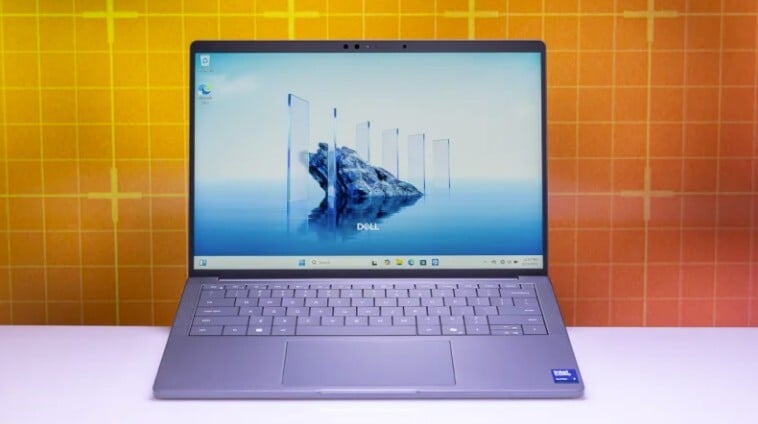
Choosing the best business laptops in 2026 requires understanding the shift toward AI integration and enhanced security. While consumer models look similar, professional-grade machines offer unique longevity through magnesium alloy chassis built to MIL-STD-810H standards, hardware-level TPM 2.0 encryption, and specialized biometric authentication. Unlike standard devices, these professional machines are designed for long-term productivity and remote IT management, ensuring they remain functional within a corporate infrastructure for several years.
The Business vs. Consumer Delta: Why Pay More?
I’ve spent a decade testing motherboards and tearing down chassis, and the most common question I get is: Why should I pay $300 more for a business machine when the Best Buy consumer special has the same CPU? The answer isn't on the spec sheet; it is in the blueprints. Consumer laptops are built for "burst" use—a few hours of Netflix or web browsing. Business laptops are built for the 40-hour grind.
The data backs this up. Research indicates that new business-class laptops have a 10% to 15% first-year failure rate, whereas consumer-class devices exhibit higher failure rates ranging from 20% to 35%. When your laptop is your primary source of income, that 20% difference in reliability is the difference between making a deadline and losing a client.
Furthermore, there is a clear financial argument for the higher upfront cost. Business-grade laptops typically provide a productive lifespan of 4 to 6 years, compared to an average of 2 to 3 years for consumer models at a similar price point. When you factor in the "stealth features" like spill-resistant keyboards and onsite technical support, the cost premium of 10-20% actually represents a lower total cost of ownership over time.

In the current market, the commercial laptop segment accounted for 36% of global shipments in 2025 but contributed over 45% of total market revenue. This tells us that professionals are increasingly willing to pay for higher configuration standards and bundled service contracts. It is an investment in uptime.
2026 Tech Thresholds: AI NPUs and Connectivity
As we move through 2026, the definition of a "standard" office PC has changed. We are no longer just looking at clock speeds. The biggest shift is the requirement for a dedicated NPU for AI tasks. To qualify as a modern AI-ready machine, your laptop needs an NPU capable of at least 40 TOPS (Trillions of Operations Per Second). This hardware is what allows for real-time background blur, noise cancellation, and local AI assistants to run without draining your battery or lagging your system.
Connectivity has also taken a massive leap. If you are shopping for the best laptop for business 2026, do not settle for Thunderbolt 4. The introduction of Thunderbolt 5 connectivity provides double the bandwidth, allowing for triple 4K monitor setups with a single cable—a godsend for data analysts and creative directors. Combined with Wi-Fi 7, which minimizes latency in crowded offices, these features ensure your workstation won't feel obsolete by 2027.
For larger organizations, the Intel vPro platform remains a non-negotiable requirement. It allows your IT department to perform remote IT management, patching, and even complete OS wipes even when the laptop is powered off. If you are one of the many best laptops for business owners who manage their own tech, you might skip vPro to save a few dollars, but the enterprise-grade security and TPM 2.0 encryption should always be present.
Brand Hierarchies: Navigating the 2026 Market
Manufacturers often make it difficult to tell their lines apart. To find the best budget business laptop, you need to know which family of devices you are looking at. Usually, every brand has a "Premium" tier for executives and a "Mainstream" tier for general office staff.
| Manufacturer | Premium (Magnesium/Carbon) | Mainstream (Aluminum/Plastic) | Budget (Plastic Focus) |
|---|---|---|---|
| Lenovo | ThinkPad X-series / X1 Carbon | ThinkPad T-series | ThinkBook / E-series |
| HP | EliteBook 1000 Series | EliteBook 800 Series | ProBook |
| Acer | TravelMate P6 | TravelMate P4 | Acer Extensa |
| Dell | Latitude 9000 Series | Latitude 7000 Series | Latitude 3000 Series |
If you are looking for the best business laptops 2026 has to offer, the Acer TravelMate P6 and Lenovo ThinkPad X-series typically lead the pack in weight-to-performance ratios. However, for a small office that doesn't need MIL-STD-810H durability for every desk, the Acer Extensa or HP ProBook represent the best budget business laptops for stationary roles. These models sacrifice the ultra-light magnesium alloy chassis but keep the necessary matte anti-glare display and security modules.
Role-Based Recommendations
Not every professional has the same hardware needs. Your "perfect" laptop depends entirely on your daily workflow.
The Digital Nomad and Executive For those constantly in airport lounges, the priority is weight and persistent connection. You want a device weighing around 1.1kg with a magnesium alloy chassis. Look for a machine with integrated 5G and high-efficiency screens. These are often the best business travel laptops because they prioritize battery longevity over raw GPU power.
Programmers and Data Scientists If you spend your day in IDEs or massive Excel sheets, your priority is 32GB+ RAM and a high-refresh-rate display. Many developers are now looking at OLED options for better contrast, though a high-quality matte anti-glare display is still the king for long-term focus.
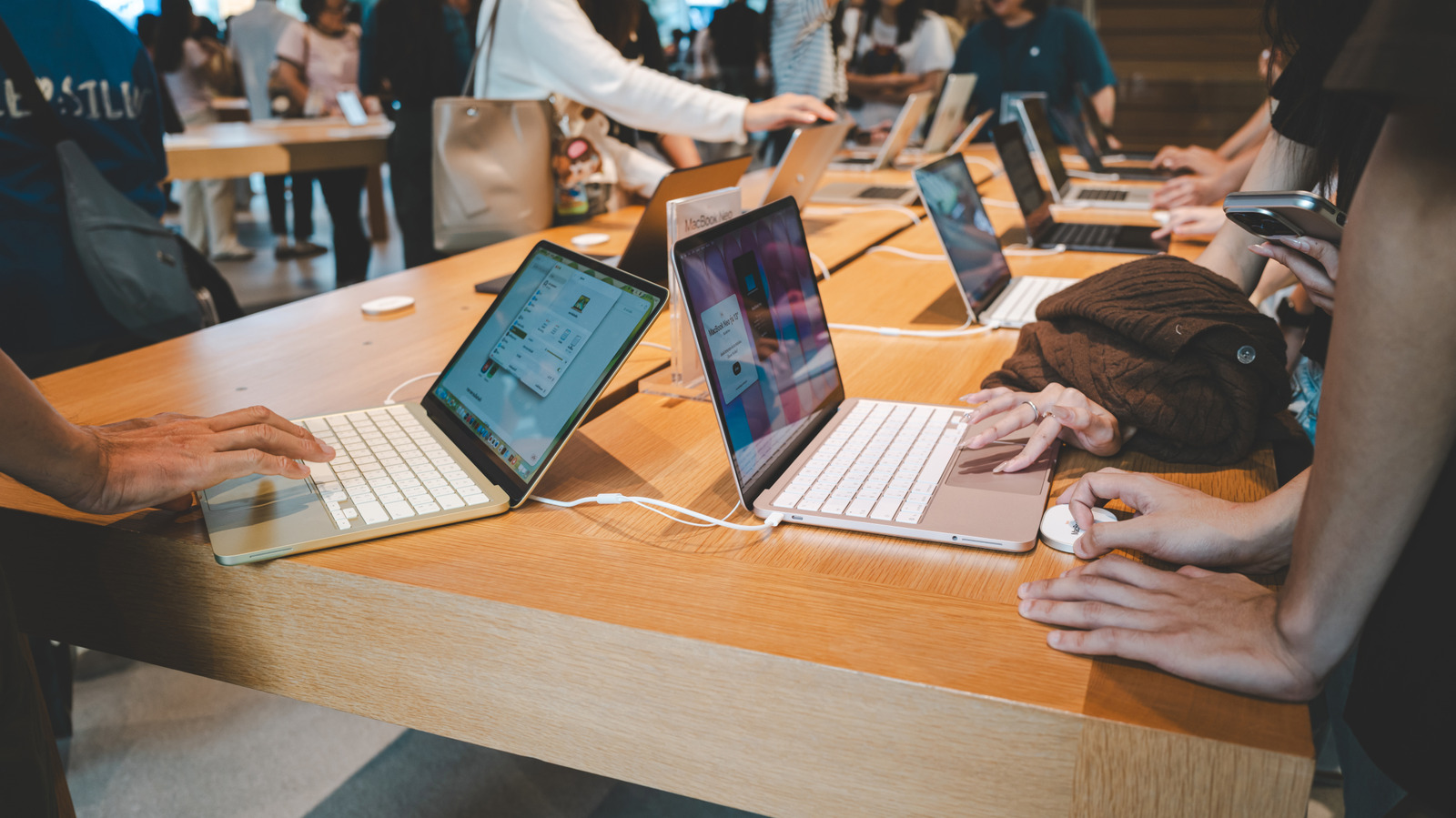
The Hybrid Professional If you need the best laptop for business and personal use, look toward high-end 2-in-1s. These devices offer biometric authentication like IR cameras and fingerprint readers for work, but they also have the screen quality needed for editing photos or streaming content. The 2026 MacBook Neo or high-end Latitude 2-in-1s are the best laptops for business and personal use because they balance entertainment with serious security.

Who Should Skip Business Laptops?
I’ll be honest: business laptops aren't for everyone. If you are a video editor who also wants to play AAA games at 144Hz, a business machine will frustrate you. Most best business laptops use integrated graphics to save battery and reduce heat. A consumer gaming laptop will give you three times the graphical power for the same price, though you'll deal with a much shorter battery life and a heavier "gamer" aesthetic.
Furthermore, if you are on an extreme budget—say, under $500—you are better off with a high-end consumer model than the lowest-tier business laptop. A "budget" business laptop at a basement price often cuts too many corners on the screen and processor to maintain its business branding. In those cases, a high-end consumer laptop with 3rd-party security software is "enough" for light work.
FAQ
What is the best laptop for business use?
The best laptop for business use is generally a machine from a dedicated professional line like the Lenovo ThinkPad T-series or HP EliteBook. These devices provide a balance of durability, security features like TPM 2.0, and long-term driver support that consumer models lack.
Which laptop is best for working professional?
Working professionals should look for a laptop that offers MIL-STD-810H durability and an NPU for AI tasks. For most, 16GB of RAM is the absolute minimum, while those in data-heavy fields should opt for 32GB. A matte anti-glare display is also essential for preventing eye fatigue during long shifts.
What laptops do businessmen use?
Businessmen typically use premium ultrabooks such as the Lenovo ThinkPad X1 Carbon or the Acer TravelMate P6. These laptops are favored for their magnesium alloy chassis which makes them incredibly light for travel without sacrificing enterprise-grade security or port selection.
What is the $2500 expense rule?
In some jurisdictions, the $2500 expense rule refers to the De Minimis Safe Harbor election, which allows businesses to deduct the full cost of tangible property like laptops in the year they were purchased, rather than depreciating them over several years, provided the cost is below the $2500 threshold per item.
Can I write off a laptop for my LLC?
Yes, you can generally write off a laptop for your LLC as a business expense if it is used exclusively for work purposes. If the laptop is used for both business and personal tasks, you can only write off the percentage of the cost that corresponds to the business use. Always consult with a tax professional to ensure you are following current local regulations.
Final Decision: The 2026 Procurement Window
If you are looking to refresh your fleet or buy a new daily driver, 2026 is a strong year for a purchase. The standardization of the 40 TOPS NPU for AI tasks means that a laptop bought today won't be locked out of the next wave of productivity software.
When making your final choice, look beyond the CPU speed. Check for the quality of the hinge, the feel of the spill-resistant keyboard, and the availability of onsite technical support. In the world of business hardware, you aren't just buying a computer; you are buying a tool that ensures you stay billable. Stick with the magnesium alloy chassis and the Intel vPro platform if you can afford them—they represent the gold standard for anyone serious about their professional hardware.