Quick Facts
- Top Limitation: Software compatibility gap remains the largest hurdle for professionals as native support for industry-standard suites like Adobe Creative Cloud is non-existent.
- 2026 Hardware Floor: A minimum of 8GB RAM and an Intel Core i3 or Ryzen 3 processor is now considered the functional baseline for smooth performance.
- Software Alert: Parallels Desktop for ChromeOS reached its End of Life (EOL) in April 2026, removing the primary method for running native Windows applications.
- Storage Reality: Most budget-friendly models still cap at 128GB or 256GB of eMMC storage, which is significantly slower than the NVMe drives found in traditional laptops.
- Market Trend: Global hardware costs have increased by $100 to $250 in early 2026, making the price gap between a Chromebook and a Windows laptop thinner than ever.
- OS Market Share: As of late 2024, ChromeOS held a global desktop operating system market share of approximately 1.5% to 1.86%, remaining a niche alternative to Windows.
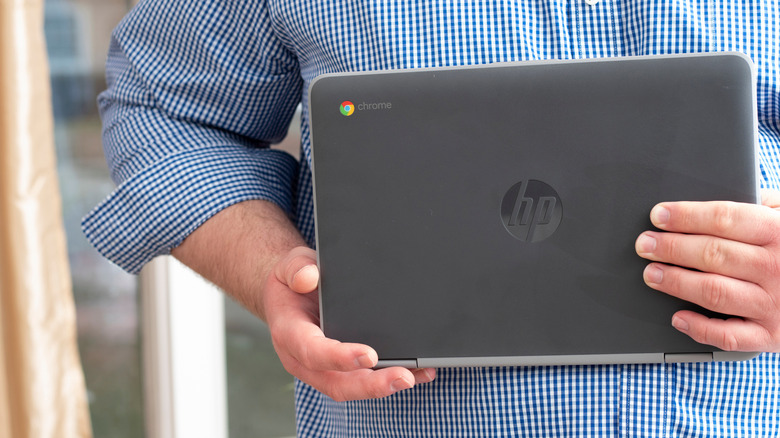
Choosing between a chromebook vs laptop in 2026 requires understanding more than just price. While Chromebooks excel in simplicity, they face critical hurdles in software compatibility and hardware performance. This guide breaks down why a traditional laptop might still be your best bet. The primary difference in the chromebook vs laptop debate lies in software compatibility. Chromebooks run ChromeOS, which relies on web-based applications and Android apps rather than full desktop software. This limits your ability to use professional suites like Adobe Creative Cloud, advanced video editing software, and legacy Windows applications that require a traditional PC or Mac environment.
1. The Software Isolation: Beyond the Web Browser
When we talk about the chromebook vs laptop for work conversation, the conversation usually starts and ends with software. Traditional laptops running Windows or macOS are designed to run executable files locally. ChromeOS architecture is fundamentally different; it is a hardened version of the Chrome browser. While this makes it incredibly secure and fast to boot, it creates a digital walled garden that can be frustrating for power users.
The software landscape shifted significantly in April 2026 with the Parallels Desktop EOL. Previously, enterprise users could run a virtualized version of Windows on high-end Chromebooks to access legacy software support. With that bridge gone, you are strictly limited to web apps, Progressive Web Apps (PWAs), and Android applications. If your workflow involves chromebook vs laptop for video editing, you will find that web-based tools like Clipchamp or browser versions of apps simply cannot compete with the timeline scrubbing speed and plugin support of DaVinci Resolve or Premiere Pro on a dedicated laptop.
Here is a quick look at what stays and what goes when you switch to ChromeOS:
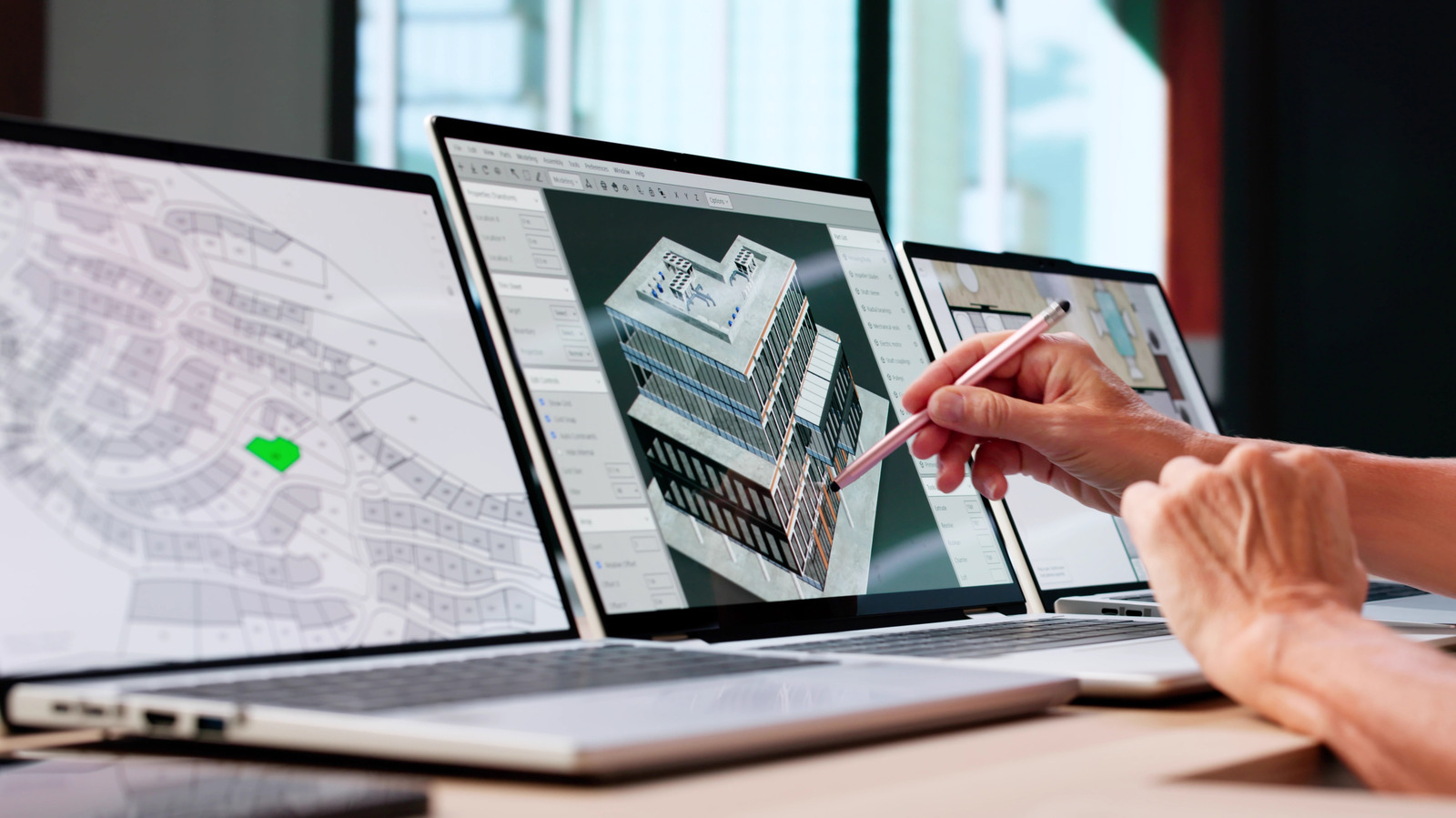
- No Native Support: Adobe Creative Cloud (Desktop versions), Final Cut Pro, CAD software (SolidWorks/AutoCAD), and specialized accounting software like Sage.
- Limited Support: Microsoft Office (Online versions only), which lack advanced macro support and complex pivot table features found in the desktop versions.
- Supported: Google Workspace, Slack, Zoom, and most cloud-based CRM or project management tools.
For many, the lack of application compatibility is the ultimate deal-breaker. If you rely on a specific piece of software that was built for a x86 Windows environment, a Chromebook will likely leave you stranded with no way to install the tools you need to finish your project.

2. Hardware Ceiling: The 8GB RAM and eMMC Bottleneck
There is a common myth that ChromeOS is so light it can run on any "potato" processor. While that was true five years ago, the modern web is resource-heavy. When comparing a chromebook vs windows laptop, the internal hardware limitations become glaringly obvious once you move past a few open tabs. Many entry-level Chromebooks still utilize Intel Celeron or low-end ARM chips which struggle with resource-intensive tasks like 4K video playback or heavy data processing in web-based spreadsheets.
A significant chromebook vs laptop difference is the storage technology. Most affordable Chromebooks use eMMC (embedded MultiMediaCard) storage. This is essentially the same technology used in SD cards. In contrast, even a cheap laptop vs chromebook comparison in 2026 usually features an NVMe SSD. The speed difference is massive; an NVMe drive can move data at 3,500MB/s while eMMC often tops out at 250-400MB/s. This affects everything from how fast the OS updates to how quickly you can move large files from a thumb drive.
| Feature | Standard Chromebook (2026) | Traditional Windows Laptop (2026) |
|---|---|---|
| Processor | Intel N-Series / MediaTek ARM | Intel Core Ultra / RTX 50-Series Ready |
| RAM | 4GB - 8GB LPDDR5 | 16GB - 32GB DDR5 |
| Storage Type | eMMC (Slower) | NVMe SSD (Very Fast) |
| GPU Power | Integrated Graphics only | Dedicated GPU options (RTX 5050+) |
| Multi-tasking | 10-15 Browser Tabs | 50+ Tabs + Background Apps |
If you are looking at hardware performance, a Windows laptop in 2026 equipped with RTX 50 series graphics or the latest Ryzen processors will run circles around even a high-end Chromebook Plus. Hardware performance remains a significant differentiator for those choosing between a chromebook vs laptop. While Chromebook Plus models offer improved specs, many standard Chromebooks utilize lower-end processors like Intel Celeron. This can lead to performance bottlenecks during resource-intensive tasks, such as 4K video encoding or maintaining dozens of active browser tabs, where a dedicated Windows or Mac laptop would excel.
Buyer’s Warning: 2026 Changes
Significant shifts in the landscape make 2026 a turning point. First, Parallels Desktop for ChromeOS reached End of Life (EOL) in April 2026, effectively ending native Windows app support for business users. Second, average device prices have climbed by $100-$250 due to component shortages, narrowing the gap between a cheap laptop vs chromebook.
3. The Internet Dependency & Cloud-Native Friction
Storage and offline functionality are major considerations when comparing a chromebook vs laptop. Chromebooks typically offer smaller internal storage capacities, such as 64GB or 128GB, because they are designed for a cloud-native workflow. Although offline support for Google Workspace has improved, the devices still require a consistent internet connection for cloud gaming, file syncing, and many advanced web application features.
Testing the chromebook offline vs laptop capabilities reveals a stark contrast. On a Windows laptop, your files, applications, and settings are local. If the Wi-Fi goes down, you can still edit photos, write code, or play a AAA game. On a Chromebook, you are often limited to basic document editing. Furthermore, the lack of local storage constraints means you are constantly managing what little space you have, often relying on external drives or expensive cloud subscriptions.
Another hidden disadvantage in the pros and cons of chromebook vs laptop debate is the hardware connectivity. Most mid-range Chromebooks still lack Thunderbolt 4 or USB4 support. This means you cannot easily connect to high-bandwidth dual 4K monitor setups or high-speed external RAID arrays that creative professionals use daily. Your workflow is tethered to the cloud, and if that cloud connection is slow or non-existent, your productivity drops to zero.
4. The Student Dilemma: Why ‘Cheaper’ Isn’t Always Better in 2026
For a long time, the chromebook vs laptop for students argument was won by price. In 2026, that advantage is evaporating. With the rise of AI-capable PCs, budget Windows alternatives like the Asus VivoBook Copilot+ PC offer significantly better value for the money. These Windows machines often feature better screens with higher sRGB color accuracy, whereas budget Chromebooks frequently ship with dim, washed-out displays that make long study sessions a strain on the eyes.
When evaluating a chromebook vs laptop for students, you also have to consider the Auto Update Expiration (AUE) date. Every Chromebook has a "death date." After this date, the device no longer receives security updates, essentially turning it into a security risk for K-12 educational technology environments. While Google has extended this to 10 years for newer models, many refurbished or "on-sale" units have much shorter lifespans.
The pros and cons of chromebook vs laptop for a student involve more than just the initial price tag. Plastic builds, mushy keyboards, and low-quality trackpads are common in the sub-$400 Chromebook category. In 2026, paying an extra $150 for a Windows laptop often nets you a magnesium alloy chassis, a 120Hz OLED screen, and a device that will still be compatible with your university's specialized software four years down the road.
FAQ
Which is better laptop or Chromebook?
The answer depends entirely on your workflow. A laptop is better for professionals, gamers, and anyone needing specialized software like Adobe or CAD. A Chromebook is better for those who only use a web browser, have a very limited budget, or need a secondary device for simple tasks like email and Netflix.
What is the downside of a Chromebook?
The most significant downsides include limited software compatibility, a heavy reliance on a stable internet connection, and lower hardware performance compared to similarly priced Windows machines. You also deal with an expiration date for security updates and very limited local storage for large files.
Can I do everything on a Chromebook that I can on a laptop?
No. You cannot run native Windows or Mac applications, professional video editing suites, high-end PC games (without cloud streaming), or specialized legacy software. While you can find web-based alternatives for many tasks, they often lack the depth and speed of dedicated desktop applications.
What cannot be done on a Chromebook?
You cannot perform professional-grade video rendering or 3D modeling locally. You cannot install Windows-only executable files, use full versions of Microsoft Office with macros, or connect to advanced hardware peripherals that require specific Windows drivers. Offline use is also significantly more restricted than on a traditional laptop.
Choosing Your Best 2026 Device
As we look at the landscape in 2026, the lines are blurring, but the core disadvantages of ChromeOS remain. If you are a writer, a light web surfer, or an elementary student, a Chromebook Plus model might save you some money while providing a decent experience. However, for everyone else, the constraints of the operating system far outweigh the minor savings.
Before you make a purchase, weigh the 2026 hardware price hikes against the long-term utility of the device. A Windows laptop is an investment in versatility. It allows you to grow your skills, change your software needs, and maintain productivity regardless of your internet connection. In the chromebook vs laptop battle, the traditional laptop still reigns supreme for anyone who needs to do more than just browse.